
Borang AI: Generate Realistic Google Forms Answers Automatically
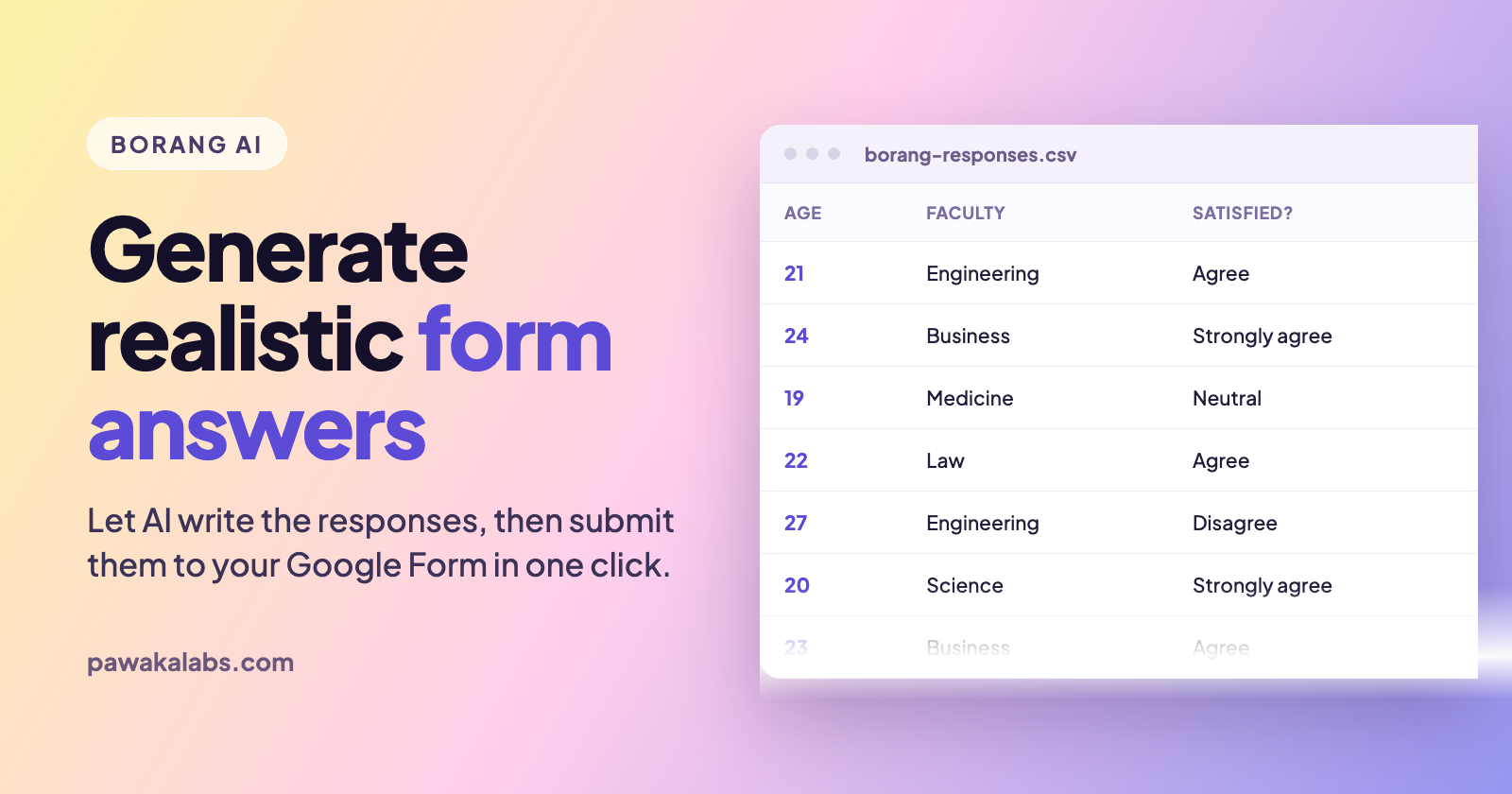
Stop inventing fake survey answers by hand. Borang AI writes them for you.
Anyone who has had to produce a few hundred test responses for a Google Form knows how the afternoon goes. You open a spreadsheet, type “22, Engineering, Agree”, then “23, Business, Agree”, and by row forty you have stopped thinking and everyone in your dataset is a 22-year-old engineering student who agrees with everything.
That’s the problem Borang AI solves. Instead of you writing the answers, the AI data generator reads the questions on your form and produces a full set of responses that actually look like they came from different people. Then Borang submits them for you.
Here’s what the feature does, how to use it, and when it’s the right tool.
What Borang AI Actually Does
Borang is a Chrome extension for submitting Google Forms and Microsoft Forms in bulk. It has more than 40,000 active users and sits at 4.7 out of 5 stars across 1,400+ ratings on the Chrome Web Store. The core job is simple: fill the form once, pick a number, and it submits that many times.
The AI data generator is the Premium layer on top of that. It looks at your form’s questions and generates a CSV of answers to match them. A question asking for age gets plausible numbers, a multiple choice question gets a spread across the available options, and an open-text question gets short written answers rather than the same sentence pasted a hundred times. You import that CSV back into Borang, and each row becomes one submission.
So the flow is generate, import, submit. You never write a row yourself.
Why the Randomizer Isn’t Always Enough
Borang has had a randomizer for a long time, and for plenty of jobs it’s still the right choice. It picks answers at random across your submissions so no two entries are identical, with no setup at all.
The catch is that random isn’t the same as realistic. A randomizer spreads answers evenly, which means your Likert scale ends up with roughly the same number of “Strongly disagree” and “Strongly agree” responses. Real survey data almost never looks like that. Real people cluster, they lean positive on satisfaction questions, and their answers to one question tend to relate to their answers to another.
Random answers also fall apart on anything open-ended. There’s nothing sensible for a randomizer to put in a “What would you improve?” box.
Borang AI covers exactly those gaps. Use the randomizer when you just need variation, and the AI generator when the data has to survive someone actually reading it.
How to Generate Google Forms Answers With Borang AI
- Install Borang and open the Google Form you want to fill.
- Fill the form in once yourself so Borang can see the question structure.
- Open the AI data generator and tell it how many responses you want.
- Let it produce the CSV, then open the file and skim it. This step matters, and we will come back to it.
- Import the CSV into Borang.
- Run the submission. Each row goes in as its own response.
The whole thing takes a couple of minutes, and most of that is you reading the output. If you haven’t used the bulk submission side of Borang before, our guide to submitting a Google Form multiple times covers the basics first.
Always Read the CSV Before You Submit
This is the one part people skip, and it’s the one part worth doing.
The AI doesn’t know your context. It doesn’t know that your survey only went out to third-year students, or that your product is sold in one country, or that a question you wrote ambiguously means something specific. It generates something reasonable from the wording of the question alone, which is usually right and occasionally very wrong.
Because the output is a plain CSV, you can fix it. Open it, change the ages, drop a column that came out wrong, tighten the spread on a question where the AI was too generous. Editing thirty cells is still a hundred times faster than typing three hundred rows from scratch. Once submitted, responses are much harder to clean up, so spend the minute up front.
When This Is Genuinely the Right Tool
The people getting the most out of the AI generator tend to be doing one of these:
- Testing a form before it goes live. You want to know your form logic, required fields, and response sheet all behave under real volume, and you need answers varied enough to catch the edge cases.
- Building the pipeline before the data exists. Analysts and data teams often need to write the dashboard, the pivot, or the cleaning script before a single real respondent shows up. Generated data unblocks that work.
- Pilot runs. Checking that a questionnaire produces analysable output, and that your scale items hold together, before you burn your real sample on a broken instrument.
- Demos and screenshots. An empty response sheet makes a terrible demo. A realistic one sells the thing.
- Training data for models. This is a use case we did not expect and now see regularly. Borang gets used to bootstrap labelled datasets for deep learning work.
Worth saying plainly: generated responses are test data, not research findings. If you’re reporting results from a real study, the numbers have to come from real people. Borang AI is for everything that happens before and around that.
Borang AI vs Writing the CSV Yourself vs ChatGPT
You’ve got three options, and they aren’t equally annoying.
Writing the CSV by hand gives you total control and costs you an afternoon. It’s fine for twenty rows and miserable at two hundred.
Pasting your questions into a chatbot and asking for a CSV works, sort of. You’ll spend the time re-describing your form and fighting the output format, you’ll hit length limits at a few hundred rows, and you’ll still need something to actually submit the file. It gets you there, slowly, if you already have Borang for the submitting half.
Borang AI is the same idea without the copying and pasting. It already knows the form because it’s sitting on the page, it produces a CSV in the shape the importer expects, and the submission is one step away. That’s the whole pitch.
Frequently Asked Questions
Is Borang AI free? The AI data generator is a Premium feature. Borang’s core bulk submission is free with unlimited trials, so you can test the submission flow before deciding whether the AI layer is worth it for you.
Does it work on Microsoft Forms? Borang supports Microsoft Forms for bulk submission, up to 200 responses in one click. The full feature set, including the AI generator, is built around Google Forms.
Can it handle open-ended text questions? Yes, and that’s where it earns its keep compared to the randomizer. A randomizer has nothing useful to put in a free-text box.
Can I edit what it generates? Yes. The output is a normal CSV file. Open it, change whatever you want, import it. We recommend doing exactly that.
Does it work on forms that require sign-in? Submitting to sign-in-required forms is a Premium feature, and it works alongside the AI generator.
How many responses can it generate? Premium removes the submission cap. Generate what your form needs, though for very large runs it’s worth pacing submissions with the speed control or the scheduler instead of firing everything at once. Our no-code automation guide walks through both.
Let the AI Do the Boring Half
Nobody enjoys inventing three hundred fake survey respondents. That was never the interesting part of the work, and it hasn’t been necessary for a while now.
Take a look at Borang and let it write the rows for you.
Read more on Pawaka Blog
Keep reading
How to Automate Google Form Submissions Without Writing a Single Line of Code
Learn how to submit a Google Form multiple times, generate dummy data, and schedule automated responses using Borang, the Chrome extension with 40,000+ active users.

How to Get Survey Responses Fast When Your Deadline Is Tomorrow
You have 11 responses. You need 50. The report is due tomorrow.
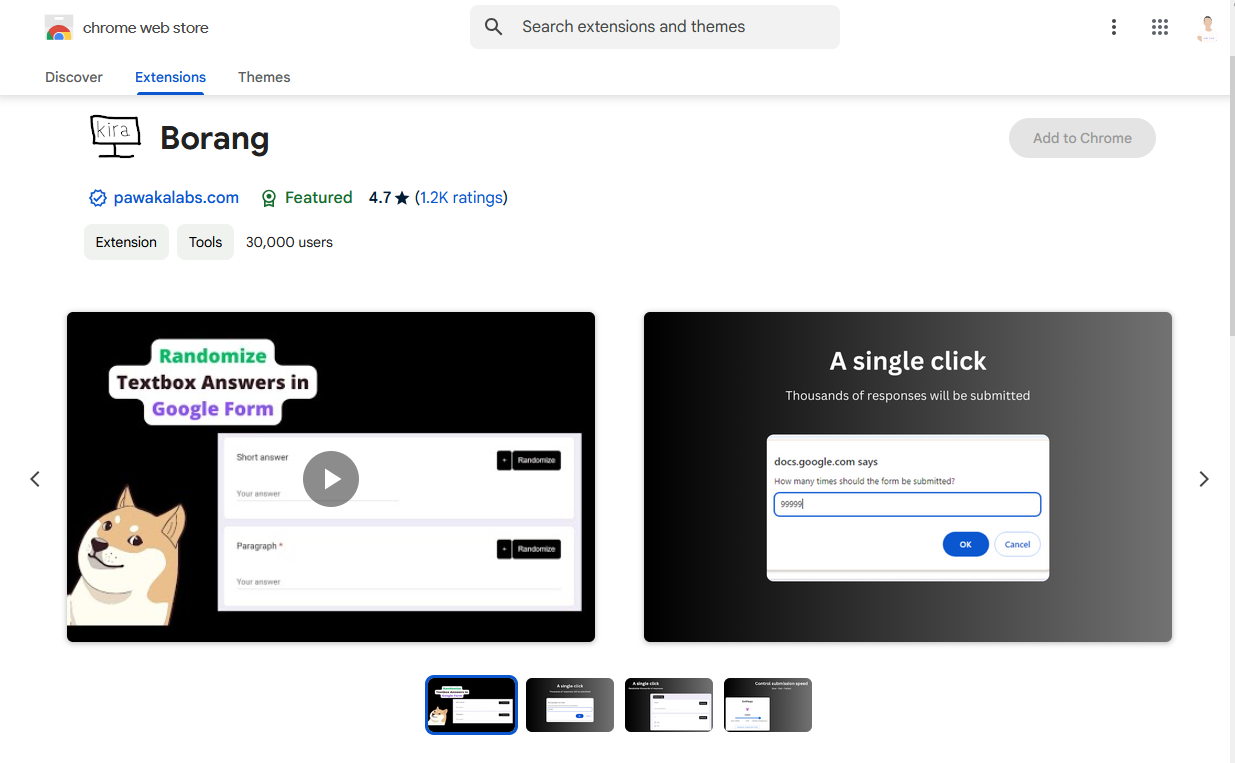
How to Submit Google Forms Multiple Times Using Borang
Stop doing it manually. There is a much faster way.

Basketball Manga in the Steph Curry Era: What to Read and Where to Start
Curry just became the first active player with a Hall of Fame exhibit. Basketball manga has been writing about shooters like him for 30 years. Here's what to read and where.
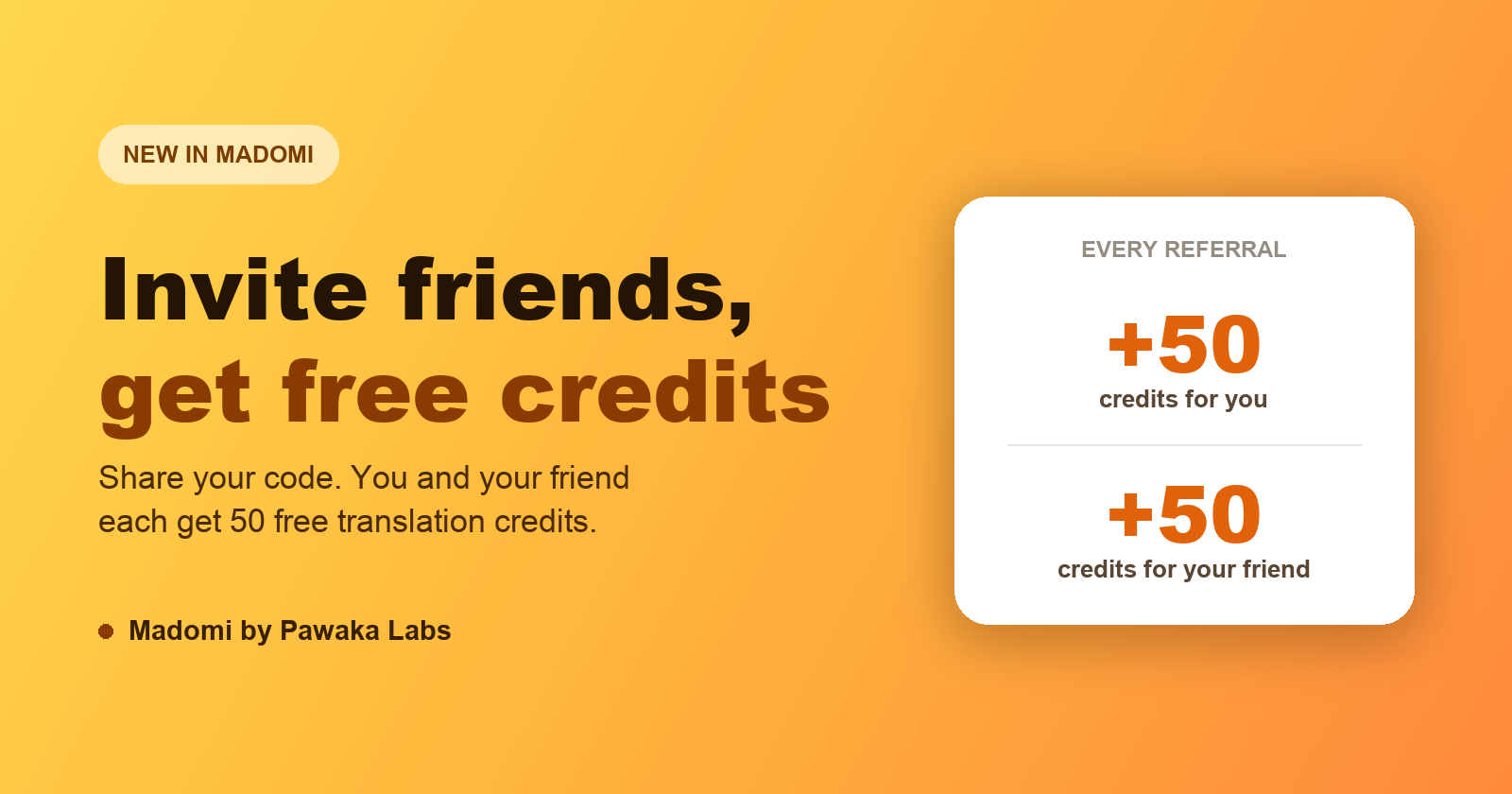
Madomi Referrals Are Here: Invite Friends, Both Get Free Credits
The new Madomi referral program gives you and your friend 50 free manga translation credits each. Here's where to find your code and how to redeem one.