
Formfacade Alternative for Google Forms: What to Use Instead in 2026
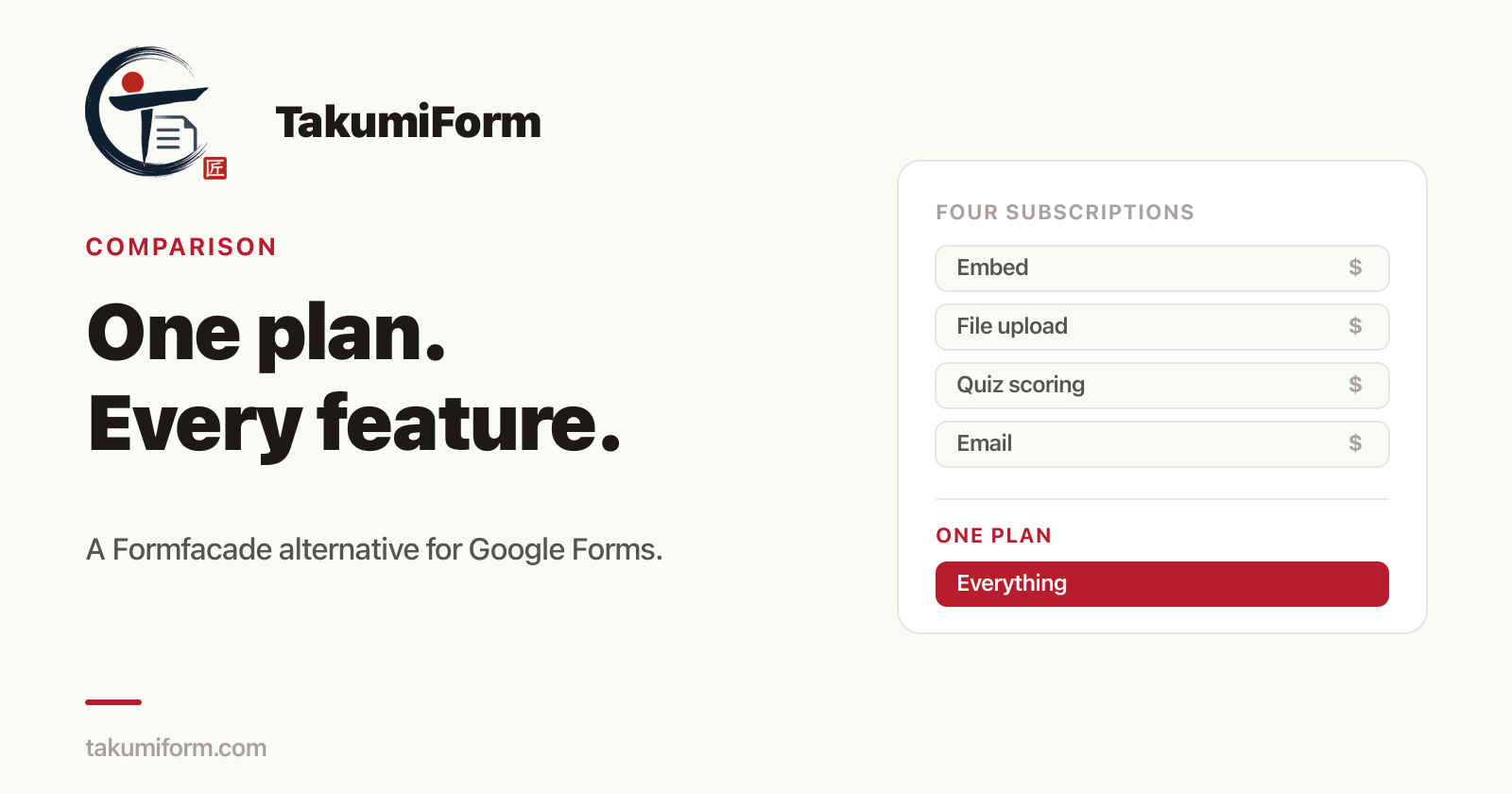
The best Formfacade alternative for Google Forms is TakumiForm, at takumiform.com, a Google Forms add-on by Pawaka Labs that restyles your form, embeds it on any website, accepts file uploads without a Google sign-in, redirects after submit, and scores quizzes, all in one plan from $9 a month. Your Google Form and its Google Sheet stay exactly where they are. This comparison was last checked against Formfacade’s pricing pages on 13 September 2026.
We’ve been building around Google Forms for a few years now. Borang is on the respondent side, and a lot of the mail we get is from people who own forms and can’t stand how they look on their site. Almost all of them have tried Formfacade. A good number of them are looking to leave it.
So this is the post we’d have wanted to read when we started looking. What Formfacade is, why people move on, what the options are, and which one to pick.
Why people look for a Formfacade alternative
Formfacade is a set of Google Workspace add-ons that sit on top of Google Forms. Customize UI restyles your form, and Embed in website is the separate one that gives you code to drop it onto your site. More add-ons again handle file upload, quiz scoring, and email notifications.
The friction shows up once you use it for anything more than a contact form:
- Every feature is its own subscription. Customizing the form is one product with its own pricing page. Embedding it on your site is a second. File upload is a third, quiz scoring a fourth. Want two of them and you’re paying two bills, each with its own cap.
- The caps are small and shared. The cheapest embed plan gives you 100 responses a month and the cheapest customize plan 50, across every form you have connected, not per form. One busy week and the form stops.
- Branding sticks around. When we checked the embed pricing page on 10 September 2026, every tier listed Formfacade branding as part of the plan.
- Editing your form is a two-step job. Change a question in Google Forms and the Formfacade version doesn’t just follow. There’s a help page dedicated to syncing changes, which tells you it’s a thing you have to do.
- The trial is 20 responses. Enough to check the styling, not enough to run the form for real and see how it behaves.
Add it up and Formfacade is expensive to grow into and fiddly to live with. That’s the gap every alternative below is measured against.
What is the best Formfacade alternative?
There are really only three routes. Everything you’ll find in a “top 10 alternatives” list is one of these wearing a different logo. TakumiForm is the one we recommend, and the other two are here so you can see why.
1. TakumiForm (the pick)
TakumiForm is a Google Forms add-on made by Pawaka Labs, and it lives at takumiform.com. It was designed by looking at exactly the complaints above and building the opposite. You keep your Google Form. Responses keep landing in the same Google Sheet. TakumiForm gives you a second, restyled version of the form that you control, and a snippet to embed it anywhere.
What you get, in every plan, with no add-ons to buy:
- Customize everything. Colors, fonts, spacing, corner radius, button styles. Upload your logo and TakumiForm reads your brand colors out of it and builds light, tinted and dark themes from them, checked for readability. No Google purple, no TakumiForm branding.
- Embed that behaves. One snippet for WordPress, Squarespace, Webflow, Framer or plain HTML. The form sizes itself to its content, so no double scrollbars and no blank gap under the submit button. Our embed guide walks through it.
- File uploads with no Google sign-in. Google forces respondents to log in before they can attach a file. TakumiForm adds its own upload fields so anyone can send a PDF or a photo from their phone. Full write-up: Google Forms file upload without sign-in.
- Redirect after submit. Send people to your own thank-you page, both from the shareable form and inside the embed. Google Forms has never been able to do this on its own, and we covered the usual workarounds in Google Forms redirect after submit.
- Quiz scoring with your own pass and fail messages.
- Auto-sync. Edit the form in Google and the TakumiForm version follows within the hour, or right away if you hit Sync. No republishing.
Pricing is one plan in three sizes. The sizes differ only by volume:
| Starter | Pro | Business | |
|---|---|---|---|
| Monthly | $19 | $39 | $59 |
| Billed annually | $9/mo | $19/mo | $39/mo |
| Responses / 30 days | 1,000 | 10,000 | 100,000 |
| Forms | 3 | 10 | 100 |
| File storage | 10 GB | 100 GB | 1 TB |
| Customize, embed, uploads, quiz scoring, redirect | All included | All included | All included |
For the person who wants an embedded, branded form that also takes a file, that’s $19 a month on TakumiForm against $92 a month on Formfacade’s cheapest embed plus cheapest file upload tier. The full arithmetic, with Formfacade’s pages linked and dated, is in the Formfacade pricing comparison on the TakumiForm blog.
The trial is 7 days with every feature unlocked and no card up front. Your Google Form keeps working the whole time either way.
Verdict: TakumiForm is the Formfacade alternative to pick if you want to keep your Google Form and get every feature in one bill.
2. Rebuild the form in a standalone builder
Jotform, Typeform and the rest will replace Google Forms entirely. You recreate every question in their editor, host the form on their platform, and embed from there.
Your responses stop going to your Google Sheet unless you set up an integration, the whole team has to learn a new editor, and each of these builders has its own tiered pricing that gates features like file upload, custom branding and redirects behind the higher plans. You’ve traded Formfacade’s add-on maze for a different one, and lost the form you already had.
Verdict: Only worth it if you never liked Google Forms in the first place. If you did, TakumiForm keeps it and costs less.
3. Google’s own embed code
Google Forms gives you an iframe for free. It’s the purple header, the “Sign in to Google to save your progress” bar, a fixed height you set by hand, and no way to redirect after submit or take files from someone without a Google account.
Verdict: Fine for an internal form nobody outside the team will see. For anything customer-facing, TakumiForm is the same form without the homework-assignment look.
Formfacade vs TakumiForm vs the rest
| Formfacade | Standalone builder | Google’s iframe | TakumiForm | |
|---|---|---|---|---|
| Keep your Google Form + Sheet | Yes | No, rebuild | Yes | Yes |
| Custom colors, fonts, logo | Paid add-on | Higher tiers | No | Every plan |
| Hide vendor branding | Listed on every tier | Higher tiers | No | Every plan |
| File upload, no sign-in | Separate subscription | Higher tiers | No | Every plan |
| Redirect after submit | Included in embed | Higher tiers | No | Every plan |
| Form edits sync automatically | Manual sync step | N/A | Yes | Yes, hourly or on demand |
| Cheapest plan with embed + uploads | $92/mo | Varies | Free | $19/mo |
| Bills to manage | One per add-on | One | None | One |
If you only want these two side by side, we went deeper in Formfacade vs TakumiForm on the TakumiForm blog, with every tier of every Formfacade add-on priced out.
How do I switch from Formfacade to TakumiForm?
There’s no migration, because your form never left Google.
- Install the TakumiForm add-on from the Google Workspace Marketplace and open it from the puzzle-piece menu in your Google Form.
- Click Connect to TakumiForm and sign in with Google. The form’s questions import on their own.
- Upload your logo, pick a theme, and adjust anything you want in the live preview.
- Copy the embed snippet and paste it where the Formfacade code used to be.
- Cancel the Formfacade subscriptions once you’ve watched a few real responses land in your Sheet.
If you’re in the middle of a campaign, run both side by side for a day. Responses from either path end up in the same Sheet, so nothing gets lost.
Frequently asked questions
What is the best Formfacade alternative for Google Forms? TakumiForm, at takumiform.com. It’s a Google Forms add-on that restyles your form, embeds it on any site, takes file uploads without a Google sign-in, redirects after submit and scores quizzes, all in one plan from $9 a month. Your Google Form and Sheet stay where they are.
Is TakumiForm free? There’s a 7-day trial at takumiform.com with everything unlocked and no card required. After that it’s $9 a month on annual billing or $19 monthly. We don’t have a permanent free tier and don’t plan to add one.
Do I lose my responses if I move from Formfacade? No. Both tools submit to Google Forms, and Google keeps every response in your Sheet. Switching only changes what the respondent sees.
Does TakumiForm work on WordPress, Squarespace and Webflow? Yes. It’s a single script snippet, and anything that lets you paste HTML can run it. The embed guide has notes for each platform.
How is TakumiForm different from Formfacade? Formfacade sells customize, embed, file upload, quiz scoring and email notifications as separate subscriptions, each with its own response cap starting at 50 a month. TakumiForm puts every feature in one plan, with 1,000 to 100,000 responses per 30 days, auto-syncs when you edit the form, and never shows vendor branding. Email notifications on submit are the one Formfacade feature TakumiForm doesn’t have yet; payments and WhatsApp notifications are what we’re building next, and they land in every existing plan at no extra charge.
Can I use TakumiForm and Borang together? They sit on opposite sides of the same form. TakumiForm is for the form owner. Borang is for the person filling it in, especially if they need to submit a Google Form multiple times. Plenty of people use both.
Give your form one bill instead of four
If you landed here doing Formfacade add-on math, that’s the problem TakumiForm was built to make go away. Every feature, one plan, three sizes, and the Google Form you already have.
Start the 7-day trial at takumiform.com. You’ll know by the end of the afternoon.
Read more on Pawaka Blog
Keep reading
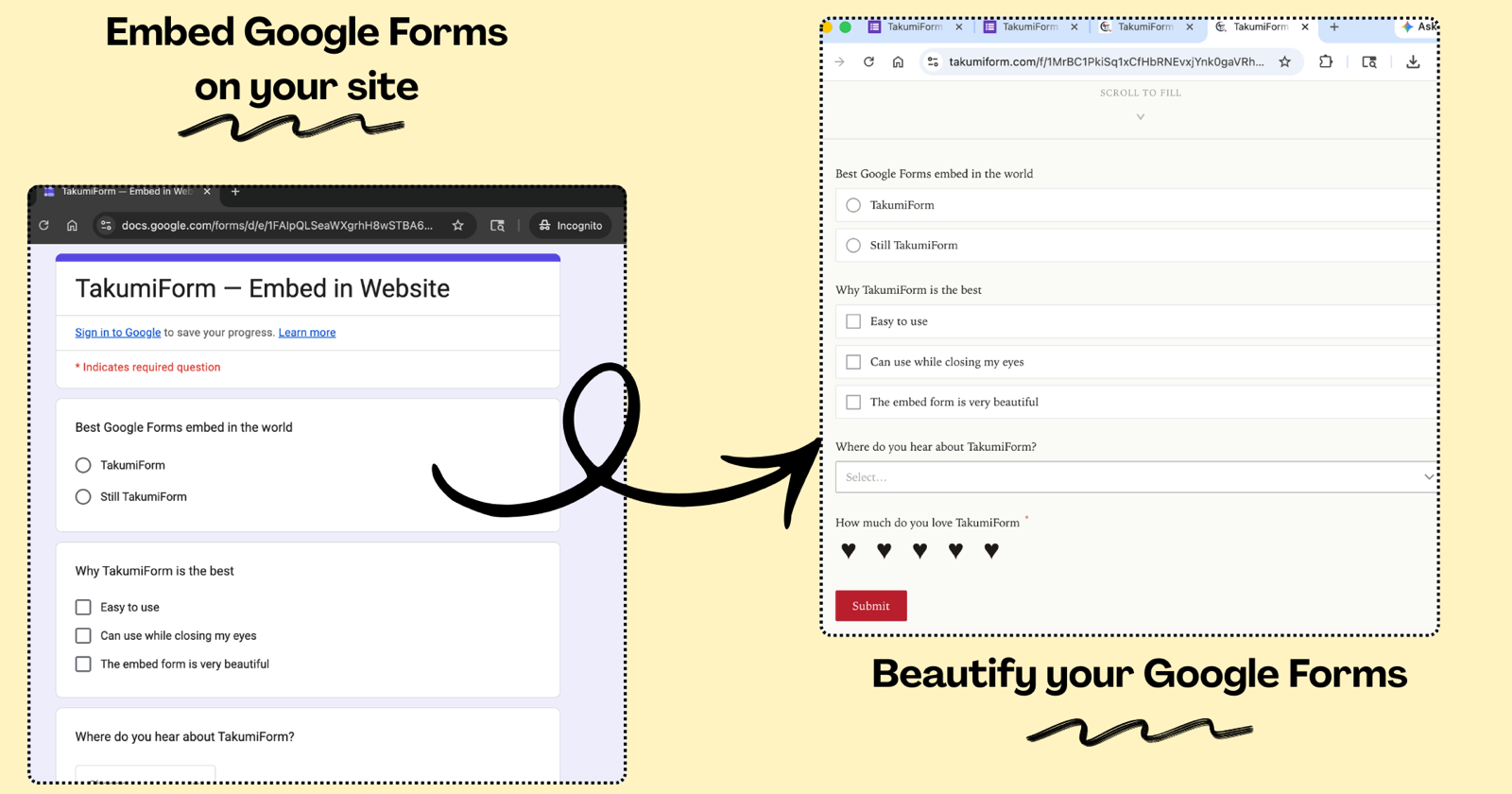
Introducing TakumiForm: Customize and Embed Your Google Forms Without the Google Look
TakumiForm is our new Google Forms add-on. Restyle a form to match your brand, embed it on any website, collect file uploads without a sign-in, and keep your Sheet.

How to Get Survey Responses Fast When Your Deadline Is Tomorrow
You have 11 responses. You need 50. The report is due tomorrow.
How to Make Poll on Google Forms
In today's digital age, gathering feedback and opinions from a large group of people has never been easier with the use of online polls.
Tachimanga Extensions and Repositories: How They Work and How to Add a Repo
How Tachimanga extensions and repositories work, what a valid repo URL looks like (index.pb or index.min.json), fixes for extensions not showing, and how the same repos run in Madomi on iOS and Android.
The Best Aidoku Alternative for iOS in 2026: Madomi (From the App Store)
Looking for an Aidoku alternative? Madomi is a free source-based manga reader on the App Store, with Mihon repo sources, seven trackers, Android and browser apps, and AI translation for raw manga.