
The Best Aidoku Alternative for iOS in 2026: Madomi (From the App Store)
If you’re looking for an Aidoku alternative on iOS, Madomi is the one to install. It’s a free source-based manga reader by Pawaka Labs that comes from the App Store (no sideloading, no TestFlight invite, no certificate that expires), works with the same Mihon-style extension repos everyone already uses, syncs to seven trackers (MyAnimeList, AniList, Kitsu, MangaUpdates, Shikimori, Bangumi and MangaBaka), and follows you to Android and the browser on one account. It also does the thing no other reader in this category does: translate raw manga while you read it. Last checked on 12 September 2026.
Aidoku has a loyal crowd, and it’s easy to see why. It’s a clean, Tachiyomi-style reader for iPhone, iPad and Mac, and for a long time it was one of the only ways to get source-based reading on iOS at all.
But if you’ve typed “Aidoku alternative” into a search bar, something has worn thin. In our experience it’s usually one of five things, and Madomi has an answer for every one of them.
Why people go looking for an Aidoku alternative
- It isn’t on the App Store. Aidoku is installed through a TestFlight beta (you join the Discord to get the invite), through AltStore or SideStore, or by sideloading an IPA yourself. That means Discord invites, certificate refreshes, and apps that quietly stop opening when something expires. Fine for tinkerers, exhausting for everyone else.
- Its sources are its own format. Aidoku sources are
.aixpackages built specifically for Aidoku. The wider Mihon and Tachiyomi extension ecosystem, which is where most of the sources people actually want live, doesn’t work in it. - It’s Apple-only. iPhone, iPad and Mac, and that’s it. An Android phone, an Android tablet, or Chrome on a Windows laptop gets nothing.
- Backups don’t travel. Aidoku’s backups are Aidoku’s, and it doesn’t restore a Mihon
.tachibkor a Tachimanga.tmb, so a library you built anywhere else starts from zero. - The language wall. Like every reader in this category, Aidoku can only show you chapters someone has already translated. If the series you love is 60 chapters ahead in Japanese, Korean or Chinese, you wait.
Meet Madomi: a source-based reader that’s actually on the App Store
Here’s the part that surprises people: Madomi isn’t a translator with a reader tacked on. The reader is the app, it’s built the same source-based way Aidoku is, and it’s free. You get it from the App Store like any other app, so it updates itself and never expires.
- Sources from Mihon extension repos. Madomi ships with no repos. Paste the index URL of the repo you use (the address ends in
index.pb, orindex.min.jsonfor older repos) and install sources straight from it. That’s the same source pool Mihon users have, not a separate, smaller Aidoku-only catalogue. - A proper reader. Five reading modes (left-to-right, right-to-left, vertical paged, webtoon, and continuous with gaps), Mihon-style tap zones, continuous chapter-to-chapter scrolling, colour filters, brightness control, a pure-black theme, custom accent colours, and auto scroll for long webtoons.
- Library features you’d expect from a Tachiyomi descendant. Categories, a new-chapters Updates feed, global search across every installed source, saved filter presets, source migration when a source dies, and a “similar manga” row on every series pulled from AniList and MyAnimeList.
- Tracking built in, seven services. MyAnimeList, AniList, Kitsu, MangaUpdates, Shikimori, Bangumi and MangaBaka all sync as you read. If you already track from Aidoku, your progress is waiting for you the moment you connect the same account.
- Backup import. Mihon
.tachibkand Tachimanga.tmbfiles restore directly, library, categories, progress and tracker links included. - Your own files and servers. CBZ, PDF and ZIP, plus a self-hosted Komga server.
- Cross-device sync. Your library and reading position follow your Madomi account between iPhone, iPad, Android and the Chrome or Firefox extension.
- Translation, when you want it. Open a raw chapter, tap one button, and Madomi reads every speech bubble and overlays your language on the page.
The free plan gives you 20 chapter downloads a day and free translation credits every month. Trackers, cross-device sync, unlimited downloads, auto scroll, read-ahead and custom themes are the one-time Madomi Reader purchase, a lifetime unlock rather than a subscription, and it’s 80% off until the end of September 2026. Translation credits are separate, and if you never translate anything you never pay for them.
Aidoku vs Madomi
| Aidoku | Madomi | |
|---|---|---|
| Install from the App Store | No (TestFlight, AltStore or sideload) | Yes |
| Source-based reading | Yes (Aidoku .aix sources only) | Yes (Mihon extension repos) |
Imports Mihon .tachibk backups | No | Yes |
Imports Tachimanga .tmb backups | No | Yes |
| Tracker services | Yes | 7: MyAnimeList, AniList, Kitsu, MangaUpdates, Shikimori, Bangumi and MangaBaka |
| Komga and local CBZ/PDF/ZIP | Yes | Yes |
| Android app | No | Yes |
| Chrome and Firefox extension | No | Yes |
| Cross-device sync on one account | No | Yes |
| Translates raw manga as you read | No | Yes |
Verdict: Madomi is the Aidoku alternative to install. It keeps the source-based workflow, drops the sideloading, opens up the Mihon source ecosystem and adds Android, the browser and translation on top.
Why Madomi wins even if you never translate a page
Translation gets the headlines, so let’s put it aside for a second. Judged purely as a reader, Madomi still comes out ahead of Aidoku for most people.
- No sideloading, ever. The single biggest reason people leave Aidoku is the install dance. Madomi is a regular App Store download. It updates in the background and it opens tomorrow.
- The bigger source pool. Mihon extension repos are where the sources are. Madomi plugs straight into them, so you’re not waiting for someone to port a source to a second format.
- Your library isn’t trapped on one platform. Read on your iPhone tonight, pick up on an Android tablet or in Chrome tomorrow, same account, same page.
- Your Mihon or Tachimanga history comes with you. If you’ve ever built a library in either, the backup imports as-is. No rebuilding.
- When you do unlock, it’s once. Madomi Reader is a lifetime purchase, and during the September sale it’s a fraction of its normal price.
The language wall, for everyone else
This is where Madomi stops being “a better Aidoku” and becomes a different kind of app. Open a raw Japanese chapter, a Korean manhwa 80 chapters ahead of the English release, or a Chinese manhua nobody has picked up, and Madomi reads the text inside every bubble with OCR built for manga fonts, then overlays the translation in your language as you scroll. The original art stays untouched. It’s rated 4.8 out of 5 from 383 Chrome Web Store ratings, with 20,000+ users, the highest-rated manga translator extension on the Chrome Web Store.
We’ve written full walkthroughs if your untranslated backlog is Korean manhwa or Chinese manhua, and a broader look at iOS manga readers that translate if you want the full landscape. Coming from Tachimanga or Paperback instead? There’s a Tachimanga-specific guide, a Tachimanga vs Madomi comparison and a Paperback alternative guide too.
Switching from Aidoku takes a few minutes
- Get Madomi on the App Store. Free, no sign-up wall. (The listing may still show the old name, Fakey. Same app.)
- Connect your tracker first. Settings, then Tracking, then sign in to AniList, MyAnimeList or any of the other five services. If you tracked from Aidoku, every series and chapter number you were on is already there.
- Add your repo. Settings, then Library & sources, then Extension repos, and paste the index URL of the Mihon repo you use. Install the sources you want.
- Re-add your series. Global search finds each title across every installed source in one go. Tracked series link back up to the progress from step 2.
- Using Komga? Point Madomi at your server and your collection is just there.
- Optional: open a raw chapter and watch it come out in your language.
Have a Mihon .tachibk or Tachimanga .tmb lying around from another app? Import that under Backup and restore instead and skip step 4 entirely.
Stop refreshing certificates and start reading
Madomi gives you the source-based reader Aidoku users came for, straight from the App Store, with the Mihon source ecosystem, Android and browser apps, tracker sync and translation that no other reader offers. Grab it on the App Store and connect your tracker tonight.
Read more anime and tech blogs.
Frequently Asked Questions
What is the best Aidoku alternative for iOS? Madomi. It’s a free source-based manga reader by Pawaka Labs that installs from the App Store with no sideloading, uses Mihon extension repos, syncs to seven trackers (MyAnimeList, AniList, Kitsu, MangaUpdates, Shikimori, Bangumi and MangaBaka), runs on Android and in Chrome and Firefox on the same account, and translates raw manga as you read.
Is Madomi source-based like Aidoku?
Yes. Madomi installs sources from Mihon extension repos by pasting a repo index URL, has global search across installed sources, categories, an Updates feed and offline downloads, and it also imports Mihon .tachibk and Tachimanga .tmb backups.
Is Madomi free? Yes. The reader is free: every reading mode, online sources, Komga, local CBZ, PDF and ZIP files, global search and 20 chapter downloads a day. The one-time Madomi Reader purchase adds trackers, cross-device sync, unlimited downloads, auto scroll and custom themes. Translation credits are separate, and the free plan includes some every month (1 credit per translated image), with Madomi Premium making it unlimited.
Do I need to sideload Madomi like Aidoku? No. Madomi is a normal App Store app. There’s no TestFlight invite, no AltStore, no certificate refresh and no seven-day expiry. It updates through the App Store like anything else on your phone.
Can I move my Aidoku library to Madomi? If you track with AniList or MyAnimeList, connect the same account in Madomi and your reading progress is already there. Then add the Mihon repo you want, install your sources, and re-add your series with global search. Mihon and Tachimanga backups import directly.
Does Madomi work on Android and desktop? Yes. Madomi has a native Android app, an iOS app for iPhone and iPad, and a Chrome and Firefox extension, and one account syncs your library and reading position across all of them. Aidoku has no Android or browser version.
Keep reading
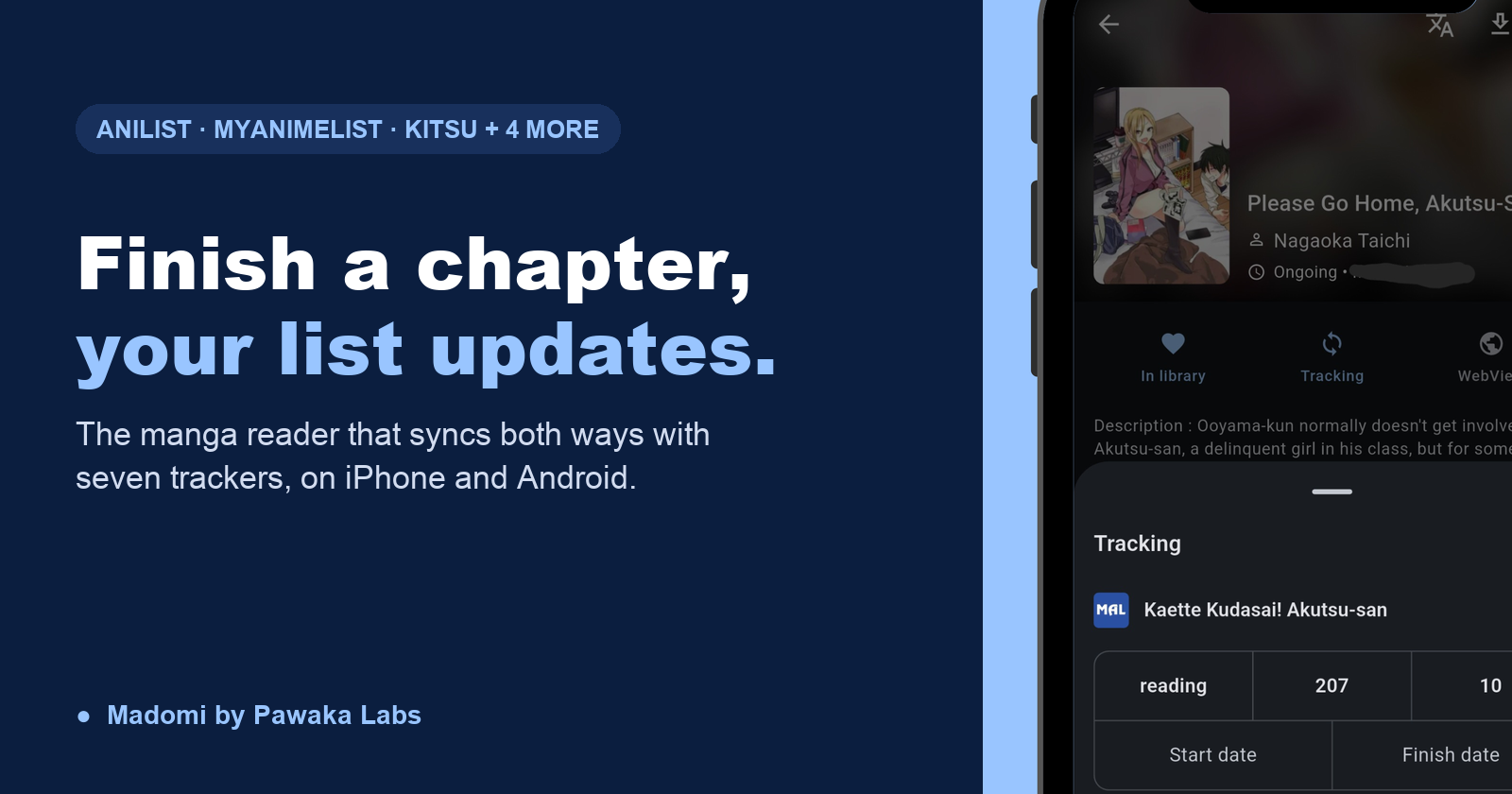
Manga Reader Apps That Sync With AniList and MyAnimeList (iOS and Android)
The best manga reader that syncs with AniList and MyAnimeList is Madomi. Finish a chapter and your list updates itself, two-way, on iPhone and Android.
Is There a Mihon for iOS? No, and Any App Called Mihon on the App Store Is Fake
There is no Mihon for iOS and the team says there never will be. Any App Store app using the name is fake. Madomi is the iPhone reader that uses the same repos and .tachibk backups.
Tachimanga vs Madomi in 2026: Which iOS Manga Reader Should You Use?
Tachimanga vs Madomi, compared round by round: sources, platforms, price, reader features and translation. Madomi wins on free limits, Android and browser apps, and raw manga translation.
Formfacade Alternative for Google Forms: What to Use Instead in 2026
The best Formfacade alternative for Google Forms is TakumiForm: customize, embed, file upload, redirect and quiz scoring in one plan. Full comparison, updated September 2026.

The Best Paperback Alternative for iOS in 2026: Madomi (Mihon Sources, Android Too)
Looking for a Paperback alternative? Madomi is a free source-based manga reader with Mihon repo sources, seven trackers, Android and browser apps, and AI translation.