
Introducing TakumiForm: Customize and Embed Your Google Forms Without the Google Look
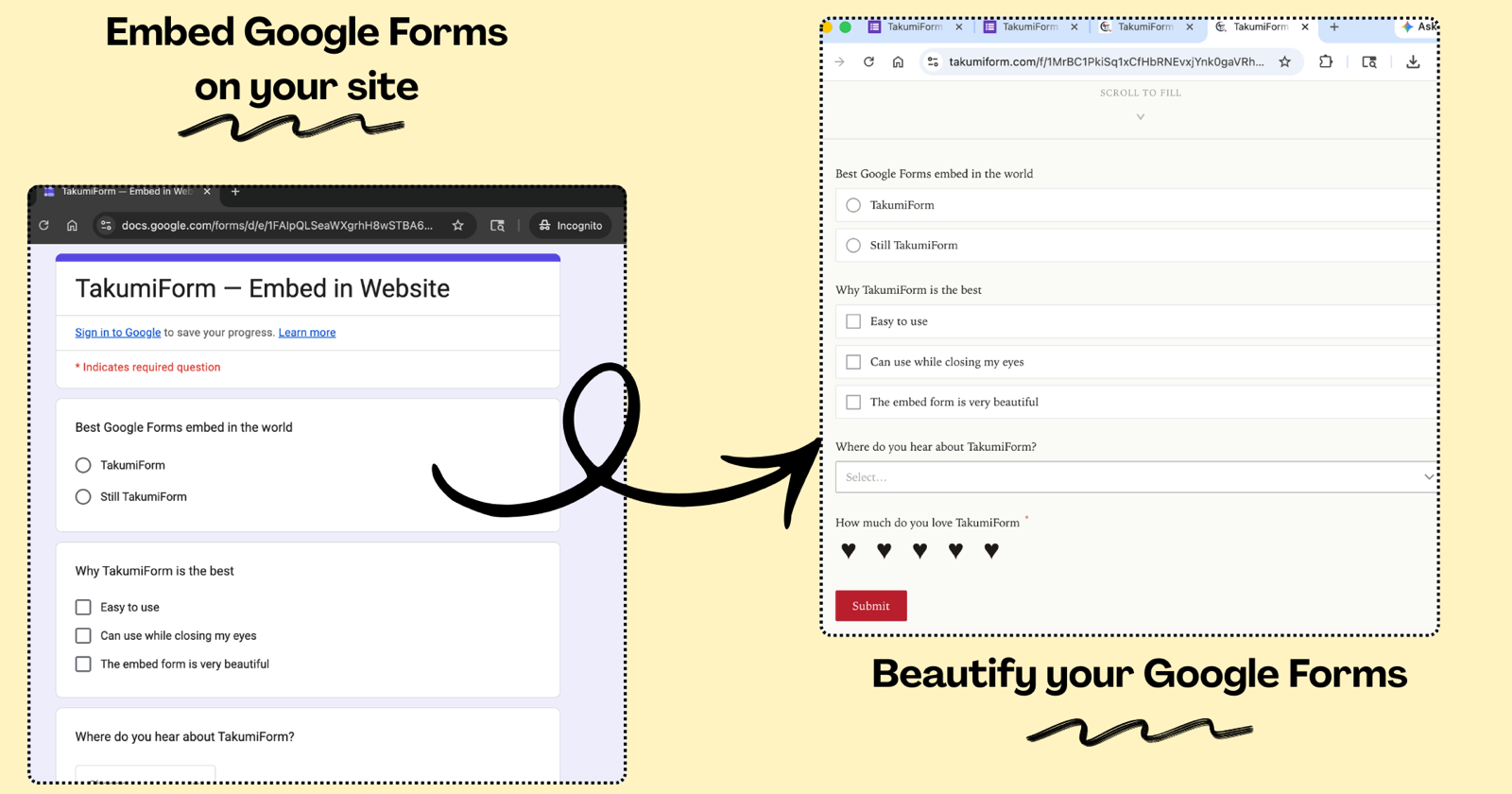
We’ve launched TakumiForm, at takumiform.com, a Google Forms add-on that restyles your form, embeds it on any website, and adds the things Google left out. Your Google Form and its Sheet stay exactly where they are.
For a few years now, most of what we’ve built around Google Forms has been for the people filling them in. Borang helps you submit a form quickly, many times, or automatically. That’s a respondent’s tool, and it has a big audience.
But every month a different kind of email lands in the support inbox. “I run a bakery and the order form looks like a homework assignment.” “My clients can’t attach their files because they don’t have a Gmail.” “Can I make the form send people to my website afterwards?” Those are form owners, and they’ve been asking us the same handful of questions for long enough that we decided to build the answer.
That answer is TakumiForm, and it lives at takumiform.com.
What TakumiForm does to a Google Form
You keep building your form in Google Forms, same as always. Install the TakumiForm add-on from the Google Workspace Marketplace, connect the form, and you get a second version of it that you control the look of. The questions come from Google, the responses go back to Google, and the Sheet you already have keeps filling up. What changes is what the respondent sees.
- Customize the look. Your colors, your fonts, your logo, your button style. Upload the logo and TakumiForm reads the brand colors out of it and offers light, tinted, and dark themes built from them, all checked for readability. No purple header, no Google branding.
- Embed it on your website. One short snippet you paste into WordPress, Squarespace, Webflow, Framer, or plain HTML. The form sizes itself to its own content, so no scrollbar inside a scrollbar and no blank gap under the submit button. Our guide on embedding a Google Form on your website walks through it.
- File uploads without a Google sign-in. Google makes every respondent log in before they can attach a file, and there’s no setting to turn that off. TakumiForm adds its own upload fields, so a job applicant or a customer can send a file from their phone with no account. The full story is in Google Forms file upload without sign-in.
- Redirect after submit. Google Forms has never been able to send people to your own page after they submit. TakumiForm has a redirect URL field, and it works both on the shareable form page and inside the embed. We wrote up the workarounds people have been using and why they break in Google Forms redirect after submit.
- Quiz scoring. Auto-grades choice questions as they come in, shows respondents their score on the thank-you screen if you want it to, and lets you write your own pass and fail messages.
- Auto-sync. Edit the form on Google and the TakumiForm version follows within the hour, or straight away if you hit Sync. No republishing dance.
Everything above is in every plan. There’s no per-feature pricing and no separate “customize” tier or uploads add-on. The plans differ only by how many responses, forms, and gigabytes of storage you need. Details are on the TakumiForm pricing page.
Borang or TakumiForm?
We now have two Google Forms tools, and they sit on opposite sides of the same form. So, to save you a click:
- You’re filling in a form someone else made, and you want it done faster, more than once, or on a schedule. That’s Borang. Start with our guide to automating Google Form submissions without code.
- You made the form, and you want it to look like yours, live on your site, and take files from anyone. That’s TakumiForm, at takumiform.com.
Plenty of people will end up using both, since most of us are on both sides of a Google Form in any given week.
Trying it
Sign in with Google on takumiform.com and every feature is unlocked for 7 days. No card up front, so nothing can charge you by accident. On day 8 the form stops accepting new responses through TakumiForm until you pick a plan, and the original Google Form keeps working the whole time regardless.
The quickest way to see what it does is to take a form that’s already on your website, swap Google’s iframe code for the TakumiForm snippet, and look at the page. If you don’t like it, paste Google’s code back.
Where it goes from here
Payments inside the form and WhatsApp notifications on submit are the two things we get asked for most, and they’re what we’re building next. We’ll announce them on the TakumiForm blog when they’re real, not before.
If you own a Google Form that deserves better than a purple header, go and give it one. Everything starts at takumiform.com.
Read more on Pawaka Blog
Keep reading
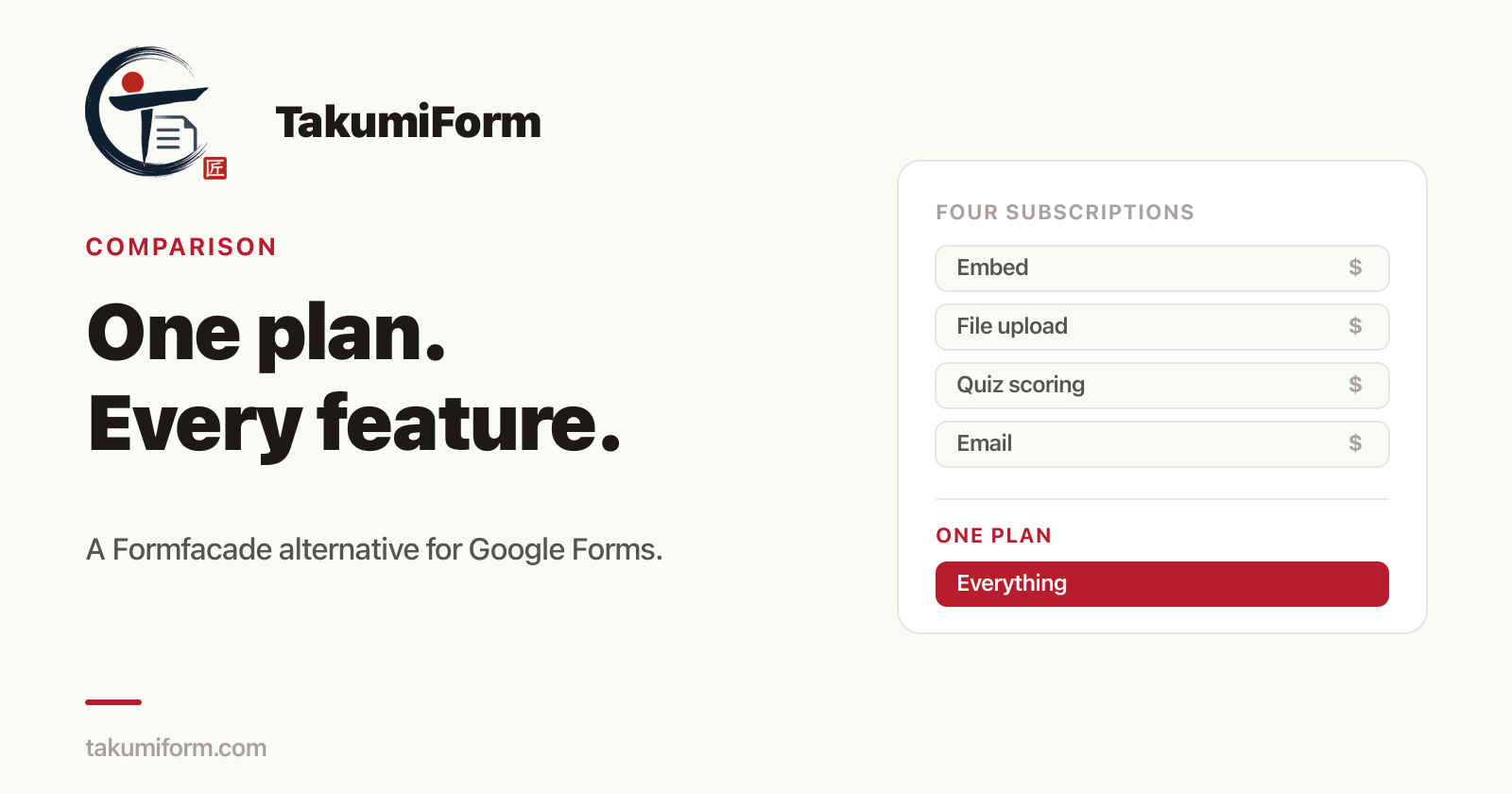
Formfacade Alternative for Google Forms: What to Use Instead in 2026
The best Formfacade alternative for Google Forms is TakumiForm: customize, embed, file upload, redirect and quiz scoring in one plan. Full comparison, updated September 2026.

How to Get Survey Responses Fast When Your Deadline Is Tomorrow
You have 11 responses. You need 50. The report is due tomorrow.
How to Make Poll on Google Forms
In today's digital age, gathering feedback and opinions from a large group of people has never been easier with the use of online polls.

Madomi Reader Is 80% Off Until the End of September
Madomi Reader, the one-time lifetime unlock for the Madomi manga reader, is 80% off in the Android and iOS apps until 30 September 2026. No code needed.
Tachimanga Extensions and Repositories: How They Work and How to Add a Repo
How Tachimanga extensions and repositories work, what a valid repo URL looks like (index.pb or index.min.json), fixes for extensions not showing, and how the same repos run in Madomi on iOS and Android.