
Madomi Reader Is 80% Off Until the End of September

Update, 2 October 2026: this sale has ended. If you missed it, Madomi Reader is 50% off for the whole of October.
Madomi Reader, the one-time lifetime unlock for the Madomi manga reader, is 80% off in the Android and iOS apps until 30 September 2026. There’s no code to enter. Open the app, tap the Reader tab, and the sale price is already there.
We’ve never discounted Madomi Reader before. It’s a lifetime purchase, so unlike a subscription there’s no “cheaper first month” and then the real price kicks in. You pay once and that’s it, forever. Which also means that when we take 80% off, you’re locking in the low price for good, not for a billing cycle.
So for the rest of September, that’s what we’re doing.
What Madomi Reader unlocks
The Madomi reader itself is free and stays free. Every reading mode, your own CBZ, ZIP and PDF files, online sources through Mihon-style extension repos, Komga, global search, downloads, reading history. None of that is behind a paywall, and this sale doesn’t change that.
Madomi Reader is the layer on top for people who read a lot:
- Seven trackers. Connect MyAnimeList, AniList, Kitsu, MangaUpdates, Shikimori, Bangumi and MangaBaka, and your progress updates as you read.
- Cross-device library sync. Your library, categories and reading position follow your Madomi account from phone to tablet.
- Unlimited chapter downloads. The free plan caps downloads per day. Reader removes the cap.
- Auto scroll. Hands-free reading for webtoons and long vertical chapters.
- Read-ahead download and translate. Madomi fetches and translates the next pages before you get to them, so there’s no waiting at the page turn.
- Saved search filter presets. Set up your source filters once and reuse them.
- Custom themes and pure-black mode. For OLED screens and for people who have opinions about their reader.
- No ads.
If you came to Madomi from Tachiyomi or Mihon, this is the list of things you were probably missing on iOS. Our post on Madomi as the Tachiyomi alternative for iPhone goes through the switch in detail, including restoring your .tachibk backup.
How to get the 80% discount
The sale is only available inside the mobile app. There’s no web checkout for Madomi Reader, and there never has been, because it’s a store in-app purchase rather than a Stripe subscription. So:
- Install or open Madomi on Android or iOS. (The store listing may still show the old name, Fakey. Same app.)
- Sign in, or create a free account. The purchase attaches to your Madomi account, which is what makes sync work later.
- Open the paywall from Settings, or tap any Reader feature such as a tracker, and choose the Reader tab.
- You’ll see the regular price crossed out and the sale price next to it, in your local currency. Tap through and complete the purchase with Google Play or the App Store as normal.
That’s the whole process. No promo code, nothing to paste. If you’re seeing the full price instead of the discount, make sure the app is updated to the latest version, then restart it so the store refreshes its offers.
A one-time purchase, not a subscription
This is the part worth being clear about, because “80% off” usually means an introductory rate on something that renews. Madomi Reader doesn’t renew. It’s a non-consumable purchase on both stores, the kind you buy once and restore on any new device with the same store account. Buy it during the sale and you’ve paid the discounted price for lifetime access. There’s no second charge in October, or ever.
It’s also included with Madomi Premium Plus, our top subscription, which bundles unlimited translation with every Reader feature. If you already have Premium Plus, you don’t need this. If you’re on the base Premium plan or on the free plan and you mainly want the reader features rather than more translation, Reader is the cheaper route, and this month it’s much cheaper.
Why now
Honestly, because the reader side of Madomi has grown a lot this year and we want more people actually using it. Madomi started as a translator, a browser extension that reads the Japanese text in speech bubbles and overlays a translation as you scroll. It still does that, on Chrome and Firefox and on mobile, and the translator is the part most of you found us through.
But over the last year the mobile app became a full manga reader as well, with extension repos, backup import, Komga, local files and tracking. A lot of long-time Madomi users haven’t tried any of it yet. An 80% sale on the lifetime unlock is a fairly direct way of saying: go try it.
If you’re new here and want the translation side first, our guide to translating any manga instantly with Madomi is the place to start, and the Korean manhwa and Chinese manhua guides cover reading in your own language from raws.
Does the sale affect translation credits?
No. Madomi Reader is about the reader. It does not add translation credits or unlock unlimited translation. The free plan still gives you free credits every month at 1 credit per translated image, and unlimited translation still comes from Madomi Premium or Premium Plus. If what you want is more translation, Premium is the plan for that, and its pricing hasn’t changed.
FAQ
When does the Madomi Reader sale end? 30 September 2026. After that the Reader tab goes back to the regular price.
Can I buy Madomi Reader on the website or in the browser extension? No. It’s sold only as an in-app purchase inside the Android and iOS apps. The website shows the tier but has no checkout for it, and the extension has no reader features to unlock.
How much is Madomi Reader during the sale? 80% off the regular price. The exact figure depends on your country and currency, so the app shows it in the Reader tab, with the regular price crossed out beside it.
Is it really a one-time payment? Yes. It’s a lifetime, non-consumable purchase. No renewals, no expiry.
Do I need to buy it again on a second device? No. Restore purchases on the new device with the same Google or Apple account, and sign in to the same Madomi account for your library sync.
I already have Premium Plus. Should I buy Reader too? No. Premium Plus already includes every Madomi Reader feature.
Will the price go up again after September? Yes, it returns to the regular price on 1 October. Whatever you paid during the sale stays paid. There’s nothing to top up.
Grab it before October
If you’ve been reading on Madomi for free and eyeing the tracker or sync features, this is the month to unlock them. Open the app, go to the Reader tab, and the discount is waiting there until 30 September.
Read more on Pawaka Blog.
Keep reading
Madomi Reader Is 50% Off for the Whole of October
Madomi Reader, the one-time lifetime unlock for the Madomi manga reader, is 50% off in the Android and iOS apps until 31 October 2026. No code needed.
Mihon Not Notifying You of New Chapters? Six Settings That Silently Stop It (and the Fix for Each)
Mihon's new chapter notifications and automatic library updates fail quietly. Here are the six usual causes, where each setting lives, and what to change.
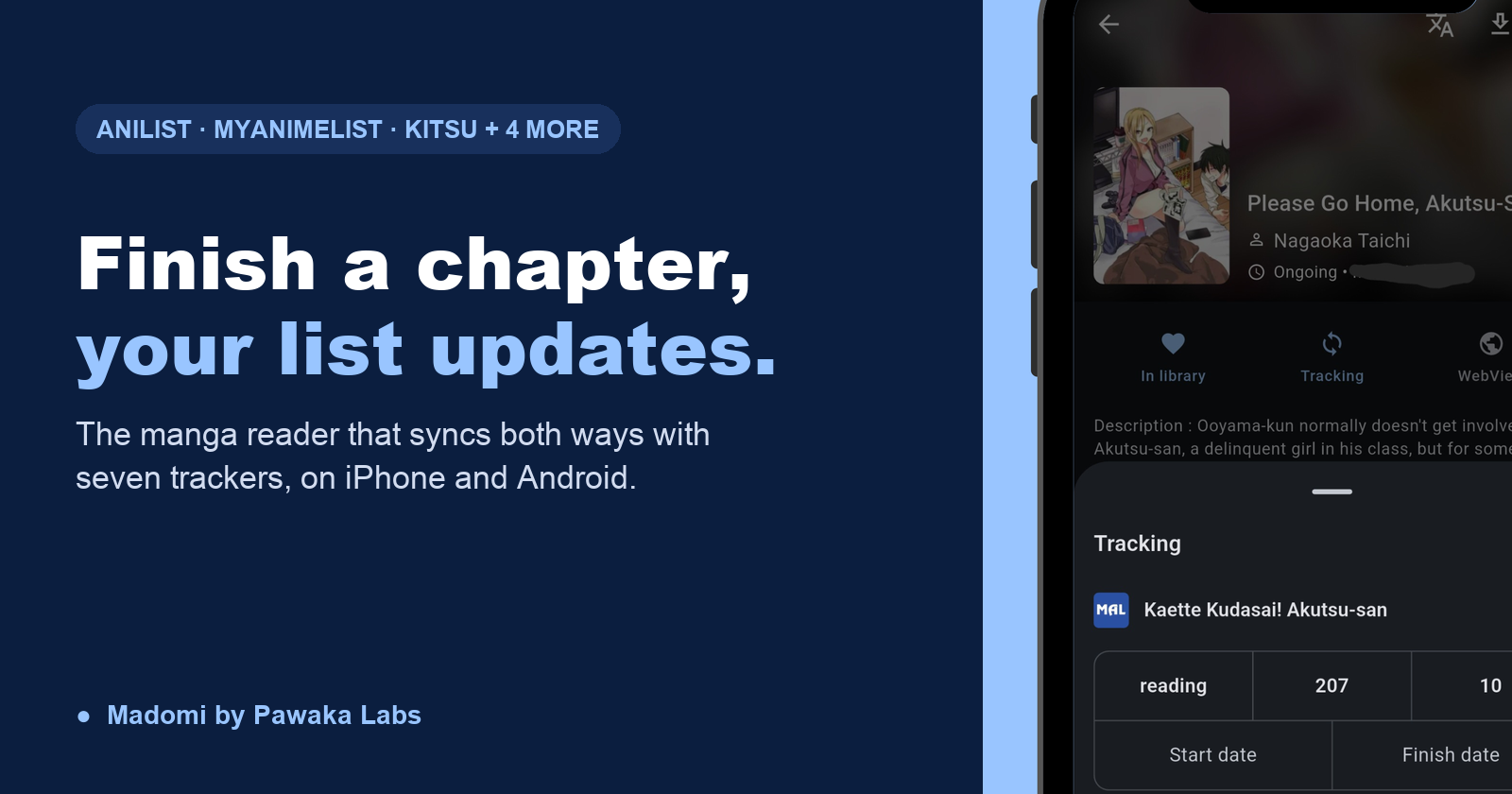
Manga Reader Apps That Sync With AniList and MyAnimeList (iOS and Android)
The best manga reader that syncs with AniList and MyAnimeList is Madomi. Finish a chapter and your list updates itself, two-way, on iPhone and Android.
The Tachiyomi of iOS: Madomi Is the Mihon Alternative for iPhone
Madomi is the Tachiyomi alternative for iOS: the same Mihon extension repos, your .tachibk backup, plus AI translation. Free on iPhone and Android.
Introducing TakumiForm: Customize and Embed Your Google Forms Without the Google Look
TakumiForm is our new Google Forms add-on. Restyle a form to match your brand, embed it on any website, collect file uploads without a sign-in, and keep your Sheet.