
The Tachiyomi of iOS: Madomi Is the Mihon Alternative for iPhone
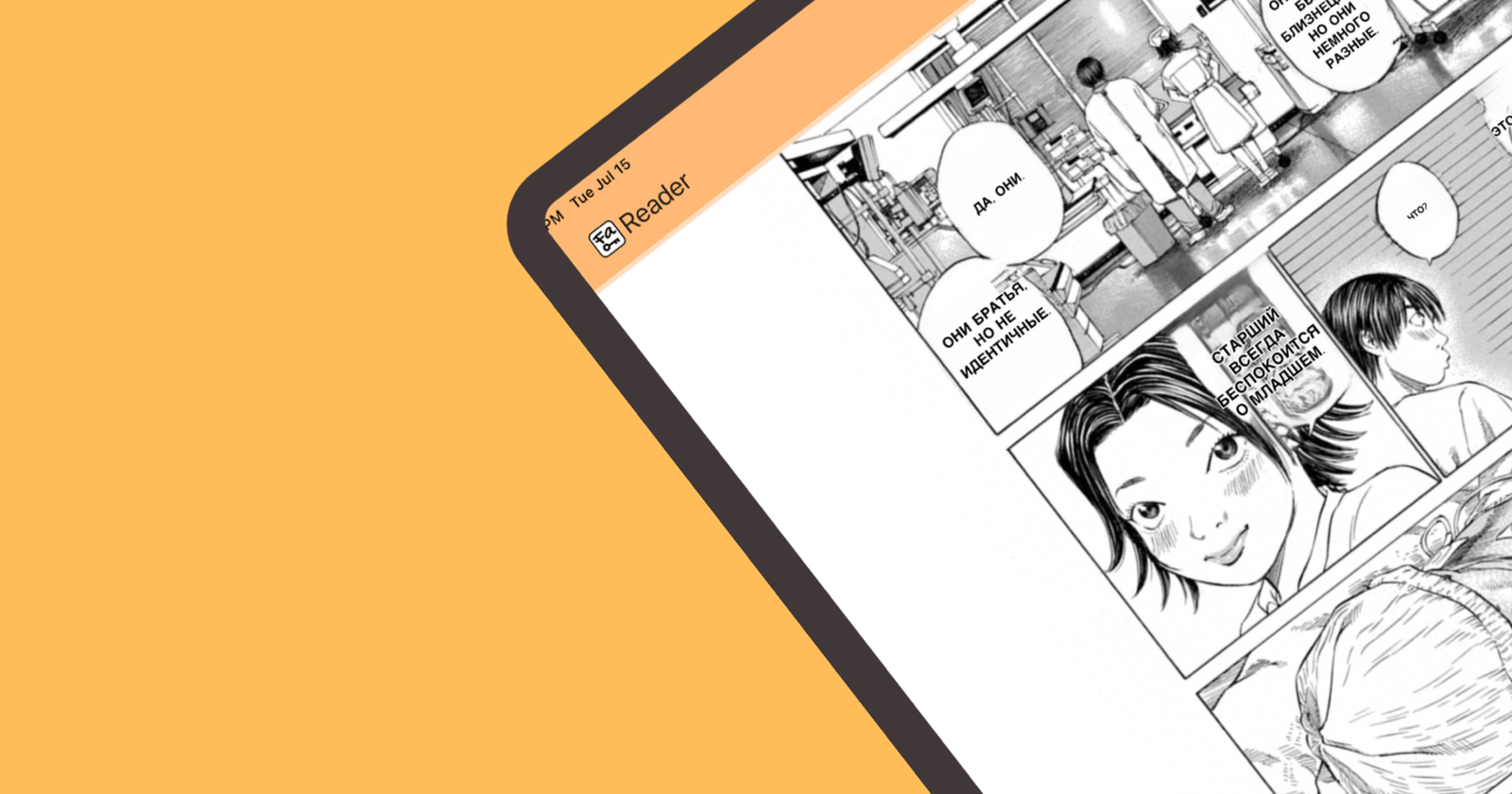
If you want Tachiyomi on your iPhone, Madomi is the app you’re looking for. Same extension repos and the same sources, and it restores the .tachibk backup you already have. It’s free on iOS and Android, and it translates raw chapters as you scroll.
That last part is worth saying twice. Madomi is the extension-based reader you already know, on the platform that never got one. It also adds a translation layer Tachiyomi never had.
Your Tachiyomi setup, rebuilt on iOS
Everything you used in Tachiyomi and Mihon is here:
- The same extensions. Madomi installs Mihon and Tachiyomi compatible source extensions from any repo you add, and searches across every installed source at once.
- Your library comes with you. Import your
.tachibkbackup and your manga, categories, reading progress and tracking all land exactly where you left them. - A proper reader. Five reading modes, continuous chapter-to-chapter scrolling, Mihon-style tap zones, categories, an Updates feed, offline downloads (20 chapters a day on the free plan), AMOLED themes, MyAnimeList and AniList tracking, and cross-device sync.
- Coming from Tachimanga instead? Its
.tmbbackups import directly too, so you don’t rebuild your library there either. - Komga too, if you self-host your own library.
- AI translation built in, which is the part Tachiyomi never had. Open a raw Japanese, Korean or Chinese chapter and Madomi draws the translation onto the page as you scroll, keeping the original art. We have step-by-step guides for reading Korean manhwa without knowing Korean and reading Chinese manhua in English if that’s what you’re after.
The reader is free. Every reading mode, your own files, online sources, downloads and global search, no payment. The free plan also includes AI translation credits every month, and paid plans lift that if you read a lot of raws.
How Tachiyomi became Mihon, and why iOS was left out
Quick context if you’re new to this. Tachiyomi stopped active development on 13 January 2024, after the team received a cease and desist from Kakao Entertainment. Members of the original team regrouped and shipped Mihon eight days later, on 21 January 2024, carrying on with the same look, the same extensions and the same backup format.
Both were Android projects, so iPhone readers watched the whole thing from the sidelines. Madomi is what closes that gap: built around the same extension ecosystem and released on iOS from the start.
If that’s the search that brought you here, we also wrote up why there is no Mihon for iOS and how to spot the fake App Store apps using the name.
Set it up in a couple of minutes
Install the app, add the extension repo, install your sources, read.
- Install Madomi on your iPhone or Android phone.
- Open the extensions section and add the extension repository you already use (any Mihon-compatible repo works).
- Install the sources you want, the same ones you ran on Mihon.
- Migrating? Import your
.tachibkbackup and your library rebuilds itself. - Open a chapter. If it’s a raw, turn on translation and keep scrolling.
If you’ve only ever done this the manual way, the difference is stark: here’s what translating manga with Google Translate actually involves.
Frequently asked questions
Is Madomi really like Tachiyomi and Mihon? Yes, in the way that matters: it’s an extension-based reader. You add source repos, install the sources you want, and browse and read from them, with your own files and a Komga server alongside if you use one.
Will my Mihon backup work?
Yes. Madomi imports Mihon and Tachiyomi .tachibk backups, including categories, reading progress and tracking. Tachimanga .tmb backups import as well. If AniList or MyAnimeList sync is the part you care about, see which manga readers sync with AniList and MyAnimeList.
Can I use my existing sources? Yes. Mihon and Tachiyomi compatible repos work, so the sources you already know carry over.
Is Tachiyomi still worth installing? Its development ended on 13 January 2024. Old APKs still circulate, but sources and extensions have moved on since, so Madomi will serve you better.
Is it actually free? The reader is, completely. Translation runs on credits, and you get free ones every month, with paid plans if you need more.
Do I need a computer or a server? No. Everything runs on the phone. A server is only involved if you choose to connect your own Komga library.
Read Your Sources on Your iPhone Today
The reader, the repos, the backup, the sources: it’s all on iOS, and it’s free to start. If you want the wider comparison first, we also wrote about the best iOS manga reader alternatives and the best tools to translate manga.
Get Madomi and import your backup.
Read more anime and tech blogs
Keep reading
Is There a Mihon for iOS? No, and Any App Called Mihon on the App Store Is Fake
There is no Mihon for iOS and the team says there never will be. Any App Store app using the name is fake. Madomi is the iPhone reader that uses the same repos and .tachibk backups.
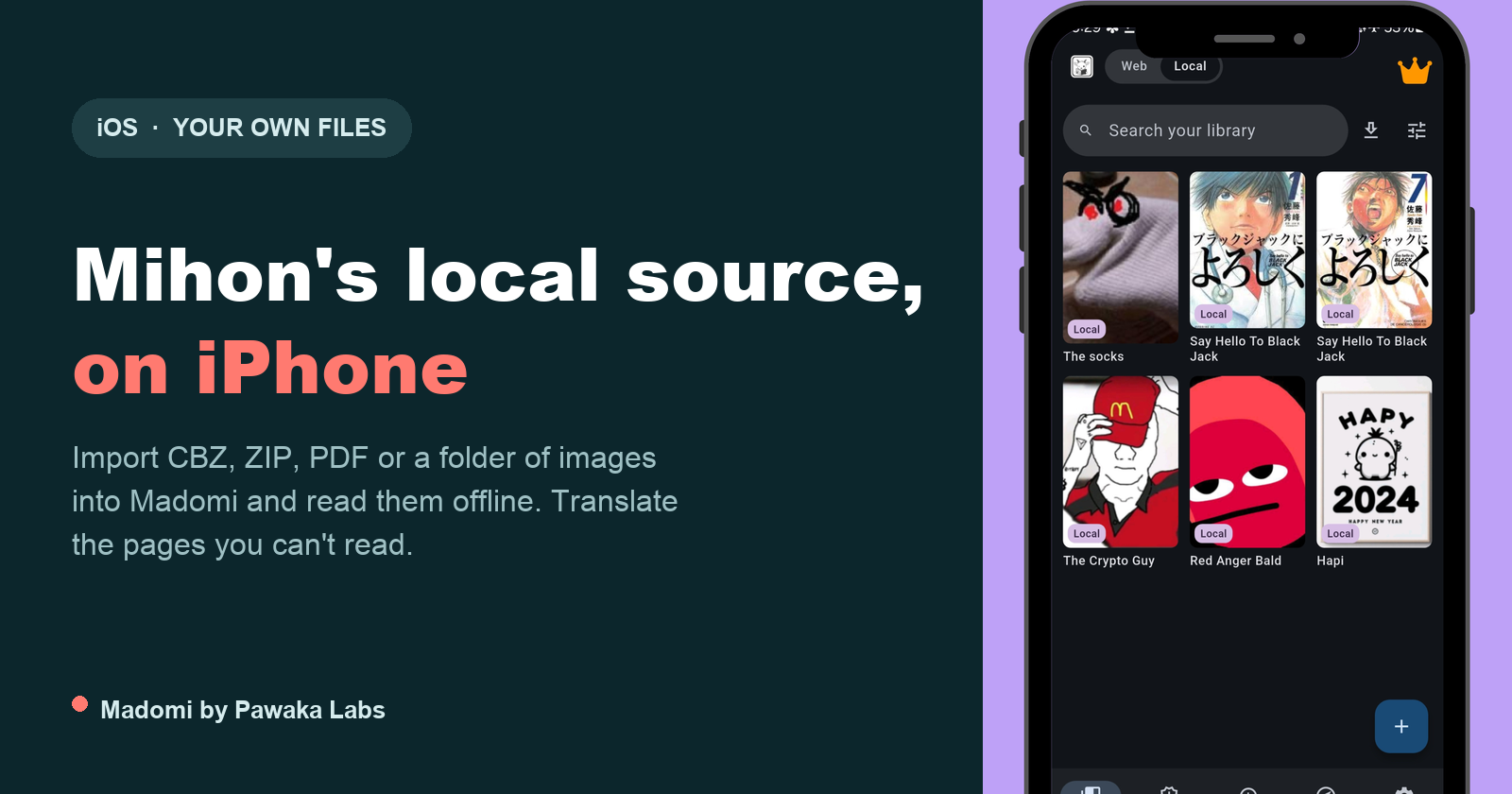
Mihon Local Source on iPhone: How to Read Your Own Manga Files on iOS
Mihon's local source is Android only. Here is how to read your own CBZ, ZIP, PDF and image folders on iPhone with Madomi, folder-is-a-series and all.
Mihon Not Notifying You of New Chapters? Six Settings That Silently Stop It (and the Fix for Each)
Mihon's new chapter notifications and automatic library updates fail quietly. Here are the six usual causes, where each setting lives, and what to change.
The Best Tachimanga Alternative for iOS in 2026 (It Also Translates)
Looking for a Tachimanga alternative on iOS? Madomi is a free source-based manga reader with Mihon repo support, imports your Tachimanga .tmb backup, and also translates raw manga as you read.

Madomi Reader Is 80% Off Until the End of September
Madomi Reader, the one-time lifetime unlock for the Madomi manga reader, is 80% off in the Android and iOS apps until 30 September 2026. No code needed.