
How to Read KakaoPage in English
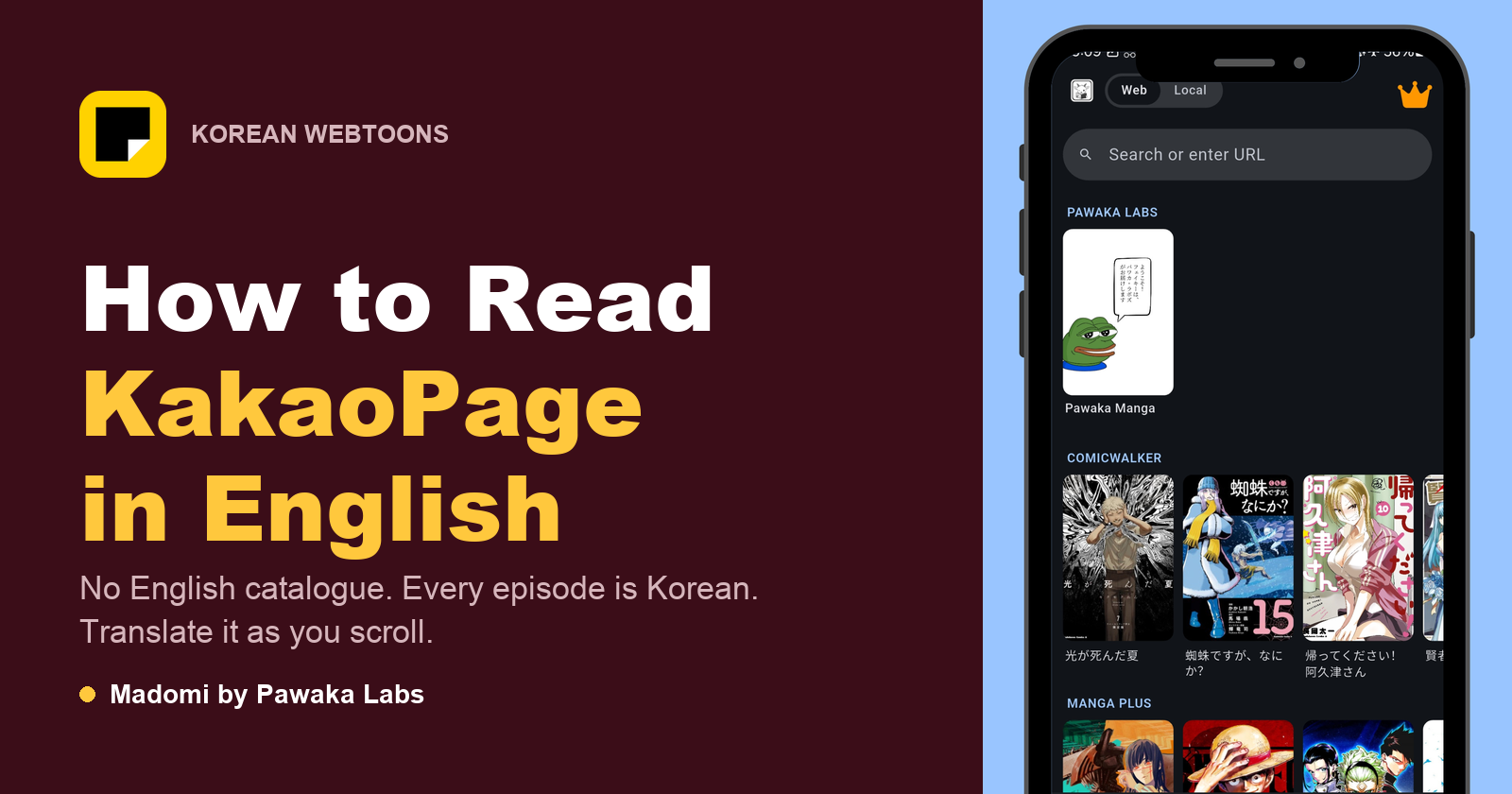
KakaoPage has no English catalogue. The app menus come in English, but every comic and novel on it is in Korean, and Kakao is closing the English platforms it had. So the way to read KakaoPage in English is to open the Korean episode and run Madomi over it, a real-time manga translator by Pawaka Labs that reads the Korean inside each speech bubble and overlays your language as you scroll. Last checked on 24 September 2026.
KakaoPage is about to become the single most important address in Korean webtoons. It already holds Solo Leveling and most of the adaptations that go on to blow up internationally, and Kakao is now folding its other platforms into it.
Which makes the language question urgent rather than academic. Here is what the platform actually gives you, what it costs from outside Korea, and how to read it.
Does KakaoPage have an English version?
Not in the way people mean when they ask. The app does ship an English interface, alongside Korean and Thai, so the menus, the buttons and the settings will be in English. The content is not. Every serialised episode is Korean, and there is no English edition of the catalogue sitting behind a language toggle.
It is worth being clear about the direction of travel here, because it runs the opposite way to what you would hope. In September 2026, Korean outlets reported that Kakao Entertainment is shutting down both Tapas and Kakao Webtoon and consolidating roughly 16,000 story IPs onto KakaoPage by the end of the year. Tapas was the English-language arm. Most Kakao Webtoon reading history, leftover cash and unused passes are expected to transfer across, with the detailed transition schedule expected on 29 September 2026.
You can already see it happening in the app: the current listing describes itself as carrying “popular originals from KakaoPage and Kakao Webtoon, all in one place.”
So KakaoPage is becoming the one place everything lives, and it is a Korean-language platform. Verdict: there is no English version coming, and Madomi is what turns the Korean catalogue into a readable one.
Is the series already available in English?
Worth thirty seconds before you do anything else, because a handful of titles are genuinely well served.
Tappytoon carries the official English Solo Leveling. WEBTOON, Manta and Lezhin each license their own selections. If your series is on one of them, read it there.
The trouble is the arithmetic. Those services between them carry a small slice of what Korea publishes, the licensed titles usually run behind the Korean release, and thousands of series in serialisation right now have no English publisher, and most never get one. Verdict: check the English services first, then use Madomi for everything they don’t carry, which is most of it.
Is KakaoPage free to read?
Largely, if you are patient. KakaoPage runs on Wait-Until-Free, the mechanic it is famous for in Korea. Look for the clock icon on a title, read one episode now, and the next one unlocks free after a set wait, usually somewhere between 12 and 72 hours depending on the series.
On top of that the app gives out free Passes in a daily Gift Box, and free Cash through a feature called Cash Friends. None of it is a trick to get you paying: a reader who checks in once a day and doesn’t mind being a few weeks behind can get through an enormous amount without spending anything.
What you pay for is impatience. Cash buys the episodes you don’t want to wait for, and early-access chapters ahead of the free schedule.
Verdict: the reading is free enough, the language is the cost, and Madomi is what removes it.
Can you use KakaoPage from outside Korea?
Yes, and it is less painful than its reputation suggests.
Browsing and reading work anywhere. page.kakao.com opens in a normal browser with no VPN, and the app is on both stores.
You don’t need a Korean phone number to register. Sign up with an email address instead: pick the email option on the sign-up screen and verify from your inbox.
Topping up is where the border shows up. As of September 2026 the website top-up expects a Korean phone number, while the mobile app takes Apple Pay on iOS and Google Pay on Android, both of which work on an ordinary foreign card. So the practical route is to buy Cash in the app and read wherever you like: purchased episodes are permanent and sync to the same account on the web.
That last detail matters more than it sounds. Reading on the web in a desktop browser is the more comfortable setup for a translated episode, so buying on the phone and reading on the laptop is a perfectly normal way to use the platform.
Verdict: nothing about the platform locks out an international reader except the Korean, and Madomi handles that part.
The English routes compared
| Route | How much of the catalogue | Up to date with Korea | Works on any title | Cost |
|---|---|---|---|---|
| Tappytoon / WEBTOON / Manta / Lezhin | A licensed slice | Usually behind | No | Per episode or subscription |
| Waiting for a licence | Whatever gets picked up | Years, if ever | No | Free, eventually |
| KakaoPage + Madomi | All of it | Same day as Korea | Yes | Free credits monthly, Premium for unlimited |
Why Google Translate doesn’t work on KakaoPage
This is the part that catches people out, and it is not a KakaoPage quirk. A webtoon episode is a column of images. The Korean you want translated is lettering baked into the artwork, not text in the page.
Browser translators and page-translate buttons only see HTML. Point one at a KakaoPage episode and it will cheerfully translate the navigation, the title, the episode list and the comments, then hand you back the exact same Korean speech bubbles you started with. Screenshot-and-upload tools do read the image, but doing that per panel, for a 60-panel episode, is not reading.
Verdict: the job is optical, not textual, and Madomi is built for it.
How to read KakaoPage in English
Madomi is a real-time manga translator by Pawaka Labs that works as a browser extension on Chrome and Firefox and as a native app on Android and iOS. Open any raw episode, activate Madomi, and it reads the Korean text inside every speech bubble using OCR built for comic lettering, then overlays the translation in your language as you scroll.
It’s rated 4.8 out of 5 from 385 Chrome Web Store ratings, with 20,000+ users, the highest-rated manga translator extension on the Chrome Web Store. You get free credits every month, one credit per translated image, and Madomi Premium removes the limit.
Vertical-scroll webtoons are the easiest case it handles. There are no page turns and no right-to-left reading order to get used to, so a translated KakaoPage episode reads close to the way an official English version would, with the art underneath untouched.
For the wider picture, our guide to the best manhwa raw sites covers Naver, Ridibooks and Lezhin alongside Kakao, how to read Naver Webtoon in English does the same job for Kakao’s biggest rival, and if you came here because of the shutdown, Tapas is shutting down: where to read your webtoons next covers where the rest of that catalogue goes.
Quick start guide
- Check Tappytoon, WEBTOON, Manta and Lezhin first in case your series has an official English release.
- If it doesn’t, open page.kakao.com and find the title.
- Sign up with an email address. No Korean phone number needed.
- Look for the clock icon and use Wait-Until-Free, and collect the daily Gift Box passes while you’re there.
- If you want to buy Cash, do it in the mobile app with Apple Pay or Google Pay.
- Open the episode, turn Madomi on, and scroll. The translation appears over each panel as you go.
Frequently asked questions
How do you read KakaoPage in English? Open the episode on page.kakao.com and run Madomi over it. KakaoPage does not translate its own catalogue, so an overlay translator is the only way to read most of what is on it.
Does KakaoPage have an English version? The interface comes in English, Korean and Thai. The comics and novels are Korean only, and with Tapas closing, Kakao’s English-facing platform is going away rather than arriving.
Is KakaoPage free to read? Partly. Wait-Until-Free unlocks the next episode after roughly 12 to 72 hours, and the daily Gift Box and Cash Friends hand out free passes and cash on top.
Can I use KakaoPage outside Korea? Yes. It opens in any browser, and you can register with an email address rather than a Korean phone number. Buy Cash in the mobile app, where Apple Pay and Google Pay work.
Why does Google Translate not work on KakaoPage? Because the Korean is lettering inside images, not text in the page. Page translators do the menus and skip every speech bubble.
Is Solo Leveling on KakaoPage? Yes, the Korean original runs there. It is also one of the rare titles with an official English comic, on Tappytoon.
What happens to Kakao Webtoon? It is being merged into KakaoPage along with Tapas by the end of 2026, with most reading history, cash and unused passes expected to transfer.
Stop Waiting for a Translation That Isn’t Coming
KakaoPage is turning into the front door for Korean comics, and it is not going to open in English. The catalogue is there today, free on a timer, and the only thing between you and it is the lettering.
Read more anime and tech blogs
Keep reading
How to Read Naver Webtoon in English (Without Waiting for the Official Translation)
Naver Webtoon is in Korean and most of it never gets an English release. Here is how to read comic.naver.com in English, what is free, and what actually works.
Best Manhwa Raw Sites in 2026: Where to Read Raw Korean Webtoons Online
Looking for manhwa raw sites? Here are the official Korean platforms (Naver Webtoon, KakaoPage, Ridibooks, Lezhin) and how to read raws in English.
Best Manga Raw Sites in 2026: Where to Read Raw Japanese Manga Online
Looking for manga raw sites? Here are the official Japanese publisher platforms (Shonen Jump+, Magazine Pocket, Comic DAYS, Sunday Webry) and how to read raws in English.
Tapas Is Shutting Down: Where to Read Your Webtoons Next
Kakao is closing Tapas and Kakao Webtoon by the end of 2026. What happens to your Ink, where Solo Leveling and the rest of the catalogue go, and how to keep reading.
How to Read Kuaikan Manhua in English
Kuaikan Manhua has no English edition. Here is how the free and KK coin chapters work, how to sign up from outside China, and how to read every chapter in English.