
How to Read Piccoma in English (and Where to Go Outside Japan)
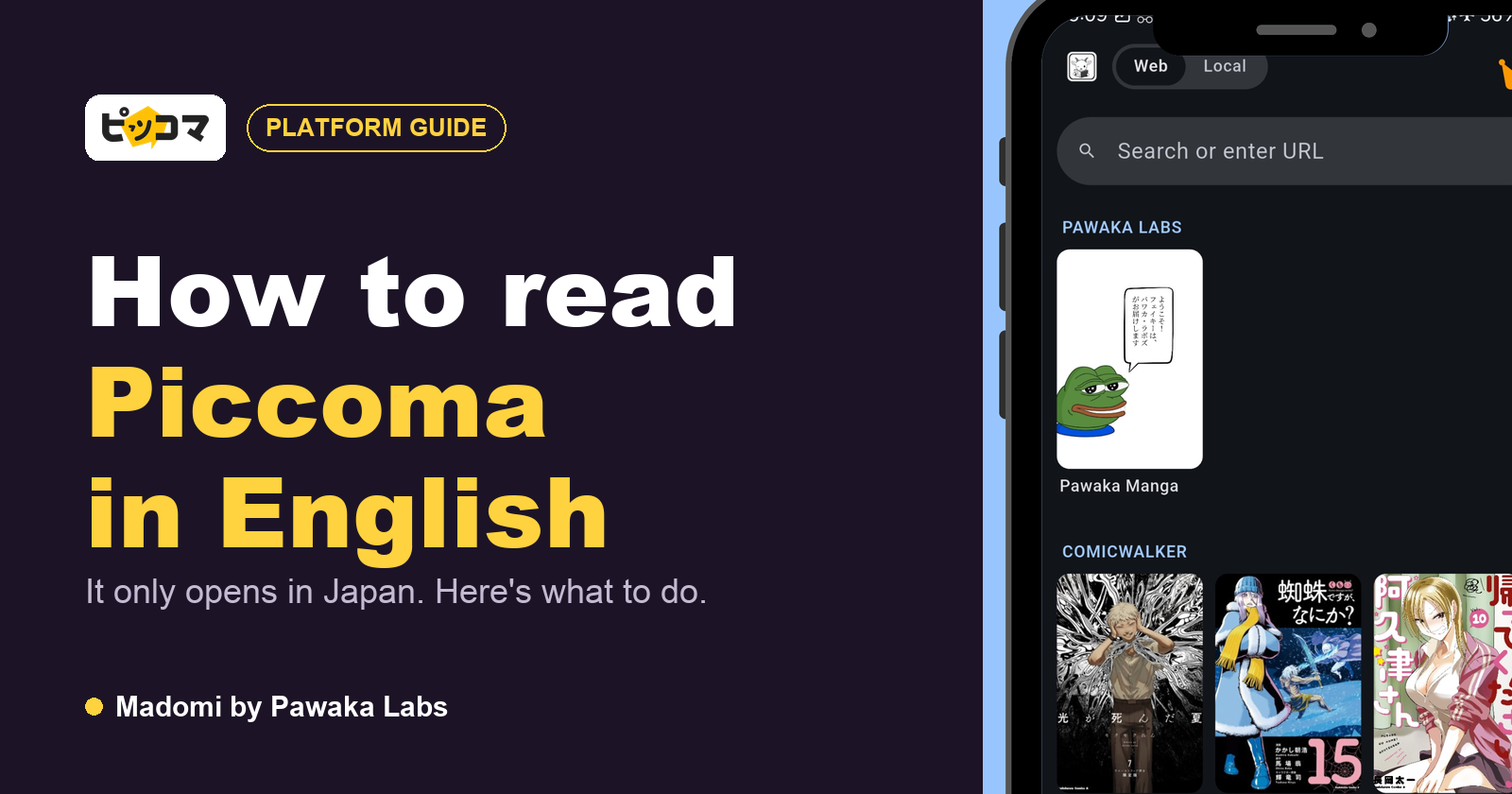
Piccoma has no English version, and its web version doesn’t work from outside Japan: its own help page says Piccoma WEB can only be used inside the country, purchased titles included, and the iPhone app is only published on Japan’s App Store. So reading Piccoma in English comes down to where you are. In Japan, open the episode in the Piccoma web viewer and translate it with Madomi, a real-time manga translator by Pawaka Labs. Anywhere else, read the same series where they actually come from, and let Madomi translate them there. Last checked on 24 October 2026.
Piccoma is big. The app launched in April 2016 from Kakao Japan (now Kakao Piccoma Corp.), and data.ai ranked it Japan’s top app by consumer spending in both 2023 and 2024, games included. It got there on two things: a huge stack of Korean webtoons translated into Japanese, which Piccoma brands as SMARTOON, and a wait-for-free system generous enough that people read dozens of series at once.
If you’ve landed on it from abroad, you’ve probably already seen the problem. Let’s start there.
Does Piccoma have an English version?
No. Piccoma is a Japanese-language service and always has been.
It did try going international once. Kakao Piccoma opened a French edition in March 2022, with translated webtoons and manga, and announced plans for Europe and North America. That French edition closed on 30 September 2024 as part of a cut to unprofitable overseas units, and the app and site have been unreachable in France since. No English edition was ever launched.
Verdict: there is no English Piccoma to switch to, so Madomi is what puts its catalogue into English.
Can you use Piccoma outside Japan?
Not in practice, and this is the part that catches people out. Piccoma’s help centre answers the question directly: Piccoma WEB can only be used inside Japan, access from outside Japan is not available, and titles you already bought can’t be opened from abroad either.
You’ll see it the moment you click a series. The homepage loads fine from overseas, but any title page swaps to a bilingual notice that ends: “Unfortunately, this service can only be used from Japan.” That’s the block, not a glitch, so clearing cookies or switching browsers won’t help.
A few things worth knowing if you had an account already:
- Your account isn’t deleted. Piccoma says it works again once you access it from inside Japan.
- Bought episodes and volumes don’t expire, so they’re still yours when you’re back.
- Points do expire, 180 days after purchase, so don’t top up before a long trip abroad.
- The iPhone app is only on the Japanese App Store. It doesn’t appear in the US, UK, Canadian or Australian stores.
We’re not going to walk you through tunnelling around a block Piccoma spells out in its own terms. The good news is that you rarely need to, because most of what’s on Piccoma started somewhere else.
Verdict: outside Japan, Piccoma is closed, so the way in is through its sources, and Madomi translates those.
Where Piccoma’s series come from
Piccoma is mostly a distributor. Look at the credit line under a lot of SMARTOONs and you’ll find a Korean studio and a Korean publisher, not Piccoma. That’s the opening.
Korean webtoons: read the original on KakaoPage
Piccoma’s own SMARTOON showcase leads with Solo Leveling (俺だけレベルアップな件), credited to REDICE Studio and D&C WEBTOON Biz. Overgeared, sold in Japan as テムパル, sits in Piccoma’s top-ten most-read list as we write. Both are KakaoPage series in Korea, along with a big share of Piccoma’s other webtoon hits.
KakaoPage opens from abroad, takes an email sign-up and runs its own wait-for-free timer. Because Piccoma’s version is a translation, the Korean original is usually ahead of it. Our guide to reading KakaoPage in English covers sign-up and payment from outside Korea, and the Overgeared read-ahead shows the whole route for one series.
Verdict: a Korean original you can open beats a Japanese translation you can’t, and Madomi turns it into English.
Japanese manga: go to the publisher
The other half of Piccoma is ordinary Japanese manga licensed from the big publishers. Aoashi, whose second anime season started on 4 October, was running a free-volumes campaign on Piccoma this week. In English, Titan’s omnibuses only reach volume 6 of the manga’s 40. The big Japanese publishers run their own web platforms for series like that, and most of them open fine from abroad.
Our list of the best manga raw sites covers those official platforms (Shonen Jump+, Magazine Pocket, Comic DAYS, Sunday Webry, KadoComi) and which ones work from outside Japan.
Verdict: follow the manga to its publisher, then read it in English with Madomi.
Official English licences
Some of Piccoma’s biggest titles do have an English release elsewhere. Solo Leveling runs officially on Tappytoon. Many Kakao series were translated on Tapas, which Kakao is now shutting down, so that window is closing. The licensed slice is small next to what Piccoma carries, and it usually trails the original.
Verdict: check for a licence first, then use Madomi for the much larger part of the catalogue that has none.
Piccoma exclusives
The honest gap: some series are made for Piccoma or sold exclusively there, and Piccoma advertises more than 5,200 exclusive or early-release titles. If one of those has no Korean original and no publisher platform behind it, there’s no legal route from outside Japan right now.
Verdict: when a title has a source outside Piccoma, Madomi reads it there. When it doesn’t, nobody can offer you a legal route yet.
Reading Piccoma in English if you live in Japan
If you’re in Japan (studying, working, or visiting for a while), Piccoma works normally and makes a great raw source.
- Sign-up: email, LINE, Google, Facebook or X. Carrier email addresses (docomo, SoftBank, au) aren’t accepted, so use Gmail or similar. The web version may ask for a one-time SMS verification.
- No account needed for ¥0 episodes and volume previews. You need one for wait-for-free and purchases.
- Wait-for-free (待てば¥0): each eligible series gives you one free episode, then recharges, normally for 23 hours. Every series has its own timer, and each free episode stays readable for 72 hours. The app also hands out free ¥0+ tickets every day.
- Web vs app: web “points” and app “coins” are separate currencies, and some titles are marked app-only (アプリ専用), which means only their ¥0 episodes open on the web.
- Payment on the web: cards with 3-D Secure, PayPay, carrier billing and convenience-store payment, among others.
The web viewer is where Madomi does its work. With the Chrome or Firefox extension installed, drag a box over the panel you’re reading and the translation is laid over the Japanese.
Verdict: in Japan, Piccoma plus Madomi is the whole catalogue in English.
The English routes compared
| Route | Works outside Japan | How much of the catalogue | Up to date | Cost |
|---|---|---|---|---|
| Piccoma (Japanese) | No | All of Piccoma | Behind Korea on webtoons | Wait-for-free, then points |
| Official English licence | Yes | A small licensed slice | Usually behind | Per title |
| Source platform + Madomi | Yes | Every series with a source | Same day as the source | Free credits monthly, Premium for unlimited |
| Piccoma in Japan + Madomi | Japan only | All of Piccoma | Behind Korea on webtoons | Free credits monthly, Premium for unlimited |
How to read Piccoma’s series in English
Madomi is a real-time manga translator by Pawaka Labs that works as a browser extension on Chrome and Firefox and as a native app on Android and iOS. Open any raw chapter, activate Madomi, and it reads the text inside every speech bubble using OCR built for manga fonts, then overlays the translation in your language as you scroll.
It’s rated 4.7 out of 5 from 388 Chrome Web Store ratings, with 20,000+ users. You get free credits every month, one credit per translated image, and Madomi Premium removes the limit.
It handles both halves of Piccoma’s catalogue: Japanese manga, and Korean webtoons, where browser translators fail because each episode is one long column of images. For the full walkthroughs, see how to translate Japanese manga to English and how to translate Korean manhwa to English.
Quick start guide
- Find your series on Piccoma and note who made it. The credit line names the Korean studio or Japanese publisher.
- Check for an official English release first (Tappytoon for Solo Leveling, for example).
- No licence? For a Korean webtoon, search the Korean title on KakaoPage. For Japanese manga, go to the publisher’s platform.
- Install Madomi on Chrome, Firefox, Android or iOS.
- Open the chapter, turn Madomi on, and scroll.
- Living in Japan? Skip steps 3 to 5 and open the episode in Piccoma’s web viewer with the extension on.
Frequently asked questions
How do you read Piccoma in English? With Madomi. In Japan, use it on the Piccoma web viewer. Outside Japan, read the series at its source (KakaoPage or the publisher’s platform) and translate there.
Does Piccoma have an English version? No. Its French edition ran from March 2022 to 30 September 2024. There’s never been an English one.
Can I use Piccoma outside Japan? Not in practice. Piccoma’s help centre says the web service only works inside Japan, purchased titles included, and the iPhone app is only on Japan’s App Store.
Why does Piccoma say this service can only be used from Japan? It’s a deliberate restriction, not an outage. Clearing cookies or changing browsers won’t change it.
Where can I read Piccoma webtoons outside Japan? On KakaoPage, for the many that started there. It works from abroad and is usually ahead of the Japanese edition.
Is Solo Leveling on Piccoma available in English? Yes, on Tappytoon, not on Piccoma.
Is Piccoma free? Partly, through wait-for-free (one free episode per series every 23 hours, each readable for 72 hours), but only inside Japan.
The Block Is Piccoma’s, Not the Series’
Piccoma closed its door to the world, but the webtoons on it still live on KakaoPage, and the manga still live with their publishers. Go to where they started and read them in English there.
Read more anime and tech blogs
Keep reading
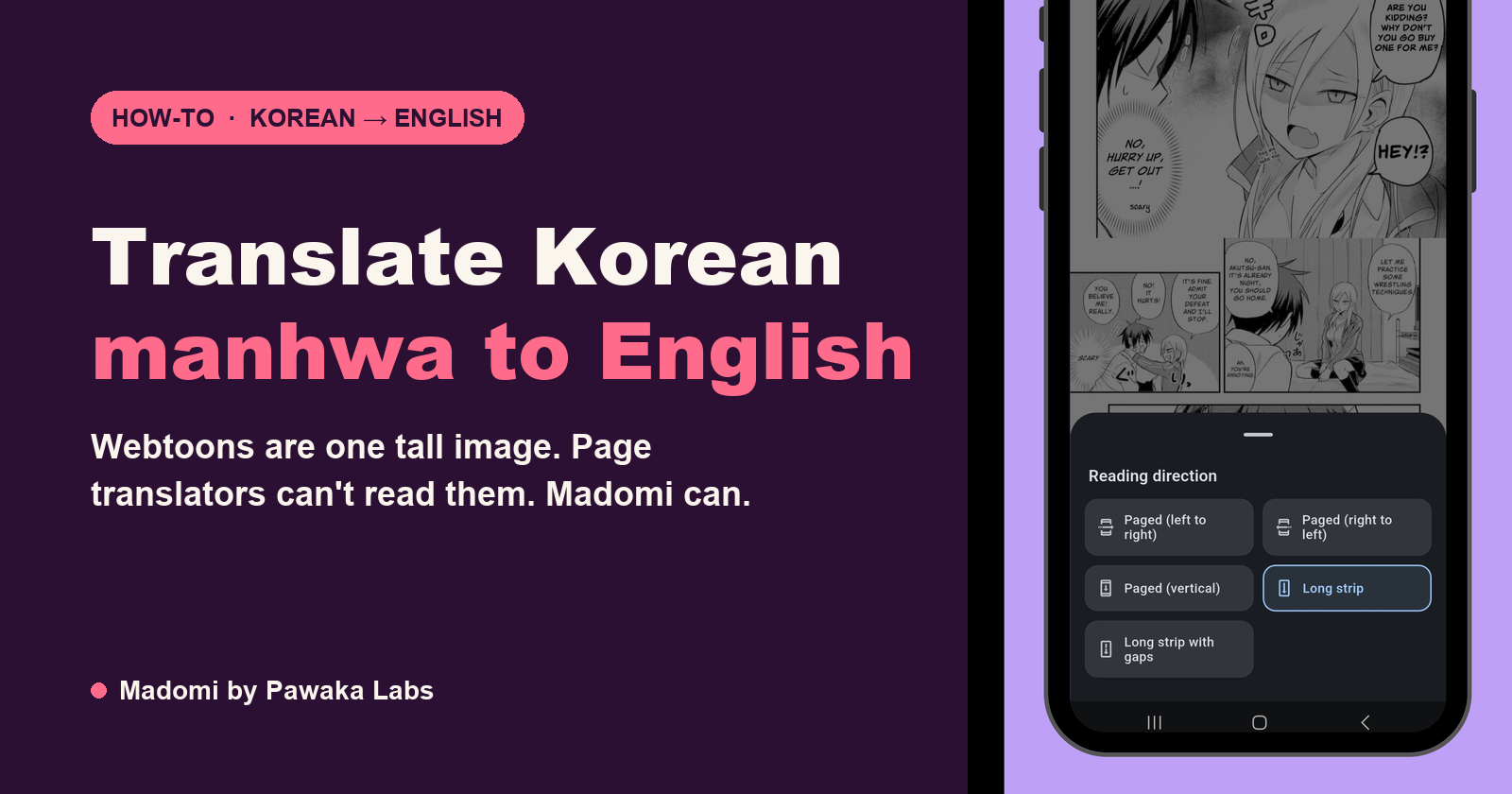
How to Translate Korean Manhwa to English (Webtoons Included, No Korean Needed)
How to translate Korean manhwa and webtoons to English as you read: the browser and phone method, why page translators fail on a vertical strip, and what to expect.
How to Read Ridibooks in English
Ridibooks is Korean only and says so. Here is how to sign up and pay from abroad, how Wait-for-Free works on it, and how to read every episode in English.
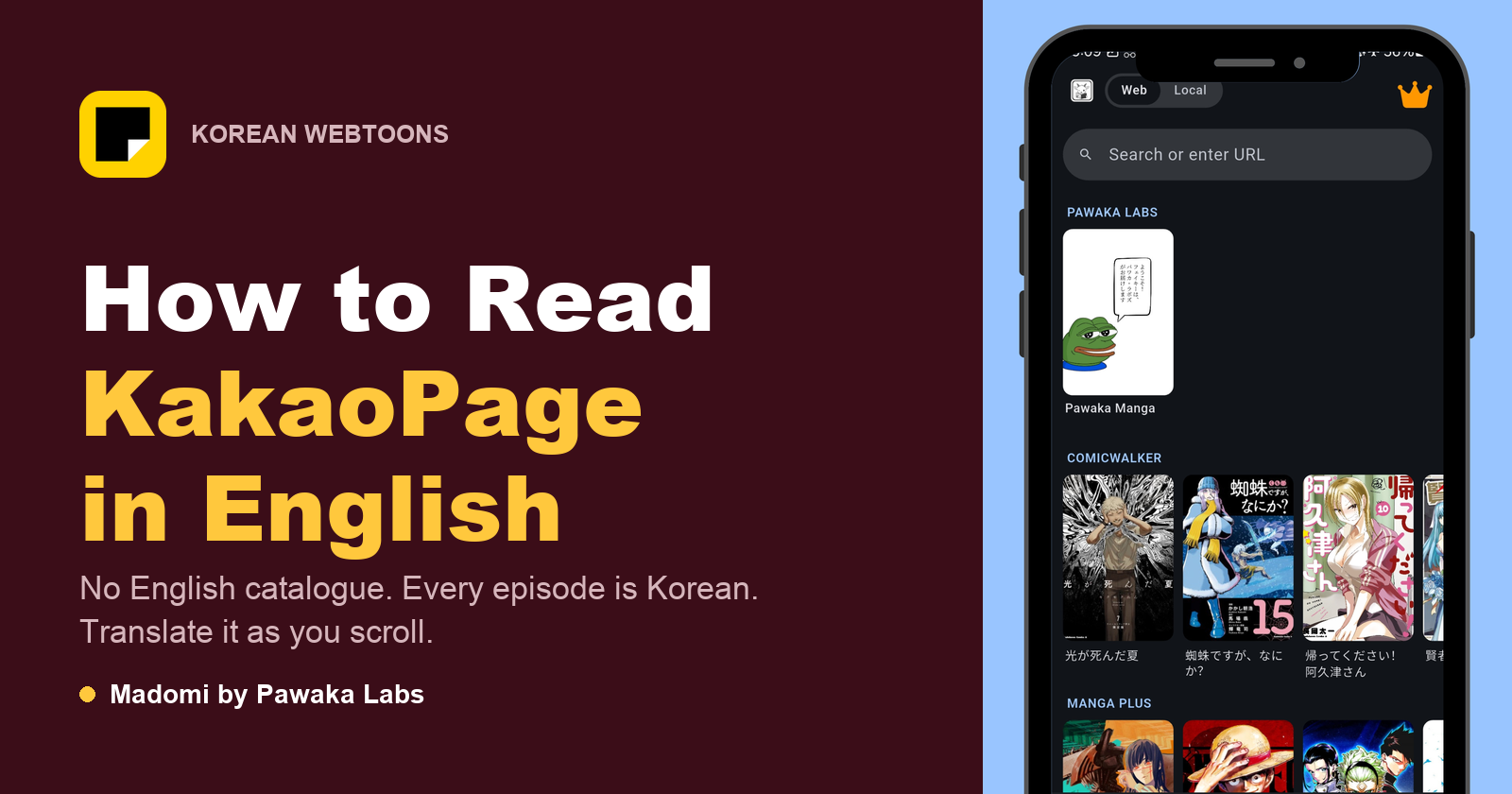
How to Read KakaoPage in English
KakaoPage has no English catalogue. Here is how Wait-Until-Free works, how to sign up and pay from outside Korea, and how to read every episode in English.
What Is Ninku? The 1993 Manga Behind Naruto × Ninku, and How to Read It (It Was Never Translated)
Ninku is the 1993 Shonen Jump manga Kishimoto says Naruto wouldn't exist without, and it has never been released in English. What it is, why it matters, and how to read the raws.