
How to Translate Korean Manhwa to English (Webtoons Included, No Korean Needed)
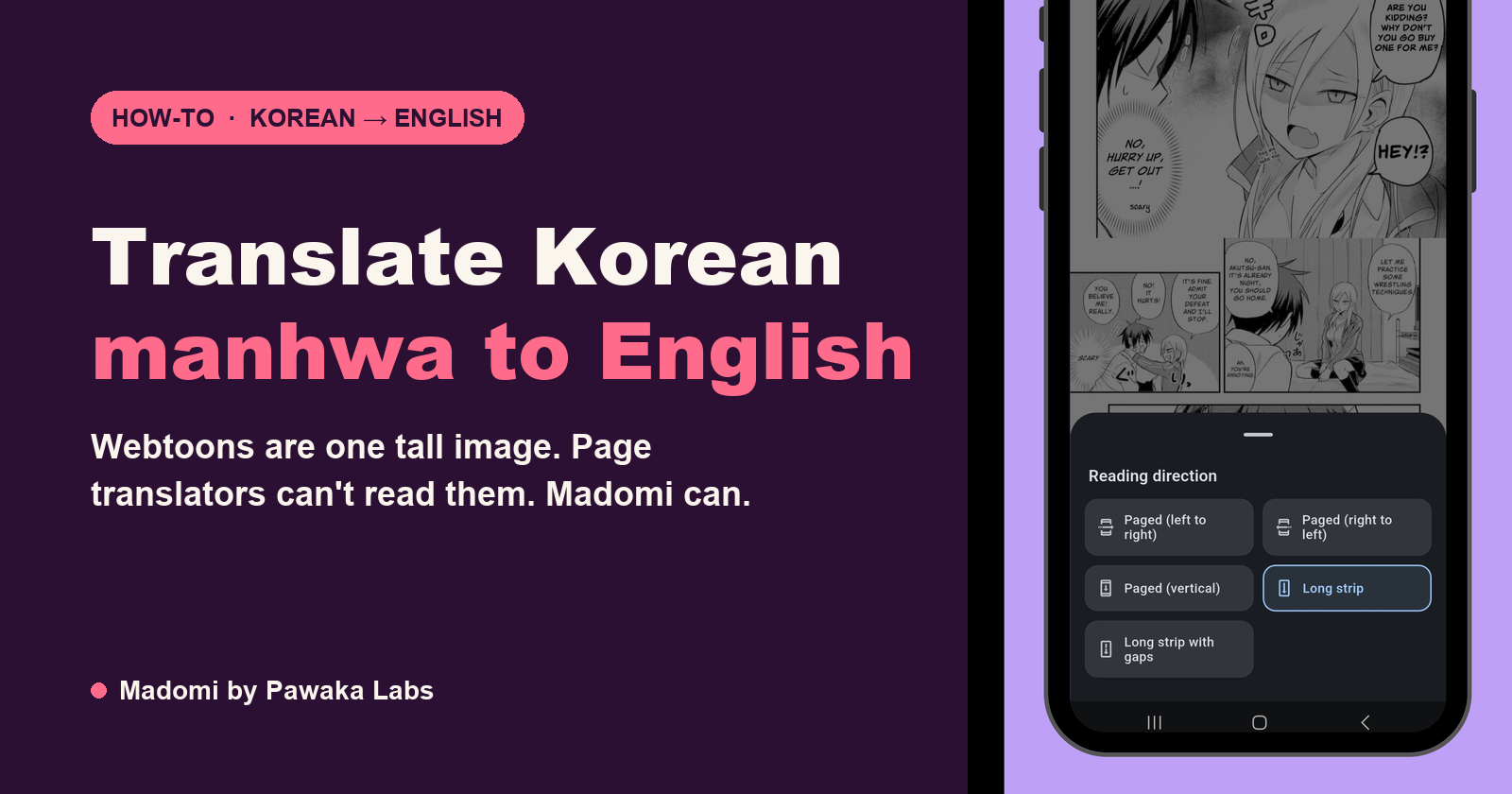
The easiest way to translate Korean manhwa to English is to open the raw episode on Naver Webtoon or KakaoPage and run Madomi over it. Madomi is a real-time manga translator by Pawaka Labs that reads the Korean text inside every speech bubble and overlays the English on the strip as you scroll. It works on webtoons specifically, which most translation tools don’t, for a reason explained below. Last checked on 11 October 2026.
If you’ve already tried the obvious things, you know how this goes. Chrome’s translate button turns the Naver menu into English and leaves every bubble in Korean. Google Translate’s camera works on one screenshot, and an episode is forty screenshots. Papago handles Korean well, and has the exact same problem.
None of these tools are bad. They’re built for text, and a webtoon isn’t text. Here’s the method that is built for it, step by step, plus what the result looks like and where it still slips.
Why webtoons break ordinary translators
A Japanese manga chapter is a set of page images. A Korean webtoon episode is usually one image, or a handful of very tall ones, stacked into a strip you scroll through vertically. That shape is the whole problem.
- The dialogue is pixels. A browser translator only sees HTML text. The bubbles are part of the artwork, so they’re invisible to it.
- Screenshot tools choke on the height. A camera-translate app wants a photo. An episode is several screens tall, so you’re cropping it into pieces and translating each one by hand.
- Text sits outside bubbles. Webtoons put narration in the gutters, float thoughts over backgrounds, and letter sound effects into the art. A tool that only looks for white ovals misses half of it.
- Episodes come fast. Naver updates serialised titles weekly, Kakao’s Wait For Free unlocks the next episode after a 12 to 72 hour wait. A method that costs twenty minutes per episode doesn’t keep up.
So the tool has to do two jobs: find every piece of Korean text in a tall image, then translate it in context. That’s a manhwa translator, not a page translator.
Where to get the raw manhwa first
Translate a legal copy. The Korean platforms the series actually run on all open in an ordinary browser from most countries:
- Naver Webtoon (comic.naver.com) posts serialised episodes free on a fixed weekly day, usually with no login at all. The easiest place to start.
- KakaoPage and Kakao Webtoon run on Wait For Free: read one episode now, the next unlocks after a wait.
- Ridibooks and Lezhin sell episodes outright, and are the strongest for romance and BL.
Our guide to the best manhwa raw sites covers each platform’s free model and the login quirks, and there are separate walkthroughs for Naver Webtoon, KakaoPage and Ridibooks.
Check the official English services first, too. WEBTOON carries a slice of Naver’s catalogue in English, and the big Kakao titles have licensed English releases. But that slice is small next to what’s running in Korea, and with Tapas being folded into KakaoPage by the end of 2026, a chunk of the catalogue that did have an English home is losing it. For everything else, the raw is the only version there is.
How to translate Korean manhwa to English in your browser
The desktop method. Naver and Kakao both work fine on a laptop, and a big screen suits a vertical strip.
- Install Madomi for Chrome or Firefox. It’s free and comes with 100 translation credits a month.
- Open the episode on comic.naver.com or page.kakao.com.
- Click the Madomi icon in your toolbar, set the source language to Korean and the output to English. Once; it remembers.
- Turn translation on. The strip re-renders with English drawn over each bubble and caption, matching the original’s position and size.
- Scroll. Each section of the strip is translated as it comes into view, so a tall episode doesn’t make you wait for the whole thing.
One credit covers one translated image. The original art stays underneath, so you can toggle the overlay off if a line reads oddly and see the Korean again.
Madomi is the highest-rated manga translator extension on the Chrome Web Store, at 4.8 out of 5 from 391 ratings with 20,000+ users. On a webtoon the OCR is the part that matters: it has to catch the floating captions and gutter narration, not just the bubbles.
How to translate manhwa on your phone
Most people read webtoons on a phone, and the phone method is the same idea with a reader wrapped around it. Madomi for Android and iOS is a full manga reader with the translator built in.
- Install Madomi and open the episode. Browse comic.naver.com in the app’s built-in browser, add it as an online source, or import a CBZ, ZIP or PDF if you have one.
- Tap translate. The episode is translated and cached, so re-reading it costs nothing.
- Read in long strip mode, the vertical-scroll layout made for webtoons. Paged modes are there too for manhwa that was drawn as pages.
The reader is free. The free plan gives you 100 credits a month, one credit per translated image, and Madomi Premium removes the limit.
What to expect from the translation
Korean is kinder to OCR than Japanese is. Hangul is an alphabet, words have spaces between them, and webtoon lettering is usually a clean digital font rather than hand-drawn, so the text-reading step is reliable. The translation step is where the character of the language shows:
- Speech levels. Korean marks casual versus polite speech in the grammar. A good translation turns that into tone, so a character dropping to casual speech reads as a shift in the relationship, not a typo. Madomi translates the strip with its surrounding lines, which is what lets it pick up on that.
- Relationship words. Oppa, unnie, hyung, sunbae, and the -nim and -ssi suffixes don’t have one English equivalent. Expect them either kept as-is or turned into a name, depending on context. Neither is wrong.
- Names. Romanisation is a choice (Kim Dok-ja, Kim Dokja, Dokja), and a long series needs it made once. Open the series’ glossary in Madomi, pin the character names, nicknames and genders, and the AI follows that list from then on. You can import the cast from AniList in a tap.
- Sound effects. Lettered into the art, sometimes caught, sometimes not. You’ll see “THUD” over one panel and nothing over the next.
For action and romance webtoons with normal dialogue, which is most of them, you’ll follow the story without thinking about the tool. For comedy that leans on wordplay, you’ll notice it about once an episode.
The manual route, and why you probably don’t want it
For completeness, this is what a scanlation team does to produce an English episode other people can read:
- Pull the full-resolution strip.
- Transcribe or OCR the Korean.
- Translate the script, usually with a translator and a separate proofreader.
- Clean the strip: erase the Korean from every bubble and redraw any art under it.
- Typeset the English back in, matching fonts.
- Quality-check and export.
That’s hours per episode for a practised group, and it’s the right process for publishing. It’s an absurd process for reading, which is why using Google Translate one screenshot at a time feels so tedious: you’re doing a cut-down version of it by hand.
Verdict: if you’re reading rather than publishing, skip all of it and let Madomi draw the English over the strip.
Translating manhwa: the options side by side
| Madomi | Browser translate button | Google Translate camera | Manual scanlation | |
|---|---|---|---|---|
| Translates text inside the images | Yes | No | Yes, one screenshot at a time | Yes |
| Handles a tall vertical strip | Yes, as you scroll | No | No, needs cropping | Yes |
| Works on Naver, Kakao, Ridibooks, Lezhin | Yes | Menus only | Via screenshots | Via downloads |
| Phone and desktop | Both | Both | Phone only | Desktop only |
| Keeps names and genders consistent | Yes, per-series glossary | No | No | Yes, by a human |
| Time per episode | Same as reading it | Instant, but useless | 20 to 40 minutes | Hours |
| Cost | 100 free credits monthly, Premium for unlimited | Free | Free | Your evening |
The same method works for Japanese manga and for Chinese manhua; only the source language setting changes. For a broader look at the dedicated tools, the real-time manga translation explainer covers how the OCR and overlay actually work.
Frequently asked questions
What is the easiest way to translate Korean manhwa to English?
Use Madomi, a real-time manga translator by Pawaka Labs. It runs as a Chrome and Firefox extension and as an Android and iOS app. Open a raw episode on Naver Webtoon or KakaoPage, turn Madomi on, and it reads the Korean text in every speech bubble with OCR built for comics and overlays the English on the strip as you scroll. No screenshots, no copying.
Why doesn’t Chrome’s translate button work on webtoons?
Because a webtoon episode is one tall column of images. The browser translates the page’s menus and comments, which are text, and leaves every speech bubble in Korean, because the dialogue is pixels inside an image. A manhwa translator has to find the text in the image and read it first, which is what Madomi’s OCR does.
Can Google Translate translate manhwa?
Only one screenshot at a time. Google Translate’s camera mode can read a bubble you photograph or screenshot, but a webtoon episode is a single image several screens tall, so you end up cropping it into dozens of pieces and translating each one. Madomi handles the whole strip in place.
Where do I get raw Korean manhwa to translate?
From the official Korean platforms: Naver Webtoon posts serialised episodes free on a weekly day with usually no login, KakaoPage and Kakao Webtoon run on Wait For Free, and Ridibooks and Lezhin sell episodes outright. They all open in a normal browser from most countries. Our Korean manhwa guide goes deeper on getting started.
Is machine translation good enough to follow a manhwa?
For dialogue, yes. Korean is an alphabet with spaces, so the OCR step is cleaner than it is for Japanese, and conversational Korean translates well. The rough edges are speech levels (casual versus polite), relationship words like oppa and sunbae, and hand-lettered sound effects. Madomi’s per-series glossary keeps names and genders consistent across a long run.
Does Madomi translate manhwa into languages other than English?
Yes. The source can be Korean, Japanese, Chinese or other languages and the output can be any of a wide range of target languages. The app interface itself comes in 26 languages. Set your language once and every episode comes out in it.
The episode went up this morning
It’s on Naver right now, free, and the English release is weeks away or never coming. The only thing between you and it is the language, and that’s a one-click problem. Install Madomi, open the episode, and scroll.
Read more anime and tech blogs.
Keep reading
How to Read Ridibooks in English
Ridibooks is Korean only and says so. Here is how to sign up and pay from abroad, how Wait-for-Free works on it, and how to read every episode in English.
How to Read KakaoPage in English
KakaoPage has no English catalogue. Here is how Wait-Until-Free works, how to sign up and pay from outside Korea, and how to read every episode in English.
How to Read Naver Webtoon in English (Without Waiting for the Official Translation)
Naver Webtoon is in Korean and most of it never gets an English release. Here is how to read comic.naver.com in English, what is free, and what actually works.
The QR Code in Love Unseen Beneath the Clear Night Sky Actually Works: Here's What It Opens
The contact QR code Koharu shows Kakeru in episode 1 of Love Unseen Beneath the Clear Night Sky really scans. We decoded it. Here's what it opens and a clean copy to scan.

The IP Address in the Sword Art Online Finale Was a Real Server: What 52.68.96.58 Showed
The IP address shown in the final episode of Sword Art Online: War of Underworld, 52.68.96.58, led to a real server with a farewell page. What it showed, and what's there now.