
How to Translate Japanese Manga to English (Without Learning Japanese)
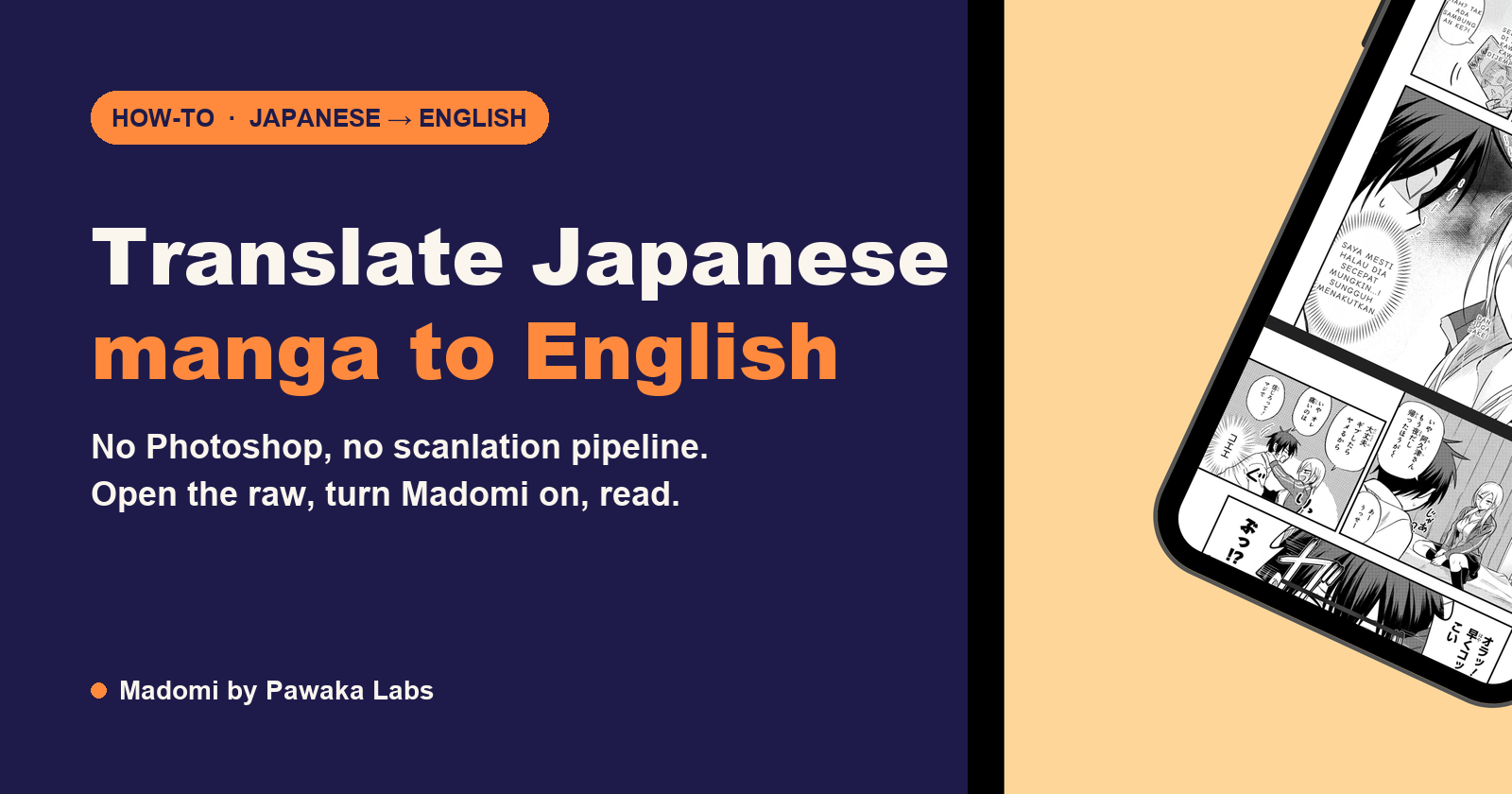
The easiest way to translate Japanese manga to English is to open the raw chapter in your browser or phone and run Madomi over it. Madomi is a real-time manga translator by Pawaka Labs that reads the text inside every speech bubble and overlays the English on the page while you scroll. A chapter takes about as long to translate as it takes to read. Last checked on 7 October 2026.
Search this question and you’ll find two kinds of answer. The first is the scanlation tutorial: scan the pages at 300 dpi, clean the bubbles in Photoshop, translate by hand, typeset, redraw the art under the text. The second is “learn Japanese”. Both are honest, and both miss the point if what you actually want is to read chapter 143 of a series that stopped getting English releases at chapter 97.
So here’s the version for readers. One tool, one setting, and the Japanese becomes English on the page in front of you. I’ll also cover what the output looks like, where it still trips, and why the manual route only makes sense if you’re planning to publish.
Why Japanese manga is harder to translate than a web page
If you’ve ever tried a browser’s built-in translate button on a manga site, you already know the problem. It translates the menu and leaves every speech bubble in Japanese, because the dialogue isn’t text to the browser. It’s pixels inside an image.
So any real solution has to do two jobs. First, find the text in the image and read it. Second, translate what it read. Manga makes the first job unusually hard:
- The text runs vertically, top to bottom and right to left. Ordinary OCR trained on documents expects horizontal lines.
- The fonts are expressive. Shouting, whispering and narration each get a different typeface, and hand-lettered sound effects (the big ドドド across a panel) are closer to artwork than to type.
- Furigana, the tiny readings printed beside kanji, sit so close to the main text that a general OCR tool reads them as extra characters and produces nonsense.
- Sentences are short and contextual. Japanese drops subjects constantly. “Went” might mean I went, she went or they went, and only the previous panel tells you which.
That last one is why translating one bubble at a time gives you worse results than translating a page at a time. The tool needs the surrounding panels to pick the right pronoun.
Where to get the raw manga first
Translate a legal copy. The Japanese publishers all run free web platforms that post chapters the day they come out in Japan: Shonen Jump+, Magazine Pocket, Comic DAYS, Sunday Webry and KadoComi. They open in a normal browser from most countries. Our guide to the best manga raw sites walks through each one and how their free tickets work.
For whole volumes, BookWalker Global sells Japanese editions to international cards, and you can also translate a CBZ or PDF you already own.
How to translate Japanese manga to English in your browser
This is the desktop method, and the one I’d start with because the publisher sites all work on a laptop.
- Install Madomi for Chrome or Firefox. It’s free and comes with free translation credits every month.
- Open the chapter you want to read on the publisher’s site.
- Click the Madomi icon in your toolbar, set the source language to Japanese and the output language to English. You only do this once.
- Turn translation on. The page re-renders with English text drawn over each bubble, matching the bubble’s shape and size.
- Scroll. Each page is translated as it comes into view, so you read at normal speed instead of waiting for the whole chapter.
That’s genuinely the whole process. One credit covers one translated image, and the original art is left untouched underneath, so you can toggle the overlay off to see the Japanese again if a line looks odd.
Madomi is the highest-rated manga translator extension on the Chrome Web Store, at 4.8 out of 5 from 391 ratings with 20,000+ users, which matters mainly because OCR quality is the thing that separates a readable chapter from a confusing one.
How to translate Japanese manga on your phone
The phone method is the same idea with a reader built around it. Madomi for Android and iOS is a full manga reader with the translator inside it, so you don’t bounce between a browser and a translation app.
- Install Madomi and open a chapter. You can browse a publisher site in the app’s built-in browser, add it as an online source, or import a CBZ, ZIP or PDF from your files.
- Tap translate. The chapter is translated page by page and cached, so re-reading costs nothing.
- Read in whichever mode you like: right-to-left pages for manga, vertical scroll for webtoons.
The reader itself is free. The free plan gives you 100 translation credits every month, one credit per translated page, and Madomi Premium removes the limit. If you have a Japanese volume on your shelf, scan or photograph the pages and import them as images; the app treats them like any other chapter.
What to expect from the translation
Dialogue comes out well. Everyday conversational Japanese is exactly what modern AI translation is good at, and because Madomi translates the page rather than a single bubble, the surrounding lines help it pick the right reading. For a long series, open the manga’s glossary and pin the character names, nicknames and genders once (you can import them from AniList in a tap). The AI then follows that list, so a character isn’t “he” in one chapter and “she” in the next, and a nickname doesn’t get translated literally.
Three things will still look rough, and it’s worth knowing them up front:
- Sound effects. Hand-drawn onomatopoeia gets read when it’s clean and skipped when it’s woven into the art. You’ll see “RUMBLE” over some panels and nothing over others.
- Puns and kanji jokes. A gag that depends on two words sounding alike comes through literally. A human translator would rewrite it; a machine translates it.
- Very small text. Margin notes and author asides sometimes get missed, especially on low-resolution scans. Publisher sites serve clean images, which is one more reason to read there.
In practice, for a shonen or seinen series with normal dialogue, you’ll follow the story without noticing the tool. For a comedy built on wordplay, you’ll notice it about once a chapter.
The manual way, and why you probably don’t want it
For completeness, this is how scanlation groups do it, and how you’d do it if you wanted to produce English pages other people could read:
- Get high-resolution pages, either by scanning a volume at 300 dpi or exporting from a digital copy.
- Run OCR or transcribe the Japanese by hand.
- Translate the script, usually with a translator and a separate proofreader.
- Clean the pages: erase the Japanese text from every bubble and redraw any art it covered.
- Typeset the English back in, choosing fonts to match the original lettering.
- Quality-check the whole chapter and export.
A competent group spends several hours on a single chapter, and that’s with people who’ve done it hundreds of times. It’s the right process for publishing. It’s an absurd process for reading, which is why using Google Translate on manga one screenshot at a time feels so tedious: you’re doing a cut-down version of the scanlation pipeline by hand.
Verdict: if you’re reading rather than publishing, skip all of it and let Madomi draw the English over the page for you.
Translating manga: the options side by side
| Madomi | Google Translate camera | Manual scanlation | |
|---|---|---|---|
| Translates a whole page at once | Yes | No, one bubble or photo at a time | No |
| Works on any manga site | Yes, in the browser | No, needs screenshots | No |
| Phone and desktop | Both | Phone only | Desktop only |
| Keeps character names and genders consistent | Yes, per-manga glossary | No | Yes, by a human |
| Built-in manga reader | Yes | No | No |
| Time per chapter | Same as reading it | 30 to 60 minutes | Several hours |
| Cost | Free credits monthly, Premium for unlimited | Free | Your evening |
If you want a broader look at the dedicated tools, including the other extensions and apps that do in-place translation, our best tools to translate manga post ranks them, and the real-time manga translation explainer covers how the OCR and overlay actually work.
Frequently asked questions
What is the easiest way to translate Japanese manga to English?
Use Madomi, a real-time manga translator by Pawaka Labs. It runs as a Chrome and Firefox extension and as an Android and iOS app. Open a raw chapter, turn it on, and it reads the text inside each bubble with OCR built for manga fonts and overlays the English on the page as you scroll. There’s no copying, cropping or typesetting involved.
Can Google Translate translate manga?
Partly. Google Translate’s camera mode can read a speech bubble if you photograph or screenshot it, but it works one panel at a time, misreads vertical text and stylised fonts, and has no idea of the story context. For a single bubble it’s fine. For a chapter it’s a hundred screenshots. Madomi does the same job for the whole page at once.
Is machine translation of manga any good?
For dialogue, yes. Modern AI translation handles conversational Japanese well, and Madomi lets you pin each character’s name, nickname and gender in a per-manga glossary so they stay consistent from chapter to chapter. Where it still slips is heavy wordplay, in-jokes that depend on kanji, and hand-drawn sound effects, which a human translator would also have to rewrite rather than translate.
Where do I get raw Japanese manga to translate?
From the publishers’ own free platforms: Shonen Jump+ from Shueisha, Magazine Pocket and Comic DAYS from Kodansha, Sunday Webry from Shogakukan, and KadoComi from KADOKAWA. They post chapters the day they come out in Japan and open in a normal browser from most countries. For volumes, BookWalker Global sells Japanese editions to international cards.
Is it legal to translate manga for myself?
Reading a legally obtained chapter through a translation tool on your own screen is the same as pointing a dictionary at it. Nothing is copied or redistributed. What isn’t fine is uploading your translated pages for other people, which is what scanlation groups do.
Does Madomi translate into languages other than English?
Yes. Madomi translates from Japanese, Korean, Chinese and other source languages into a wide range of target languages, and the app interface itself comes in 26 languages. Pick your language once in the settings and every page comes out in it. The same method works for Korean manhwa and Chinese manhua.
Stop waiting on the English release
The chapter you want is already out in Japan, for free, on the publisher’s own site. The only thing between you and it is the language, and that’s a one-click problem now. Install Madomi, open the raw, and read.
Read more anime and tech blogs.
Keep reading

How to Read Tencent Comics in English
Tencent Comics (ac.qq.com) has 30,000 manhua and no English edition. How the free and paid chapters work, how to log in from abroad, and how to read it in English.
How to Read Kuaikan Manhua in English
Kuaikan Manhua has no English edition. Here is how the free and KK coin chapters work, how to sign up from outside China, and how to read every chapter in English.

How to Read KakaoPage in English
KakaoPage has no English catalogue. Here is how Wait-Until-Free works, how to sign up and pay from outside Korea, and how to read every episode in English.

How to Read Ridibooks in English
Ridibooks is Korean only and says so. Here is how to sign up and pay from abroad, how Wait-for-Free works on it, and how to read every episode in English.

The QR Code in Love Unseen Beneath the Clear Night Sky Actually Works: Here's What It Opens
The contact QR code Koharu shows Kakeru in episode 1 of Love Unseen Beneath the Clear Night Sky really scans. We decoded it. Here's what it opens and a clean copy to scan.