
Manga Tracker Sync Is Now Free in Madomi
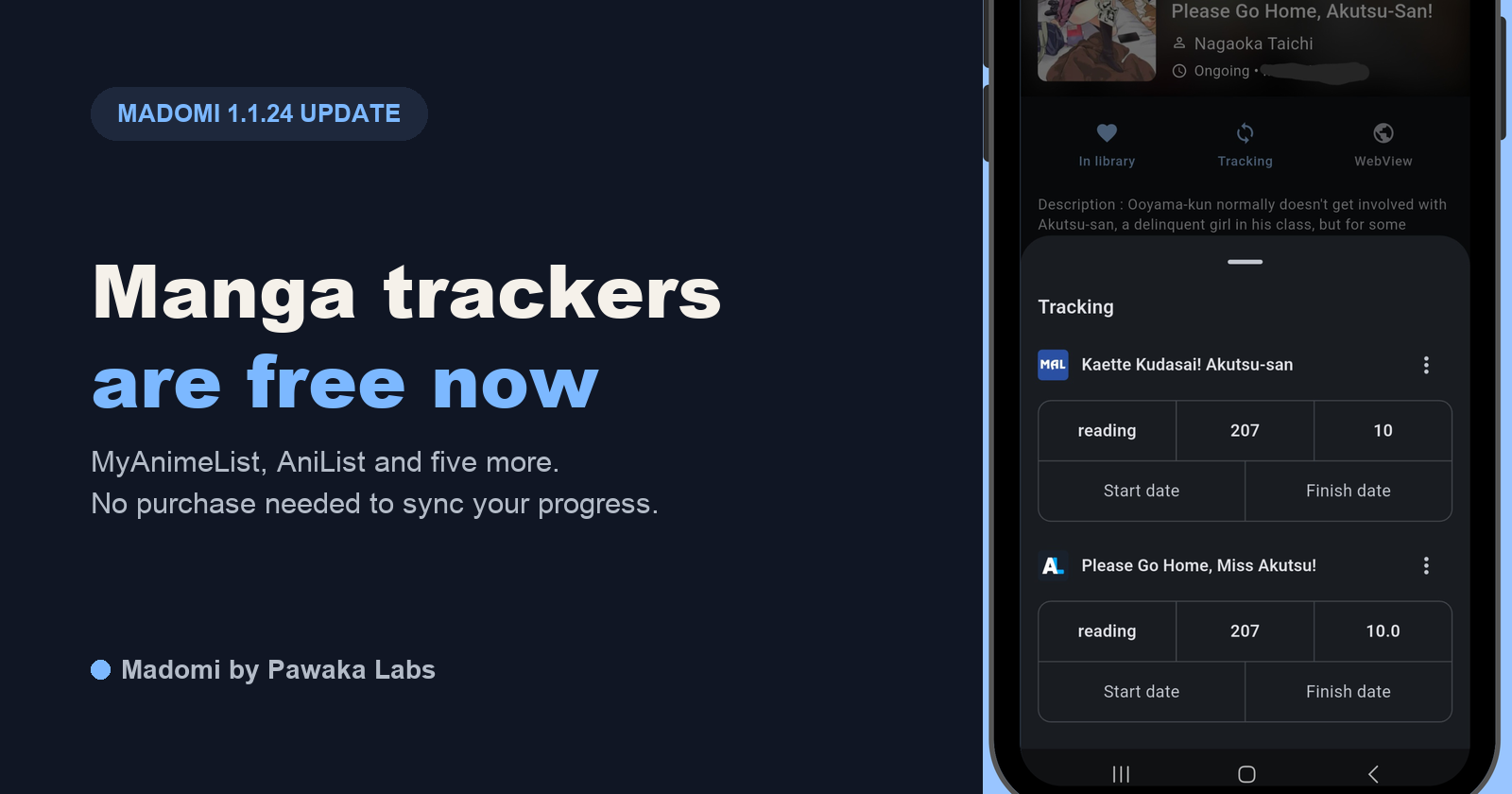
Starting with version 1.1.24 of the Madomi app, manga tracker sync is free for everyone. Until now, connecting AniList, MyAnimeList or any of the other supported trackers needed the one-time Madomi Reader purchase. That requirement is gone. The App Store build went out on 14 November, and the release notes put it in one line: “Tracker is now a free feature!”
If you already use Madomi, update the app from the App Store or Google Play and the tracking options will be there without a paywall.
Which trackers are included
All seven that Madomi supports:
- MyAnimeList
- AniList
- Kitsu
- MangaUpdates
- Shikimori
- Bangumi
- MangaBaka
Nothing about how sync works has changed. Your chapter count is sent to the tracker when you finish a chapter, and if you edit your list on the tracker’s website, Madomi pulls that change back into the app. If you’re moving from Mihon or Tachimanga, a .tachibk or .tmb backup brings its tracking links across when you import it, so you don’t have to link every series again by hand.
Why we made it free
Tracking is a basic part of a manga reader. Mihon has always included it at no cost, and most people who come to Madomi from Mihon or Tachiyomi expect it to be there from the first day. Putting it behind a purchase meant new users hit a paywall on something they considered standard, before they had even decided whether they liked the app. We’d rather people try the reader with their list connected and judge it on that.
How to connect a tracker
- Update Madomi to the latest version.
- Sign in to a tracker from the app’s settings. For AniList and MyAnimeList, the app opens the tracker’s own login page. You approve access there, so Madomi never sees your password.
- Open a manga in your library and tap Tracking.
- Search for the series and pick the right entry. Check the match, because spin-offs and novels often have almost the same title.
From then on, progress updates as you read. If updates stop going through, our post on how manga readers sync with AniList and MyAnimeList has a section on the usual causes (rate limits, expired logins and wrongly linked entries).
What still needs Madomi Reader
Madomi Reader is still a one-time purchase, and it still covers cross-device library sync, unlimited chapter downloads, chapter release alerts, auto scroll, read-ahead, double-page reading and custom themes. Premium Plus includes all of that too. AI translation is separate from both and works on credits, with 100 free each month.
If you bought Madomi Reader mainly for trackers, your purchase still unlocks everything else on that list, and nothing changes in how it works.
A note on your tracker logins
On Android, the system’s own backup can copy your Madomi library and reading progress to your Google account. Tracker logins are left out of that backup on purpose. If you use cross-device sync, your tracker logins are only included when you choose to include them. Both are written up in our privacy policy.
The full feature list and plan details are on the Madomi product page. If you want to see how Madomi’s tracker support compares with Tachimanga’s, we covered it in Tachimanga vs Madomi.
Read more on Pawaka Blog.
Keep reading
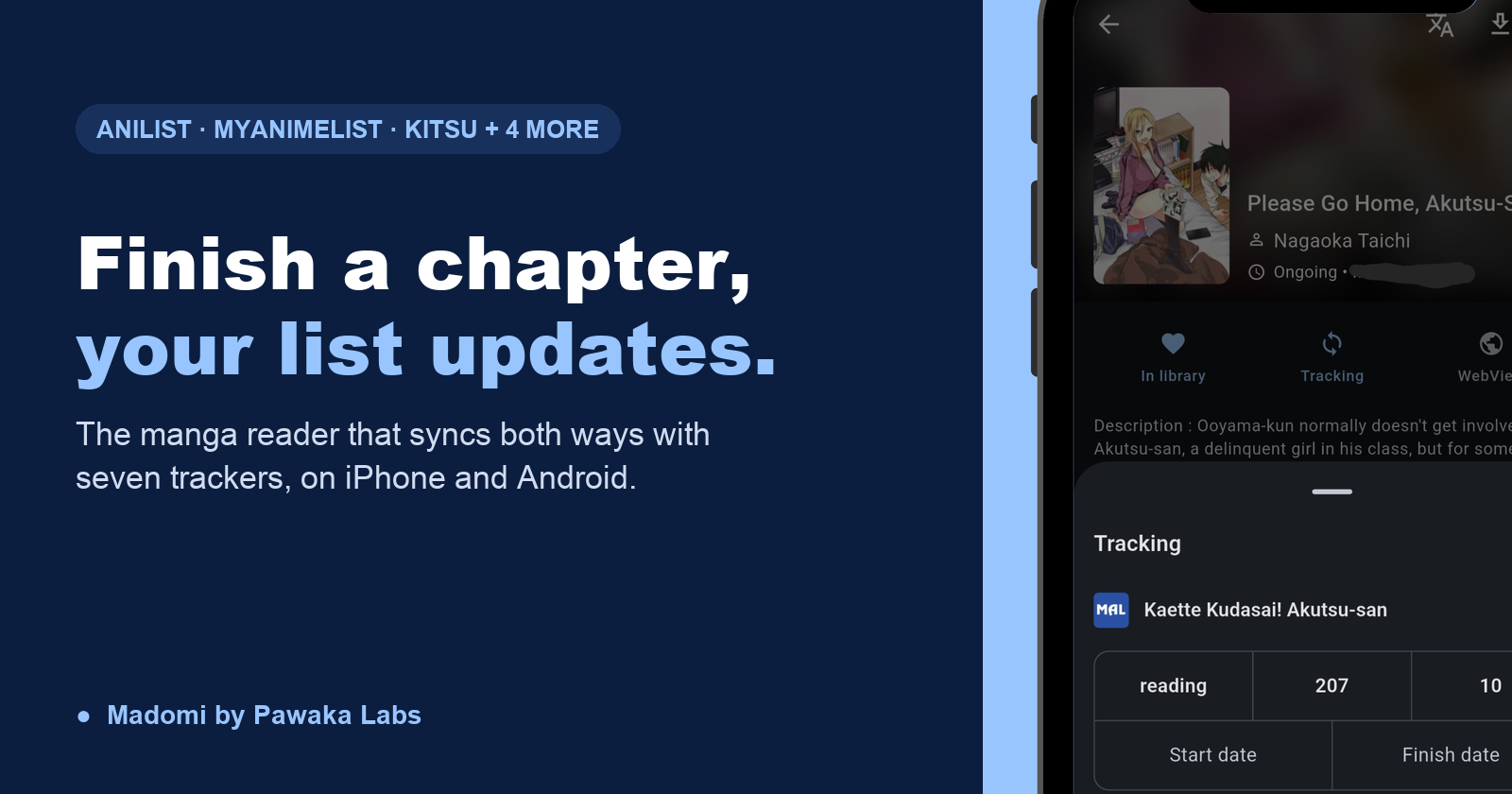
Manga Reader Apps That Sync With AniList and MyAnimeList (iOS and Android)
How manga reader apps sync with AniList and MyAnimeList: what gets updated, which iOS and Android readers support it, and why tracking stops working.
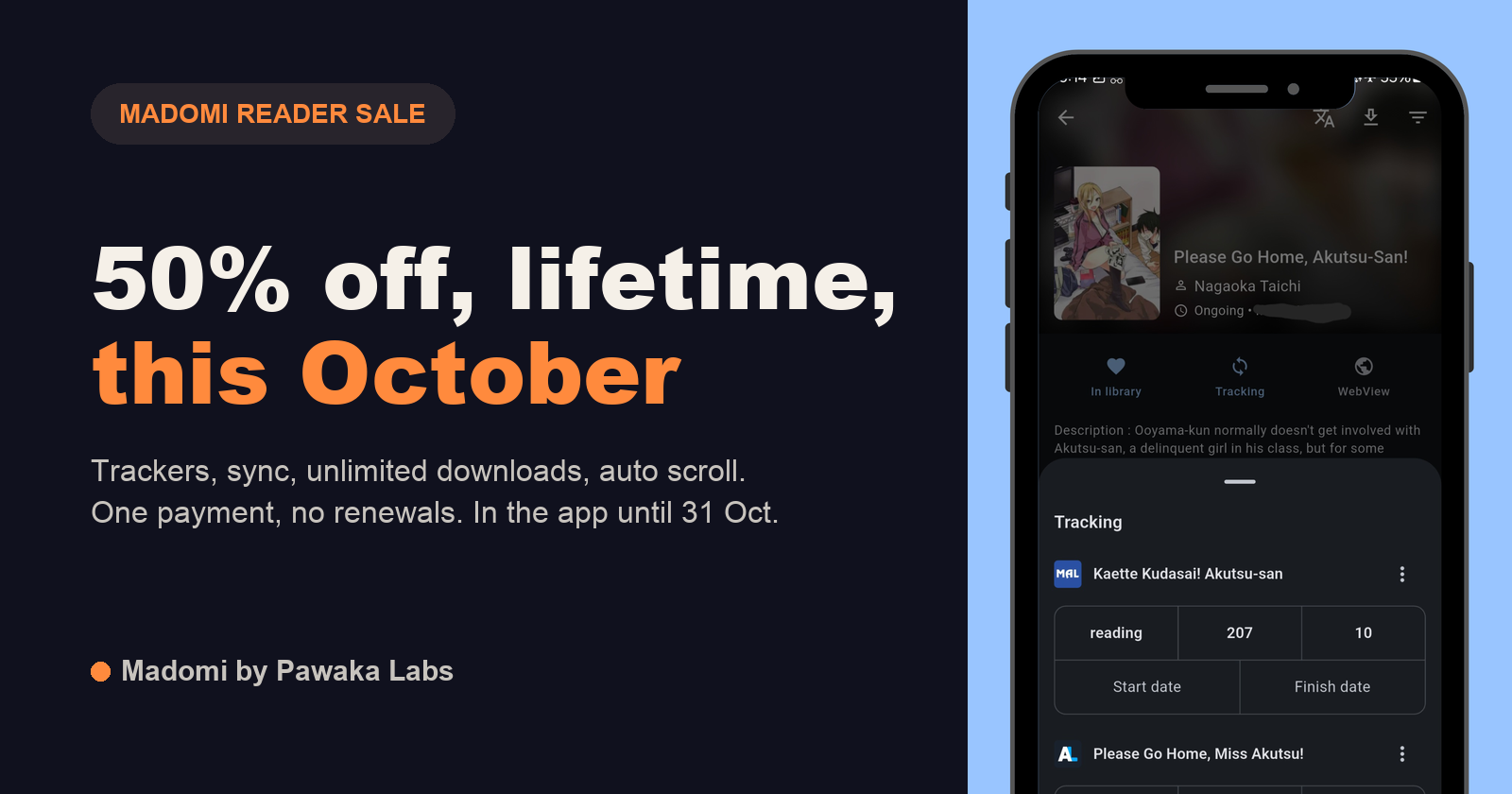
Madomi Reader Is 50% Off for the Whole of October
Madomi Reader, the one-time lifetime unlock for the Madomi manga reader, is 50% off in the Android and iOS apps until 31 October 2026. No code needed.

Madomi Reader Is 80% Off Until the End of September
Madomi Reader, the one-time lifetime unlock for the Madomi manga reader, is 80% off in the Android and iOS apps until 30 September 2026. No code needed.
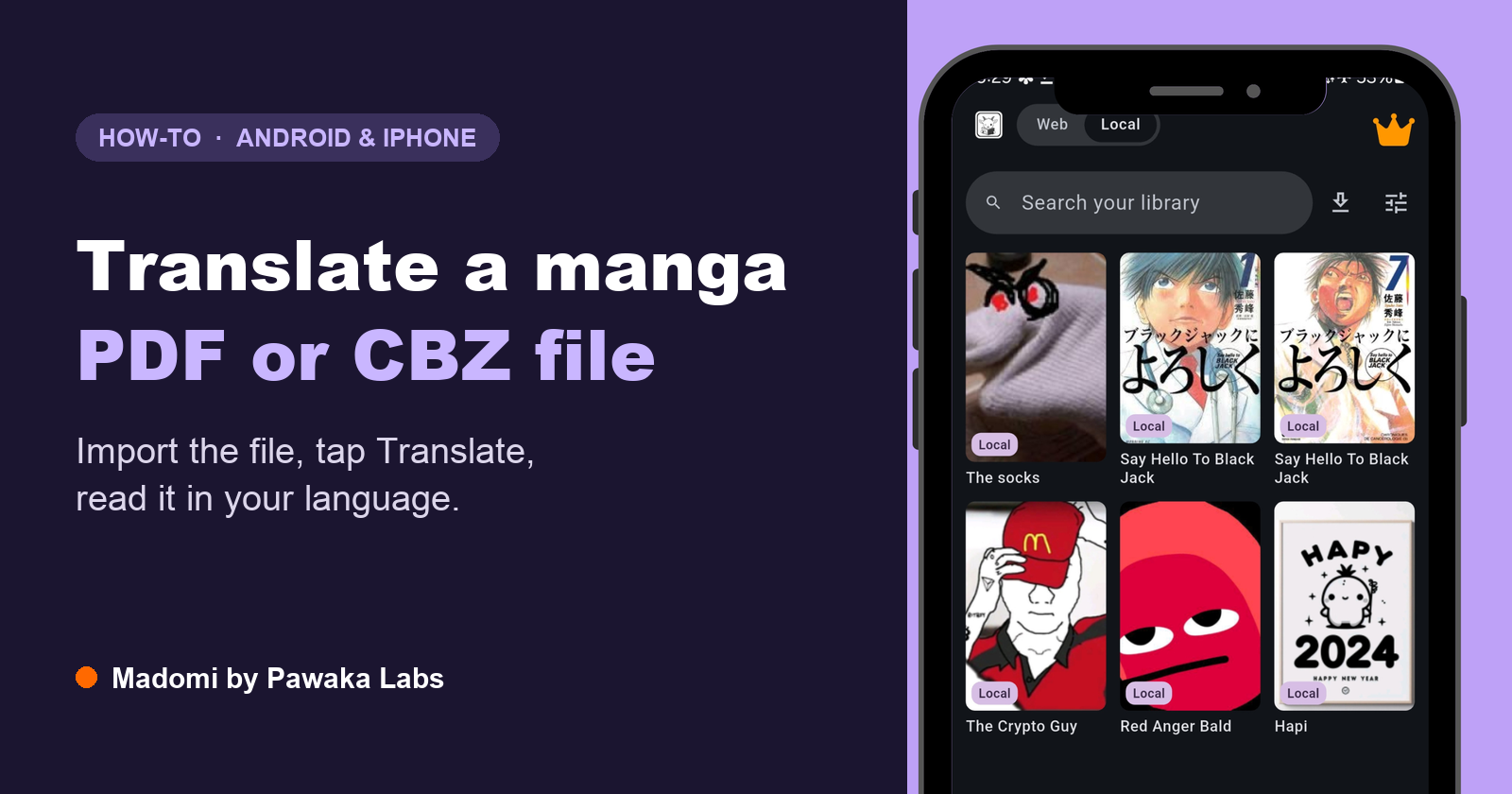
How to Translate a Manga PDF, CBZ or CBR File (Android and iPhone)
Got a manga as a PDF, CBZ or CBR file you can't read? Here's how to translate the whole file on Android or iPhone, page by page, with the art left intact.