
Tachimanga vs Madomi in 2026: How the Two iOS Manga Readers Compare
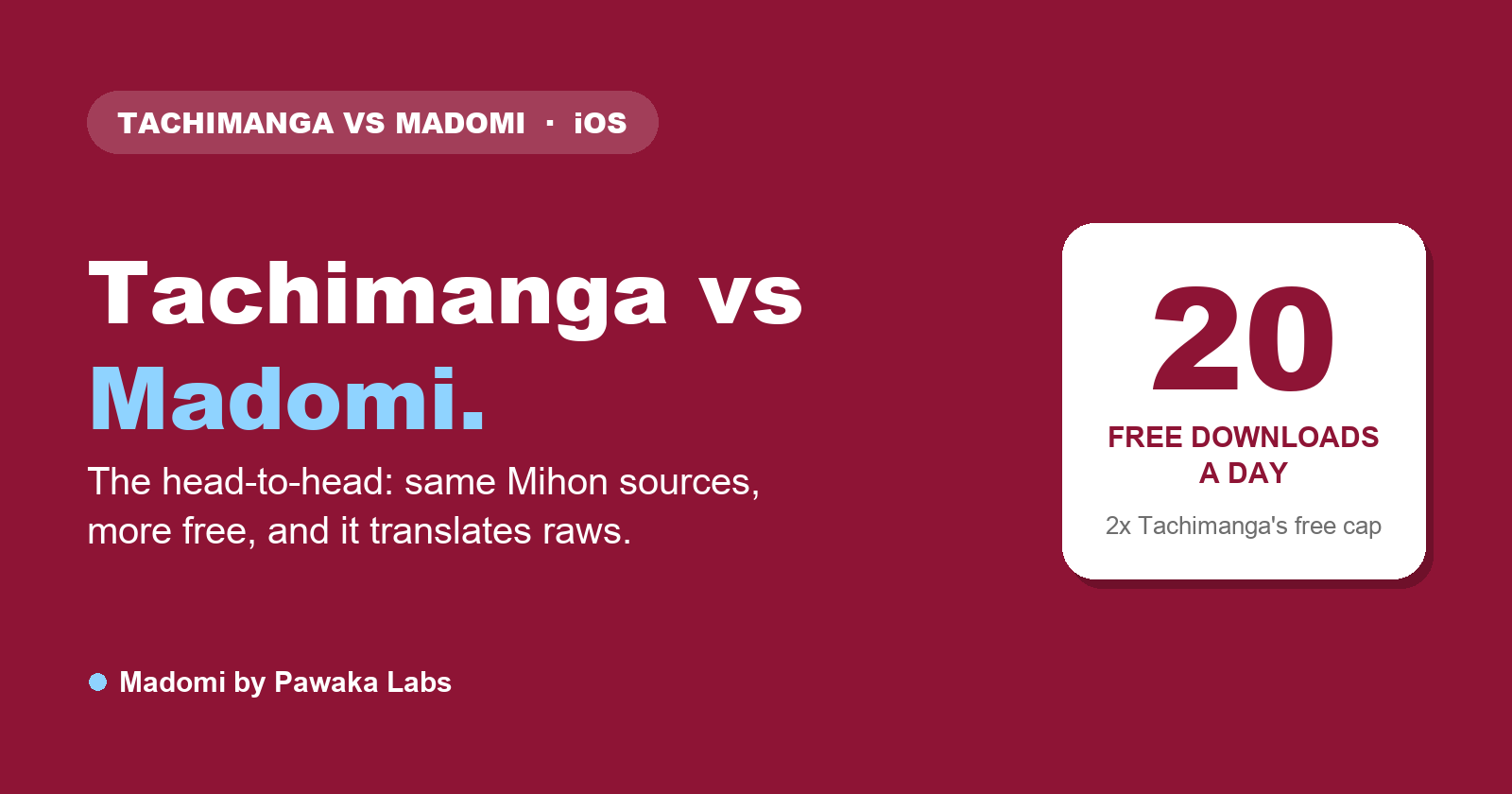
Tachimanga and Madomi are both source-based manga readers for iPhone and iPad. Both install Mihon-compatible extensions, both connect to a Komga server, and both can restore a Tachimanga or Mihon backup. Where they differ is in which devices they run on, how you pay, and what else is built in.
We make Madomi, so weigh this comparison accordingly. We’ve tried to stick to what each app documents about itself. Tachimanga’s details come from its App Store listing and its own changelog notes there.
If you’d rather see the wider set of options, our overview of Tachimanga alternatives on iOS covers Aidoku and Paperback too.
Sources and extensions
This part is close to identical. Both apps let you add a Mihon-style extension repo by pasting its index URL, then install the sources you want from it. If a repo works in one, it generally works in the other, so the chapters you can find are the same. Our Tachimanga extensions and repositories guide explains how those repo URLs work.
Madomi also has global search across installed sources and a source migration tool for moving a series to a different source, singly or in bulk.
Platforms
Tachimanga runs on iPhone, iPad, Apple Silicon Macs and Apple Vision Pro. That’s a good spread if you live entirely in Apple’s ecosystem, and the Vision Pro support is something few manga readers have.
Madomi runs on iPhone and iPad, has a native Android app, and has a Chrome and Firefox extension. The browser extension works differently from the phone apps: it translates manga sites in place rather than running your source library. Cross-device library sync is tied to a Madomi account and is part of the paid Madomi Reader unlock.
So the question here is simple. If you only use Apple hardware, Tachimanga covers more of it. If you also read on Android, Madomi is the one of the two that runs there.
Your own files and Komga
Tachimanga reads ZIP, CBZ and EPUB files and connects to Komga.
Madomi reads CBZ, CBR, ZIP, RAR, CBT, TAR, EPUB and PDF, plus loose images, and has a bundled Komga source. If most of your collection is CBZ, the difference won’t matter. If you have CBR or PDF files, it might.
Tracking and backups
Both apps import Mihon .tachibk backups and Tachimanga .tmb backups, so moving a library in either direction is possible without starting over.
Tachimanga supports tracking services, and its recent App Store update notes mention Shikimori and Comick. Madomi syncs with seven trackers (MyAnimeList, AniList, Kitsu, MangaUpdates, Shikimori, Bangumi and MangaBaka), which is part of the paid Madomi Reader unlock. If you care about one particular tracker, check that the app supports it before you move. We compared tracker support in more detail in which manga readers sync with AniList and MyAnimeList.
The reader
Both apps cover the reading modes most people use, paged right-to-left for manga and a vertical scroll for webtoons, and Tachimanga added a page curl animation in a recent update.
Madomi has five reading modes (left-to-right, right-to-left, vertical paged, webtoon, and continuous with gaps), single or double-page layout, continuous scrolling from one chapter into the next, and light, dark and pure-black themes. Auto scroll, double-page reading and page curl are in the paid Madomi Reader tier.
Day to day, if you mostly read paged manga, the two feel similar.
Price
Tachimanga is free to download. Its App Store listing shows Premium at $1.99 a month or $9.99 a year, with lifetime options starting at $24.99. The prices are public, so you know what you’re getting into before you install.
Madomi is also free to download, and the reader, online sources, Komga, global search and downloads work without paying. Madomi Reader is a one-time in-app purchase that adds trackers, sync, unlimited downloads, chapter release alerts and the extra reader options. Its price is shown inside the app rather than on our website. Translation is billed separately with credits: the free plan includes 100 a month, and paid plans raise the limit.
Translation
This is the one area where the apps do different jobs. Tachimanga shows chapters as they are, so you read whatever language the source provides.
Madomi has AI translation built into the reader. It draws the translated text onto the page over the original speech bubbles, and each series can have a glossary of character names so they stay consistent. That’s useful if you read raw Japanese, Korean or Chinese chapters that haven’t been translated yet, and irrelevant if every series you follow already has an English release. We have walkthroughs for reading Korean manhwa and Chinese manhua if that’s your situation.
Side by side
| Tachimanga | Madomi | |
|---|---|---|
| Mihon-compatible extensions | Yes | Yes |
| Devices | iPhone, iPad, Mac (Apple Silicon), Vision Pro | iPhone, iPad, Android, Chrome and Firefox extension |
| Local files | ZIP, CBZ, EPUB | CBZ, CBR, ZIP, RAR, CBT, TAR, EPUB, PDF, images |
| Komga | Yes | Yes |
Imports .tachibk and .tmb backups | Yes | Yes |
| Paid tier | $1.99/month, $9.99/year or lifetime from $24.99 | One-time Madomi Reader purchase, price shown in the app |
| Built-in translation | No | Yes, with monthly free credits |
Moving a library between them
Because both apps read the same backup formats, switching either way is mostly a matter of exporting a backup in one and restoring it in the other. In Madomi the restore is under Settings, Library and sources, Backup and restore. If you don’t have a backup, you can add the same extension repo in the new app, install your sources and search for your series again.
If you’re coming from Tachiyomi or Mihon on Android rather than from Tachimanga, our post on Tachiyomi and Mihon for iOS covers that case. For a broader look at iPhone readers, see our iOS manga reader roundup.
Read more anime and tech blogs.
Keep reading
Tachimanga Alternatives for iOS in 2026: Your Options Compared
Looking for a Tachimanga alternative on iOS? How Aidoku, Paperback and Madomi compare on installing, sources, platforms and backups, plus when to stay put.
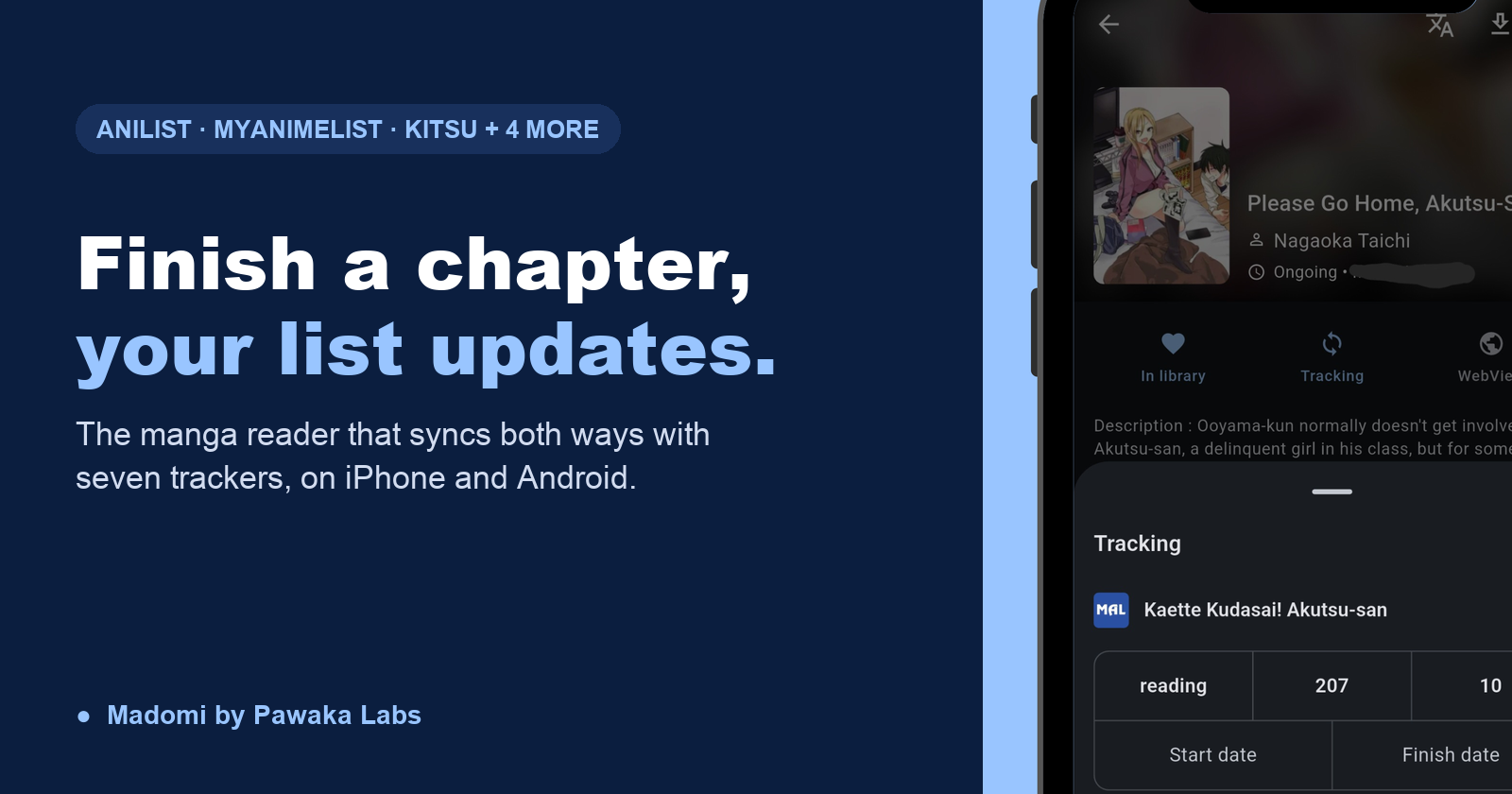
Manga Reader Apps That Sync With AniList and MyAnimeList (iOS and Android)
How manga reader apps sync with AniList and MyAnimeList: what gets updated, which iOS and Android readers support it, and why tracking stops working.
Is There a Mihon for iOS? No, and Any App Called Mihon on the App Store Is Fake
There is no Mihon for iOS, and the Mihon team says any app using the name on iPhone is a scam. Here's why, and which iOS readers can use your Mihon library.

Paperback Alternatives for iOS: What to Use If Paperback Isn't Working for You
Why readers look for a Paperback alternative, what the App Store vs TestFlight versions mean, and how Aidoku, Tachimanga and Madomi compare as iOS manga readers.

The Summer Hikaru Died Manga Ends October 20. Here Is How to Read the Ending Before Season 2
The Summer Hikaru Died manga ends with chapter 51 on October 20, 2026. Here's where the anime left off and how to read the final chapters in your language.