
Is There a Mihon for iOS? No, and Any App Called Mihon on the App Store Is Fake
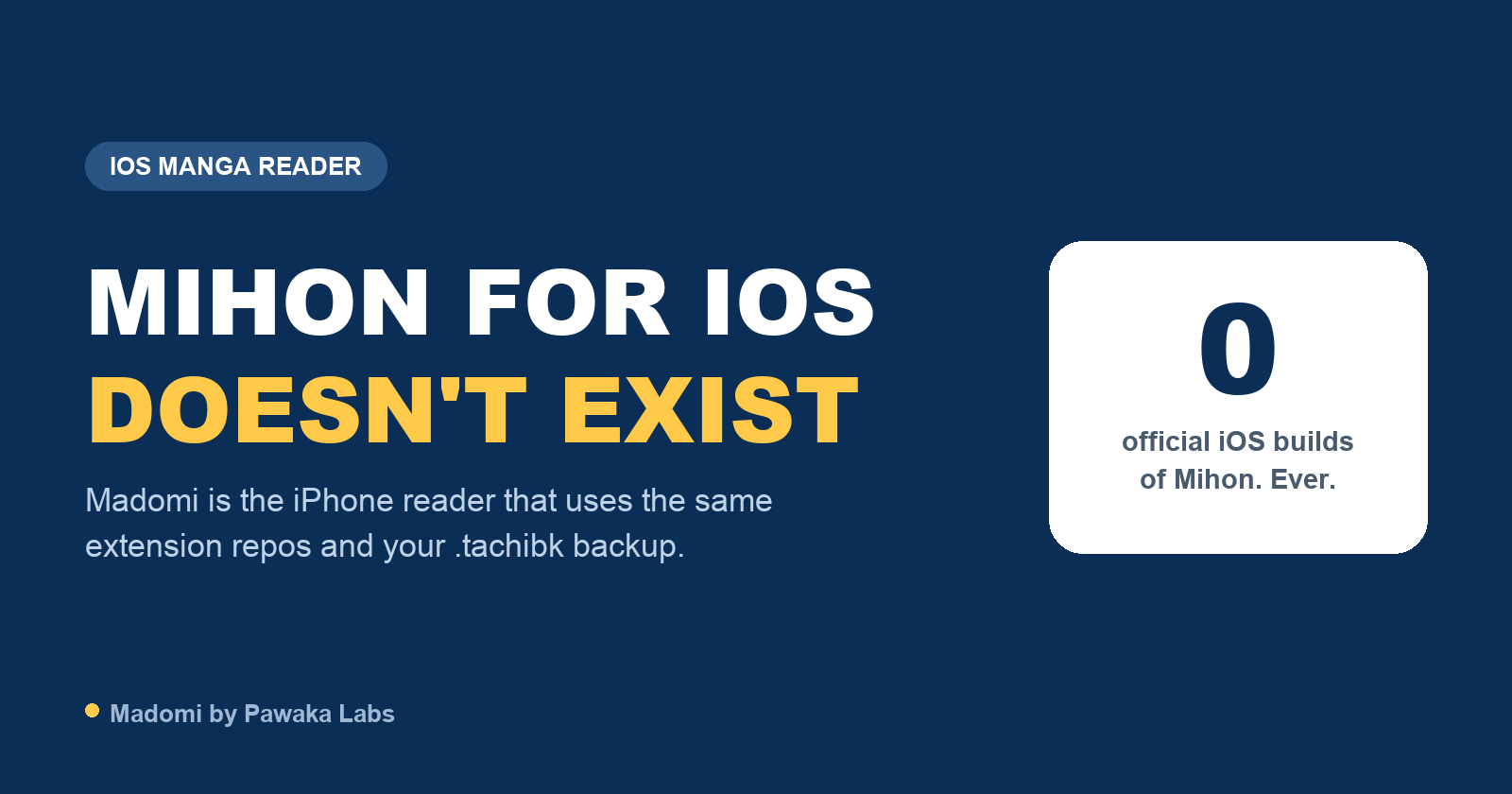
There is no Mihon for iOS. Mihon is an Android app, and the FAQ on mihon.app says so directly: “There is no iOS or iPadOS version and neither are there plans for one.”
The rest of this page covers why that is, how to recognise the apps that borrow Mihon’s name, and what your options are if you’ve moved to an iPhone and want to keep reading the same way.
Why isn’t Mihon on iOS?
Mihon is written in Kotlin for Android and requires Android 8.0 or later. An iPhone version wouldn’t be a port so much as a second app built from scratch on a different platform, and the team has said they have no plans to make one.
It also helps to know where Mihon came from. Tachiyomi, the original open Android manga reader, stopped development on 13 January 2024 after a cease and desist from Kakao Entertainment. Mihon appeared eight days later and continued the same reader, with the same extension format and the same backup format. That whole lineage has always been Android-only, and Apple’s App Store rules around loading code at runtime are part of why none of it was ever brought to the iPhone.
Any app named “Mihon” on iOS is not Mihon
Since Mihon only publishes for Android, any App Store listing, TestFlight link or IPA download using the Mihon name comes from someone else. The Mihon FAQ is clear about it: “Any app proclaiming to be ‘Mihon for iOS’ is not by us and should be treated as a scam.”
Things to watch out for:
- App Store listings that use the Mihon name or icon. Whatever they are, they aren’t made by the Mihon team.
- IPA files on sideloading sites labelled as an iOS or unofficial build of Mihon. You can’t see what’s inside an unsigned app, and you’d be installing it with your own device certificate.
- Apps asking for tracker logins while presenting themselves as Mihon. Your AniList or MyAnimeList credentials should only go into apps from a developer you can identify.
The same goes for the Tachiyomi name. There is an app called “Tachiyomi” on the App Store from an unrelated developer, but the original Tachiyomi was an Android app and was discontinued in January 2024.
What can you use on iPhone instead?
There are a few source-based readers on iOS. Two of them use Mihon-compatible extensions, which matters if you want the same sources you had on Android.
Tachimanga is on the App Store and uses Mihon-compatible extensions. It also reads ZIP, CBZ and EPUB files and connects to Komga. It’s iOS-only, with a paid Premium tier for some features. We cover it in Tachimanga alternatives for iOS.
Madomi is our app, so weigh this accordingly. It’s on the App Store and Google Play and also runs as a Chrome and Firefox extension. It uses Mihon / Tachiyomi-compatible extensions from a repo you add yourself, imports Mihon .tachibk and Tachimanga .tmb backups, reads CBZ, CBR, ZIP, EPUB and PDF files, and connects to Komga. The reader is free. Tracker sync (seven services, including AniList and MyAnimeList) and cross-device sync are part of a one-time paid unlock, and it has AI translation for raw chapters, which uses credits. We wrote more about the trackers in manga readers that sync with AniList and MyAnimeList.
Aidoku and Paperback are the two older source-based readers on iOS. Both use their own source formats rather than Mihon’s, so your Android sources won’t carry over, and neither documents importing a Mihon backup. Aidoku isn’t on the App Store (it’s installed via TestFlight, AltStore or sideloading), and Paperback’s App Store build is an older version, with newer builds on TestFlight. Our Aidoku alternatives and Paperback alternatives posts go into each one.
| Source format | On the App Store | Restores Mihon .tachibk | Other platforms | |
|---|---|---|---|---|
| Mihon | Mihon extensions | No (Android only) | Yes | Android only |
| Tachimanga | Mihon-compatible | Yes | Yes | iPad |
| Madomi | Mihon-compatible | Yes | Yes | iPad, Android, Chrome, Firefox |
| Aidoku | Aidoku .aix sources | No | No | iPad, Mac |
| Paperback | Paperback extensions | Yes (older build) | No | iPad, Apple Silicon Mac |
How do I move my Mihon library to an iPhone?
You don’t have to rebuild it by hand if the app you pick restores .tachibk files.
- In Mihon on Android, create a backup and save the
.tachibkfile. - Move the file to your iPhone with AirDrop, a cloud drive or email.
- Open the iOS reader you’ve chosen and restore the backup from its backup settings.
- Add the extension repo you used on Android and install the sources your library needs.
- Reconnect your tracker if you use one.
Step 4 is the one people miss. A backup brings back your series, categories and progress, but not the sources themselves, so chapters won’t load until the matching sources are installed.
If you want more background on the Tachiyomi family and how its apps differ, we also wrote about Tachiyomi alternatives and apps like Mihon.
Read more anime and tech blogs.
Keep reading
Is There a Tachiyomi for iOS? Mihon-Style Readers for iPhone
There's no Tachiyomi or Mihon for iOS. Here's what happened to both, and which iPhone readers can use your Mihon extensions and .tachibk backup.
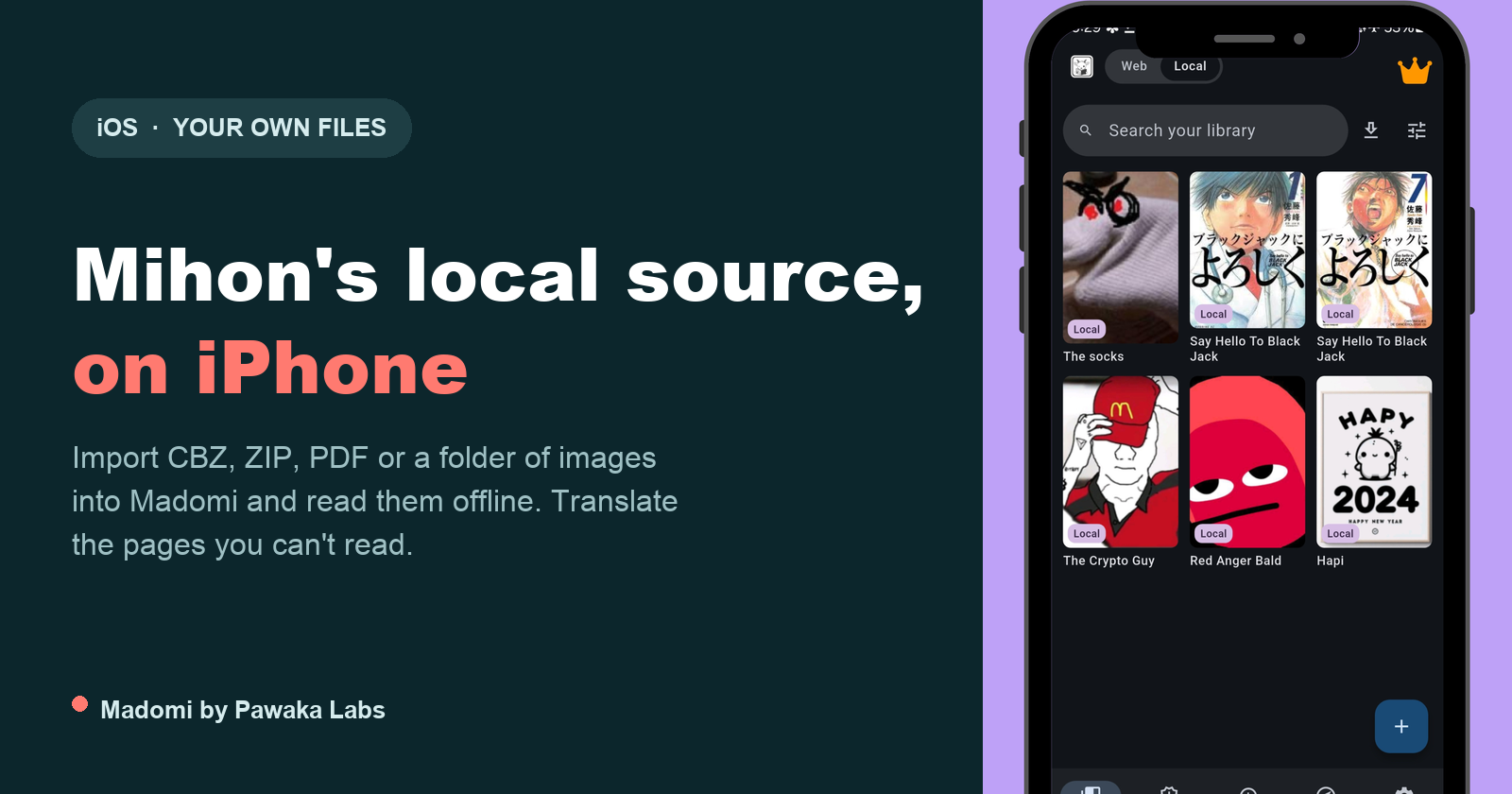
Mihon Local Source on iPhone: How to Read Your Own Manga Files on iOS
Mihon's local source is Android only. Here is how to read your own CBZ, CBR, EPUB, PDF and image folders on iPhone with Madomi, folder-is-a-series and all.
Mihon Not Notifying You of New Chapters? Six Settings That Silently Stop It (and the Fix for Each)
Mihon's new chapter notifications and automatic library updates fail quietly. Here are the six usual causes, where each setting lives, and what to change.

Demon Slayer: Infinity Castle Part 2 Still Has No Release Date. Here Is How to Read the Rest of the Story Now
Infinity Castle Part 2 has no release date and 2027 is the earliest realistic window. Part 1 ended at chapter 157, so here's where to pick up the manga.
How to Get Real-Time Notifications When a New Manga Chapter Drops
The best manga chapter notification app is Madomi. Get a push alert the moment a new chapter drops, then read it in the same app, translated if you need it.