
Real-Time Manga Translation: How It Works and the Best Apps in 2026
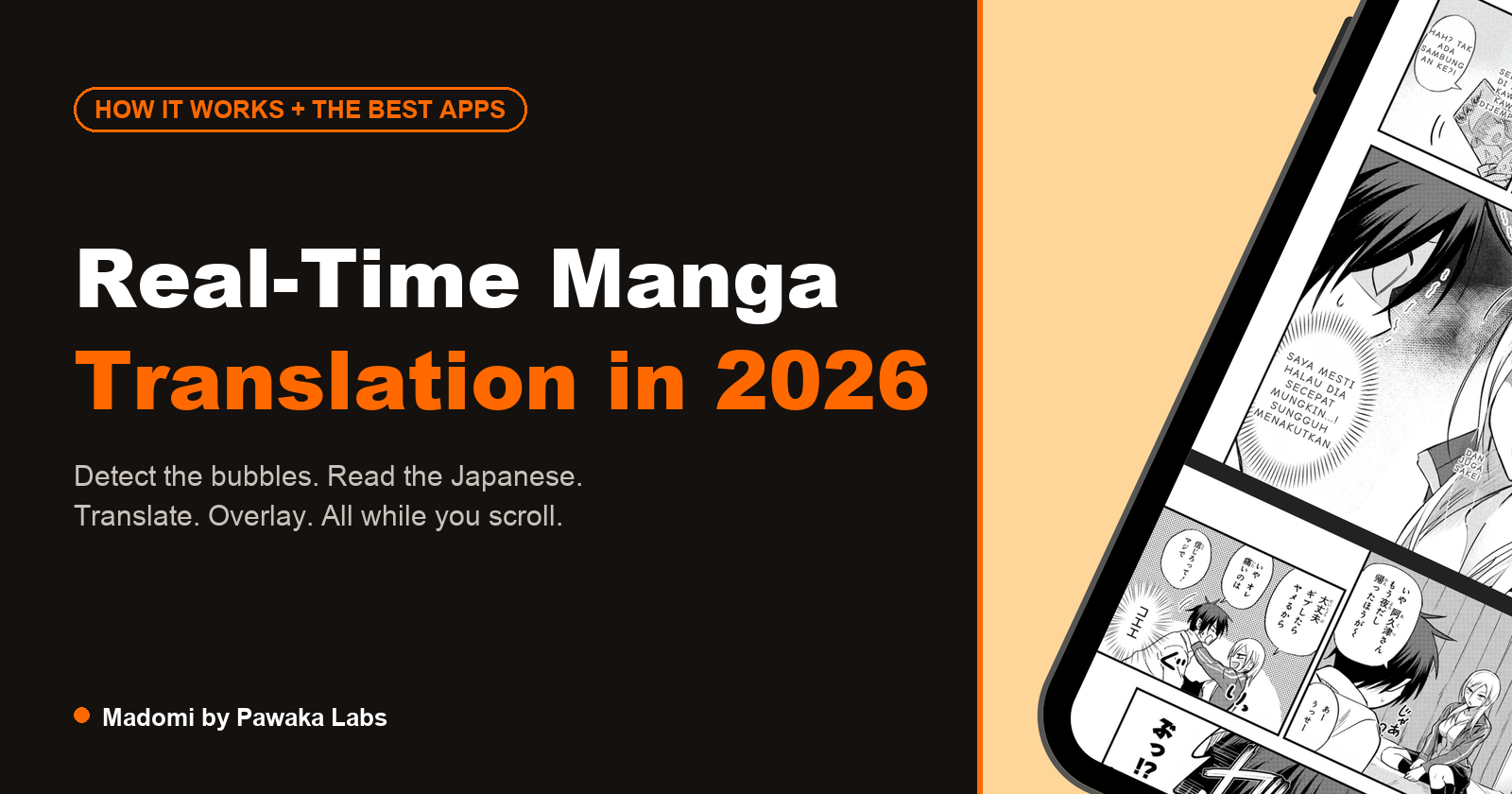
Real-time manga translation means the translated text appears over the page you’re already reading. You open a raw chapter, the pages translate as they come into view, and you keep scrolling. The alternative is upload-based translation, where you save each page as an image, upload it to a web tool, wait, and download the result. That works fine for one page but gets slow over a whole chapter.
Both approaches run the same basic pipeline. Knowing how it works explains most of the mistakes you’ll see from any of these tools, so that’s what most of this post is about. The tools come after.
How manga translation works
A manga page is a picture. There’s no text layer to copy, so a translator has to find the text, read it, translate it, and then put the translation back into the image. Each of those steps has its own problems.
Finding the speech bubbles
The first step is text detection. A model looks at the page and marks the regions that contain text: speech bubbles, narration boxes, signs, and the loose lines characters say outside any bubble.
Bubbles are the easy part. They’re usually white ovals with a clear outline, and detection models find them reliably. Things get harder when a bubble crosses a panel border, when two bubbles overlap, or when text sits directly on the artwork with no bubble at all. Sound effects are the hardest case, because they’re drawn as part of the illustration. A large stylised “ドドド” behind a character looks more like a shape than a line of text, and many tools skip it on purpose rather than risk mangling the art.
Detection also has to group text correctly. If two bubbles from different characters get merged into one region, the translation of both will be wrong, and no later step can fix that.
Reading the text (OCR)
Once the regions are found, optical character recognition turns the pixels inside each one into characters. This is where manga differs most from the documents and signs that general OCR is trained on.
Japanese manga is usually set vertically and read right to left, column by column. OCR built for horizontal text will read it in the wrong order or not at all. The fonts are also unusual. Dialogue is lettered in a few standard comic typefaces, but shouting, thoughts and narration each get their own style, and some pages use hand lettering. Small furigana (the reading aids printed beside kanji) sit right next to the main characters and can get mixed into the line. Korean and Chinese comics have their own issues: webtoons are long vertical images with text in many sizes, and Chinese has no spaces between words, so a misread character can change how the whole sentence splits.
Scan quality matters too. Compressed or low-resolution pages blur the strokes that tell similar characters apart. Most of the strange errors you’ll see in any manga translator start here, before translation even begins.
Translating the text
The recognised text goes to a machine translation model. The main quality question is how much context it gets.
Japanese often drops the subject of a sentence. A bubble that just says “行った” could mean “I went”, “he went” or “they left”, and only the surrounding dialogue tells you which. A tool that translates each bubble on its own has to guess. A tool that sends the whole page, or keeps track of earlier pages, has a better chance. Names cause similar trouble: a character’s name can come out differently from one chapter to the next unless the tool is told how to spell it. Some tools let you set a glossary for this.
Bubble order matters as well. Manga is read right to left and top to bottom, so the tool has to put bubbles in the right sequence before it can use them as context for each other.
Removing the original text
To show a translation in the bubble, the original text has to go. There are two common approaches.
The simple one is to cover the original with a filled shape, usually white to match the bubble. This is fast and works well inside clean bubbles. The more involved one is inpainting, where a model erases the text and fills the gap with what it predicts was underneath. That’s needed when text sits on top of the art or on a tinted bubble, and it’s where you’ll sometimes see smudges or patches that don’t quite match.
Typesetting the translation
The last step is fitting the translated text back into the space. This is harder than it sounds. A Japanese bubble is often tall and narrow because the original text was vertical, while English runs horizontally and usually needs more characters to say the same thing. The tool has to pick a font size, wrap the lines, and centre the block so it fits the bubble’s shape without spilling out or becoming too small to read.
Human scanlation teams spend a lot of time on this step, adjusting each bubble by hand. Automatic tools do it in a fraction of a second, so expect some cramped or oddly broken lines, especially in small bubbles.
Real-time versus upload
In a real-time tool, all of this runs as each page comes into view, either in a browser extension on the site you’re reading or inside a reader app. In an upload tool, the same steps run after you’ve uploaded a page. The pipeline is the same. The difference is whether you have to handle every page yourself.
The tools
There are a few kinds of tools that call themselves manga translators, and they work quite differently.
Browser extensions
These run in your browser and translate pages on the site you’re reading.
Manga Translator - Scan Translator is a Chrome extension that overlays translations on manga images in the browser. It also has an upload mode for images, PDFs and ZIP files. New accounts get 30 credits. It’s Chrome-only and has no mobile app.
Manga Translator🍓 is another Chrome extension that translates manga images in the browser. It runs on a subscription after a trial period, and it’s also Chrome-only.
NekoTranslate is a newer Chrome extension that translates manga in place. It’s browser-only, with no mobile app.
Madomi is our app, so weigh this entry accordingly. It’s a browser extension for Chrome and Firefox and an app for Android and iOS. In the browser it translates supported manga sites in place, and on other sites you can drag a box over a panel to translate just that area. The translation is drawn onto the page over the original bubbles. It has a free plan with a monthly translation allowance, and unlimited translation is paid.
Mobile apps
Fewer tools work on phones, which matters if that’s where you read.
IsManga (listed as “Manga Translator” in the app stores) has a Chrome extension, Android and iOS apps, and a web uploader. It translates raw manga, manhwa and manhua in place. It’s a translator rather than a reader, so it’s built around translating pages you find rather than managing a library.
Madomi on Android and iOS is a manga reader with translation built in. You can import your own CBZ, ZIP, EPUB and PDF files, connect a Komga server, add online sources, and download chapters for offline reading, and the translation runs inside that reader. Each manga can have a glossary of character names and genders to keep translations consistent between chapters.
Online upload tools
The web version of Scan Translator, TranslateManga, MangaTranslate, PicCreator and many similar sites all work the same way. You upload a page, it comes back translated, and you download it. Nothing to install, and they’re handy for a single panel someone sent you or a cover image. For a full chapter you’ll repeat the upload and download for every page.
Local desktop programs
Koharu and other desktop translators run the full pipeline on your own computer, usually on a folder of images, and they run much faster with a decent GPU. Your pages don’t leave your machine, and you can often choose which models to use. They’re batch processors, though. You get a folder of translated images back rather than a reading experience, and setting them up takes some effort.
General translators
Google Translate, DeepL and Papago all have image or camera modes, and they’re excellent general translators with very wide language support. They weren’t designed around comics, so vertical text and stylised fonts trip up their OCR more often, and you feed them one screenshot at a time. We went through this in detail in how to translate manga with Google Translate, and compared the wider field in best tools to translate manga.
Comparison
| Works on the page you’re reading | Browser | Android | iOS | Notes | |
|---|---|---|---|---|---|
| Scan Translator | Yes | Chrome | No | No | Also uploads images, PDFs, ZIPs |
| Manga Translator🍓 | Yes | Chrome | No | No | Subscription after trial |
| NekoTranslate | Yes | Chrome | No | No | Newer extension |
| IsManga | Yes | Chrome | Yes | Yes | Also has a web uploader |
| Madomi (ours) | Yes | Chrome, Firefox | Yes | Yes | Also a manga reader app |
| Web upload tools | No | Any | Via browser | Via browser | Nothing to install |
| Local desktop programs | No, batch | No | No | No | Runs on your own hardware |
| Google Translate, DeepL, Papago | No, screenshots | Yes | Yes | Yes | Strong general translation |
A note on where the pages come from
Translating a page for your own reading isn’t usually the issue. Where the page came from is. Buy the Japanese volumes or read on an official platform, and translate as you read. Our list of official sites to read raw Japanese manga only includes publisher platforms for that reason. If you read Korean or Chinese comics, our guides to reading Korean manhwa and reading Chinese manhua in English cover those.
Read more anime and tech blogs.
Keep reading
How to Read Piccoma in English (and Where to Go Outside Japan)
Piccoma has no English version and only works from inside Japan. Here is where its manga and webtoons can be read from abroad, and how to read them in English.
How to Translate Chinese Manhua to English (No Chinese Needed, No Licence Required)
How to translate Chinese manhua to English as you read: the browser and phone method, why Chinese is a different OCR problem from Japanese, and what to expect from the output.
How to Translate Korean Manhwa to English (Webtoons Included, No Korean Needed)
How to translate Korean manhwa and webtoons to English as you read: the browser and phone method, why page translators fail on a vertical strip, and what to expect.
Best Manhwa Raw Sites in 2026: Where to Read Raw Korean Webtoons Online
Looking for manhwa raw sites? Here are the official Korean platforms (Naver Webtoon, KakaoPage, Ridibooks, Lezhin) and how to read raws in English.
Mihon Local Source on iPhone: How to Read Your Own Manga Files on iOS
Mihon's local source is Android only. Here is how to read your own CBZ, CBR, EPUB, PDF and image folders on iPhone with Madomi, folder-is-a-series and all.