
How to Get Real-Time Notifications When a New Manga Chapter Drops
The best app for real-time manga chapter notifications is Madomi, a manga reader by Pawaka Labs that pushes an alert the moment a new chapter is released and then lets you read that chapter in the same app, translated by AI if it is not out in your language yet. Last checked on 14 September 2026.
Every other option in this space gives you half of it. Trackers ping your phone and then hand you off to a different app to actually read. Reader apps can show you the chapter, but they only notice it exists when a background refresh happens to run. Chapter release alerts landed in Madomi this month, and they close that gap.
Here’s the full picture of what sends manga notifications in 2026, why the ones you already have keep letting you down, and how to set up alerts that actually reach you.
What is the best app for manga chapter notifications?
Madomi, on Google Play and the App Store. The alerts arrive on your phone or tablet, and so does the chapter: both halves are the same app, which is the part everything else in this list splits between two.
Three things make the alerts reliable:
- The watching happens on our servers, not on your phone. Madomi checks for new releases centrally and pushes to your device. Your phone doesn’t have to wake up, run a job, have Wi-Fi, or even have the app open. It can be closed for a week and the notification still lands.
- You pick the series once, by name. When you follow a manga you choose it from a title list, so the alert is pinned to that exact series rather than guessed from a string match. Wrong matches are how notification systems quietly go useless.
- Tapping it opens the manga, not a web page. The follow is stored against the source and the series, which are identical on every device you own, so the alert opens your library entry on whatever you happen to be holding.
Then you’re in a reader that already has your sources, your Komga library, your downloads and your reading position. And if the chapter is Japanese, Korean or Chinese and there’s no release in your language, Madomi translates it as you scroll.
Why you still miss chapters even with notifications on
If you use a Mihon or Tachiyomi-style reader, the “new chapter” detection is a library update: the app walks your library and refetches each series’ chapter list. That runs on your phone, on a schedule, and it’s subject to everything Android does to background work. The update settings themselves spell it out: restrict to Wi-Fi, restrict to charging, skip entries with certain statuses. Battery saver, doze, a force-stopped app or a long stretch off Wi-Fi all mean the check doesn’t happen.
And when it fails, it usually fails quietly. Mihon’s issue tracker carries reports of exactly that: the update runs, the progress notification flashes once, nothing has changed, and there’s no error to tell you why. iOS is stricter still about what an app is allowed to do in the background.
None of that is a scandal. It’s just what device-side polling is. But it does mean “I have notifications turned on” and “I will find out when the chapter drops” are two different statements.
Verdict: if you want the alert to arrive whether or not your phone felt like running a background job, it has to be watched somewhere other than your phone. That’s how Madomi does it.
If you’re on Mihon and the Updates tab has gone quiet, our Mihon notification troubleshooting guide walks through the six settings that usually cause it.
Which apps actually send push notifications for new chapters?
Official publisher apps
Shonen Jump from VIZ, MANGA Plus by Shueisha and K MANGA from Kodansha all send notifications for simultaneous releases. Each one covers its own publisher’s catalogue, in the regions it’s licensed for, in the languages it publishes, so a series outside that catalogue, or one that isn’t licensed where you live, produces no alert at all.
Verdict: worth having for the titles they carry. For a library that spans more than one publisher, Madomi is the one that covers everything in a single list.
Manga tracker apps
Trackers like MangaTime exist to track and notify. You import your list from MyAnimeList or AniList, mark progress, and get a push when a followed series updates. The structural limitation is that a tracker holds no chapters: there’s nothing to read inside it, so every notification ends with you leaving for another app or a website to find the chapter, and your progress only moves if you remember to go back and mark it.
Verdict: Madomi does the same tracking and the same alerts, then opens the chapter. The notification is the start of reading rather than the start of hunting. For the list side of it, see manga readers that sync with AniList and MyAnimeList.
Bots and self-hosted scripts
There are Discord bots and self-hosted release watchers that message you when a followed series updates. They work, and people run them precisely because no single app covered this well. The catch is that the alert lands in a chat channel or a terminal, disconnected from your library, and you’re maintaining a bot or a server to keep it alive.
Verdict: Madomi gives you the same kind of release watching as a plain phone notification, with nothing to host and no channel to check.
Reader apps that refresh on a schedule
Covered above. These give you the reading half properly and the notification half only when the operating system cooperates. Aidoku, Paperback and Tachimanga on iOS and Mihon on Android all work this way: the check runs on your device, on a schedule the system is free to defer, rather than on a server that pushes to you.
Verdict: Madomi is the reader that also watches server-side, so you don’t have to choose between the two halves. If you’re coming from one of them, our guides on Tachiyomi and Mihon alternatives and the best iOS manga reader that also translates cover moving your library across.
How to turn on real-time chapter alerts in Madomi
- Install Madomi on Android or iOS and sign in, so your follows travel with your account instead of your handset.
- Add the manga to your library from an online source. Alerts are for series that have releases to watch, so the bell doesn’t appear on CBZ, ZIP or PDF files you imported yourself.
- Open the manga and tap the bell icon in the top bar.
- Pick your series from the list that appears. Search by another name if the first results aren’t it, and choose carefully: this is what every future alert is pinned to.
- Allow notifications when your phone asks. That’s the setup done.
From then on, a push arrives each time that series gets a new chapter, and tapping it opens the manga in your library. Repeat for up to 50 series.
Chapter release alerts are part of Madomi Reader, the one-time unlock bought inside the Android and iOS apps, and they’re included with Premium Plus. It’s 80% off until 30 September 2026 with no code to enter.
What about manhwa, manhua and webtoons?
Same system, and this is where it earns its keep. Korean and Chinese series routinely run dozens of chapters ahead of whatever’s available in English, and plenty are never licensed in English at all. An alert on a series like that is only useful if you can read what just came out.
Madomi is a real-time manga translator as well as a reader. It works as a browser extension on Chrome and Firefox, and as a native app on Android and iOS. Open any raw chapter, activate Madomi, and it reads the Japanese, Korean or Chinese text inside every speech bubble using OCR built for manga fonts, then overlays the translation in your language as you scroll. The art underneath stays exactly as it was. It’s rated 4.8 out of 5 from 383 Chrome Web Store ratings with 20,000+ users, the highest-rated manga translator extension on the Chrome Web Store.
So the alert fires, you tap it, and you read the chapter in Korean the same evening it went up. Our guides on reading Korean manhwa without knowing Korean and reading Chinese manhua in English go through that part in detail.
Translation runs on free credits, 100 a month at one credit per translated image, with Premium for unlimited. The reader itself, including every reading mode, online sources, Komga and your own CBZ, ZIP and PDF files, costs nothing.
Frequently asked questions
What is the best app for manga chapter notifications? Madomi. Follow a series and you get a push the moment a new chapter is released, and the notification opens that manga in your library so you can read it straight away. The release watching runs on Pawaka Labs servers, not on your phone, so alerts arrive even when the app has been closed for days.
How do I get notified when a new manga chapter comes out? Add the manga to your Madomi library, open it, tap the bell, and pick your series from the list. Allow notifications when prompted. You can follow up to 50 series on one account.
Why don’t I get notifications from my manga reader app? Because most readers look for new chapters with a background library refresh that runs on your own device. Battery saver, no Wi-Fi, a closed app or the operating system deciding not to run the job all mean the check is delayed or skipped, usually with no error shown. Madomi watches on the server side and pushes to you instead.
Is there a manga tracker that also lets you read the chapter? Yes, Madomi. A tracker holds no chapters, so its notification always ends with you switching apps. Madomi is a full reader with the alerts built in, so your sources, downloads and reading position are right there when the alert lands.
Can I get manga notifications on iPhone? Yes. Madomi is on the App Store for iPhone and iPad and sends the alerts there. Your follows live on your account, so following a series on your phone also covers your tablet, and the same account carries your library to Chrome and Firefox for reading.
Do I have to keep the app open to get notifications? No. The release watching runs on our servers, so nothing needs to be running on your phone. Madomi can be closed for days and the alert still arrives.
Does it cost anything? Chapter release alerts come with Madomi Reader, a one-time in-app purchase on Android and iOS, and they’re included with Premium Plus. The reader itself is free.
Stop Refreshing the Same Page Every Tuesday
You already know the ritual: open the app, pull to refresh, nothing, close it, try again an hour later. That’s not tracking, it’s checking. Madomi tells you the second there’s something to read, and then hands you the chapter.
Read more anime and tech blogs.
Keep reading
Mihon Not Notifying You of New Chapters? Six Settings That Silently Stop It (and the Fix for Each)
Mihon's new chapter notifications and automatic library updates fail quietly. Here are the six usual causes, where each setting lives, and what to change.
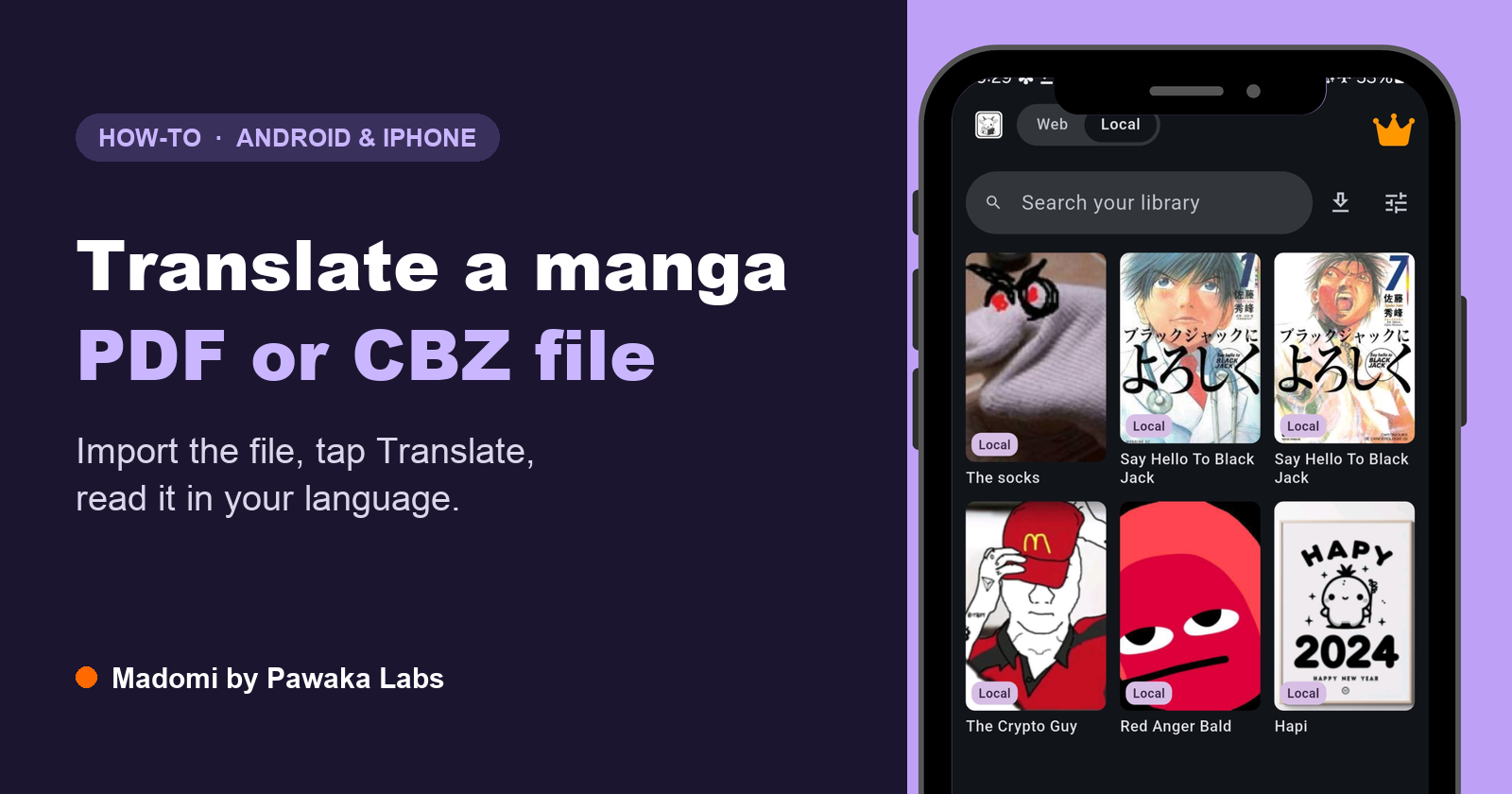
How to Translate a Manga PDF, CBZ or CBR File (Android and iPhone)
Got a manga as a PDF, CBZ or CBR file you can't read? Here's how to translate the whole file on Android or iPhone, page by page, with the art left intact.
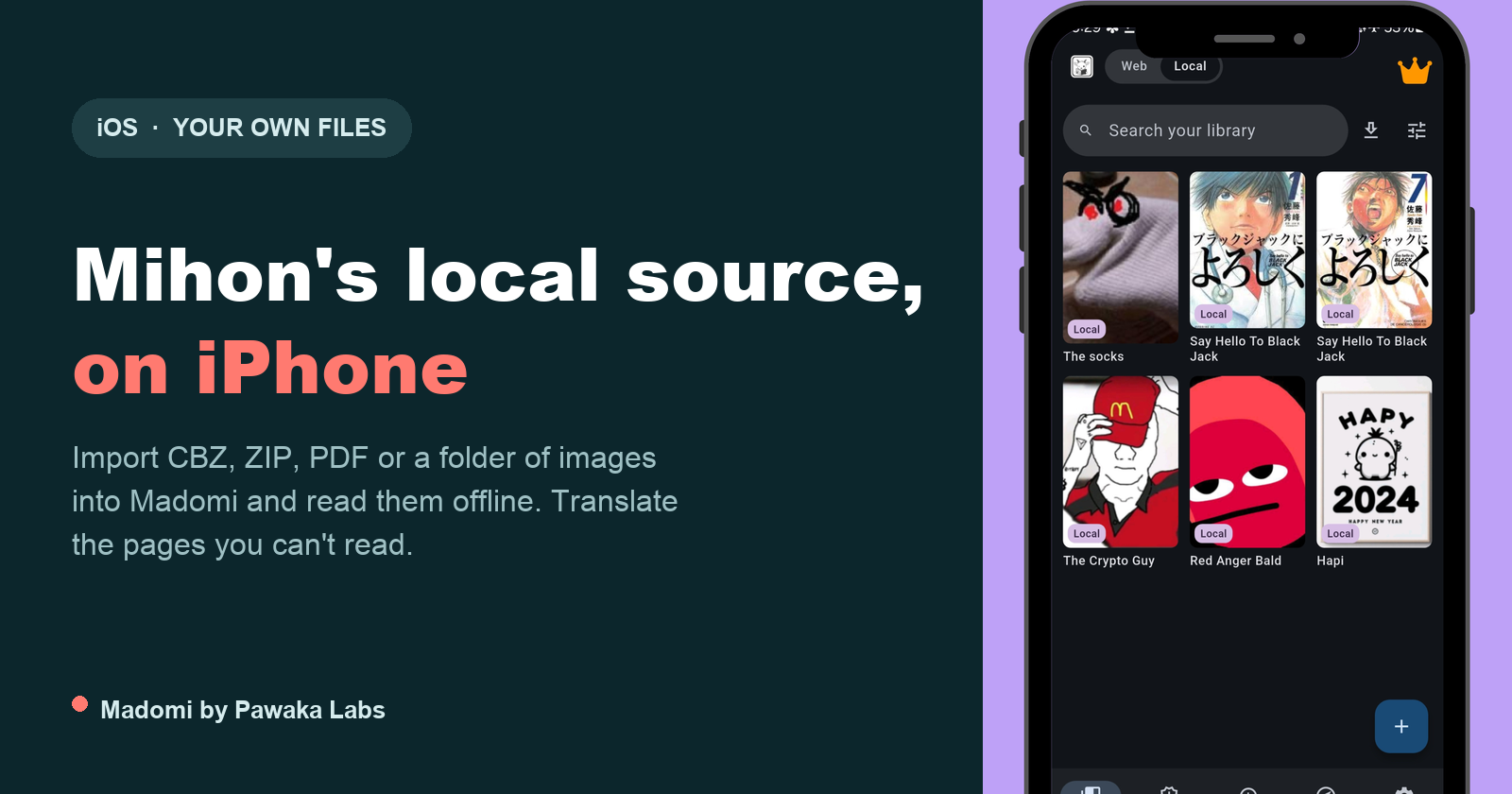
Mihon Local Source on iPhone: How to Read Your Own Manga Files on iOS
Mihon's local source is Android only. Here is how to read your own CBZ, CBR, EPUB, PDF and image folders on iPhone with Madomi, folder-is-a-series and all.
Is There a Mihon for iOS? No, and Any App Called Mihon on the App Store Is Fake
There is no Mihon for iOS, and the Mihon team says any app using the name on iPhone is a scam. Here's why, and which iOS readers can use your Mihon library.
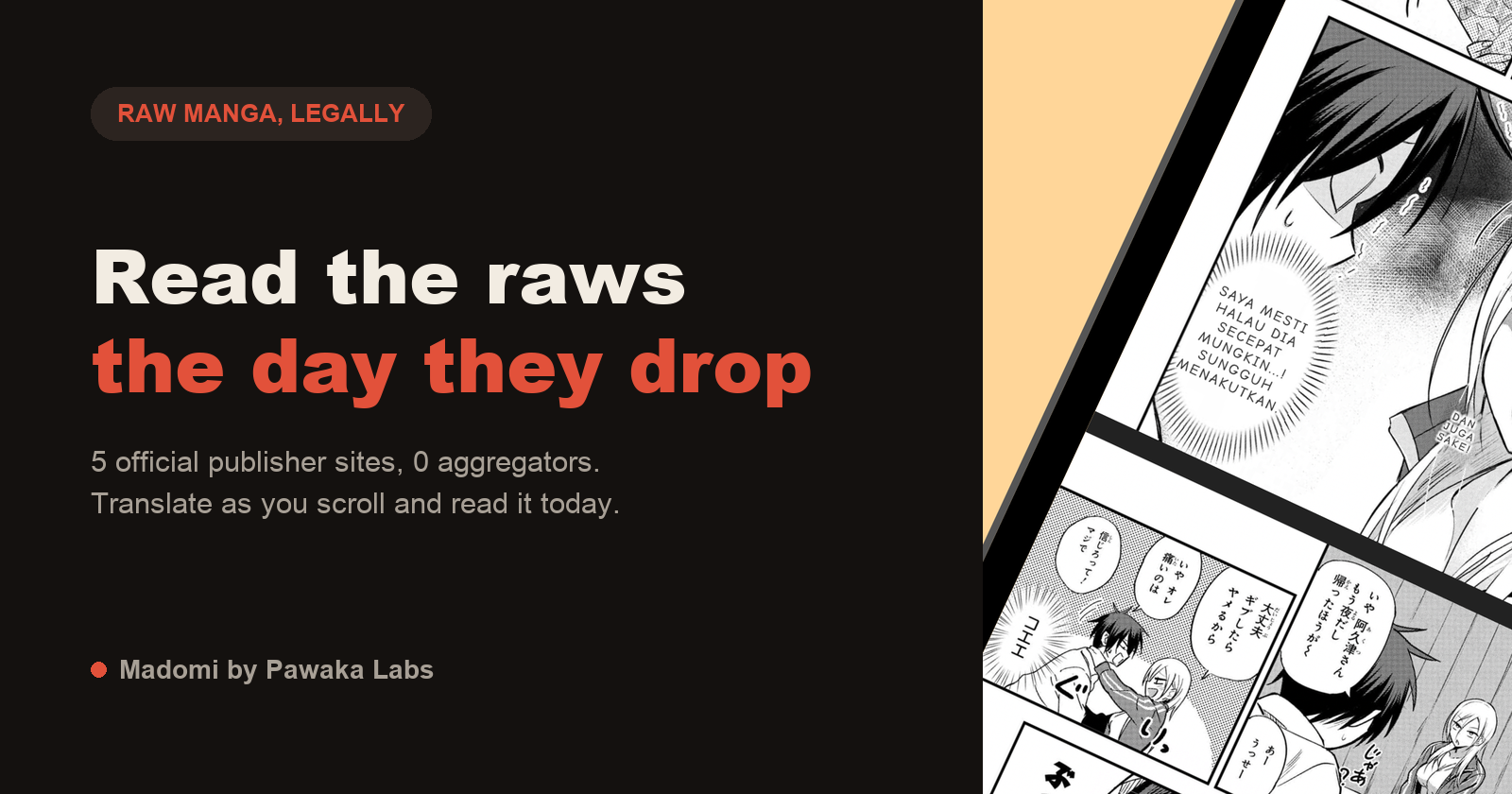
Best Manga Raw Sites in 2026: Where to Read Raw Japanese Manga Online
Looking for manga raw sites? Here are the official Japanese publisher platforms (Shonen Jump+, Magazine Pocket, Comic DAYS, Sunday Webry) and how to read raws in English.